7. May 2013
- Example of two TeamMentor sites using the same GitHub Content Library
- AzureGate - how Azure’s ‘subscription upgrade’ crazy mode caused us to stop using Azure for VM Hosting (and Git+GitHub saved the day)
- Great presentation on Git Branching (very similar to the model we are using in TeamMentor)
- Fixing bug in TBot user editor via Git merge of fix developed on another repo’s branch
- Releasing HotFix 1 for TeamMentor 3.3 (using Git to deploy updates to live servers)
- Great post - Git: Who cares about branches? It’s all about collaboration and code reviews
- Creating o2platform.com website using GitHub Pages (with screenshots of all design options)
Example of two TeamMentor sites using the same GitHub Content Library
Now that we TeamMentor 3.3. is able to automatically commit, pull and push from live GitHub repositories, we are able to support quite interesting set-up and workflows.
For example at the moment there are two live TM4TM sites:
- https://tm-tm4tm.azurewebsites.net (hosted as an Azure website, deployed from TeamCity)
- https://tm4tm.teammentor.net (hosted in an Azure VM, deployed by SI’s MK directly on IIS)
Both are configured to consume data from the https://github.com/TMContent/Lib_TM4TM repository:
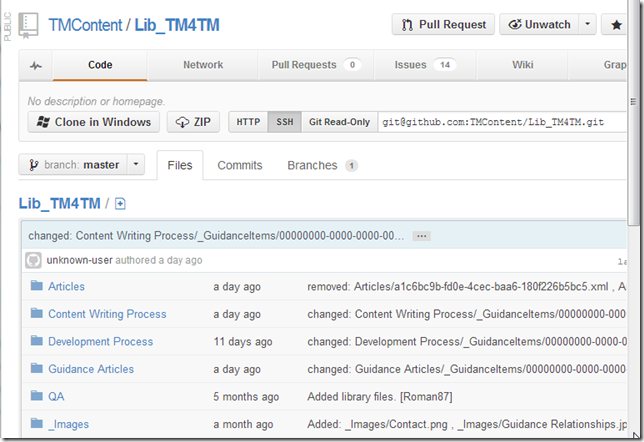
Yesterday, Serge was making some changes on the https://tm-tm4tm.azurewebsites.net server, which where automatically committed (locally) and pushed into the Lib_TM4TM GitHub Repo:
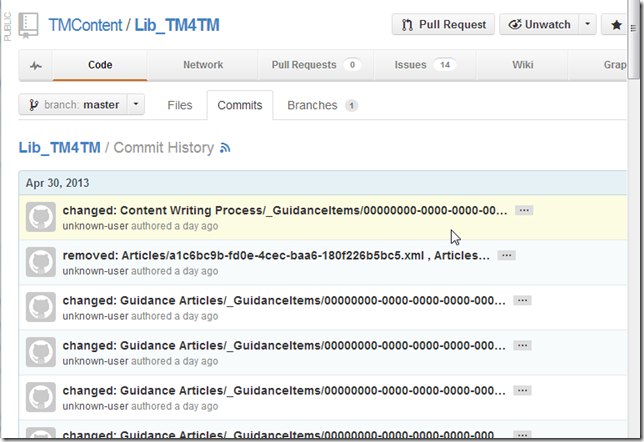
For example, here is one of the articles that Serge changed: https://tm-tm4tm.azurewebsites.net/article/Code_Example
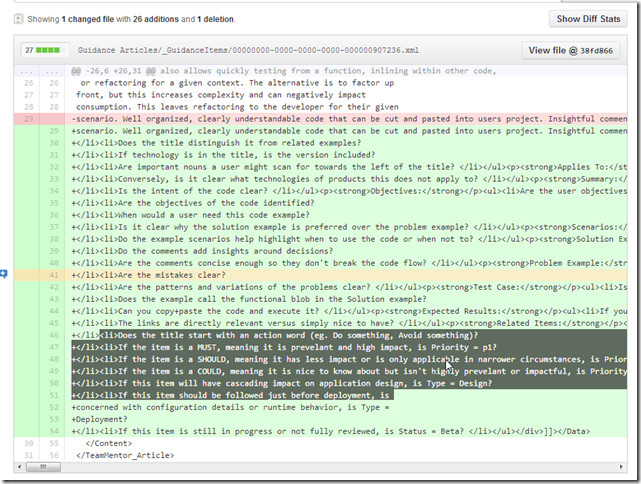
which looks like this on the https://tm-tm4tm.azurewebsites.net/article/Code_Example server
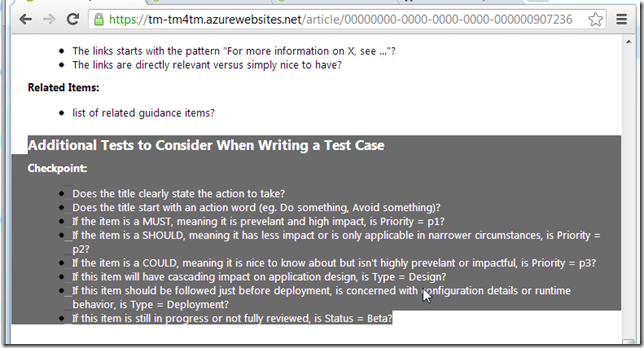
and like this on the https://tm4tm.teammentor.net/article/Code_Example server
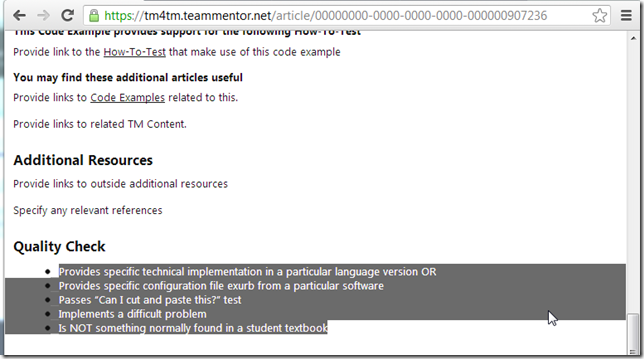
So at the moment the same page has different content on these servers.
There are two ways to fix this:
- make a change on the https://tm4tm.teammentor.net server (which will trigger a git pull and push), and do a cache reset
- do a cache reset (which will also do a git pull)
Since a cache reset will be needed on both cases, that is our best option in this case.
So, I opened the TBot page for the tm4tm.teammentor.net server:
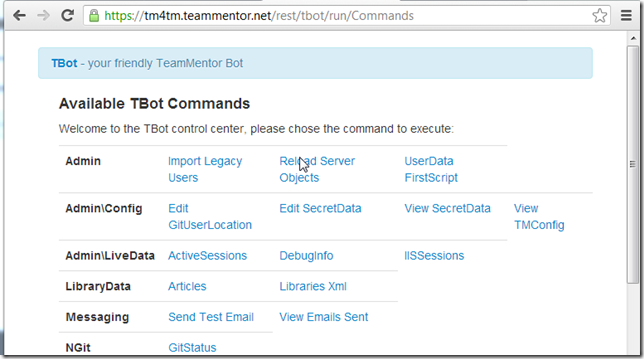
And triggered a cache reload:
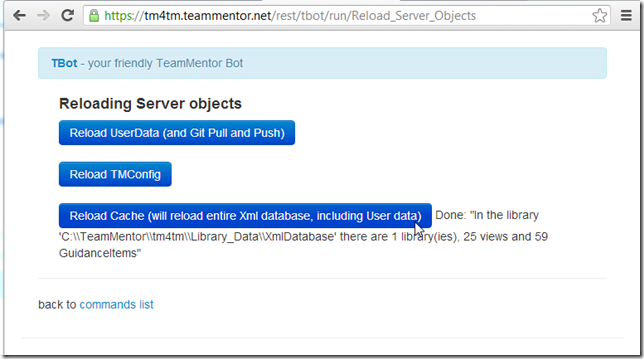
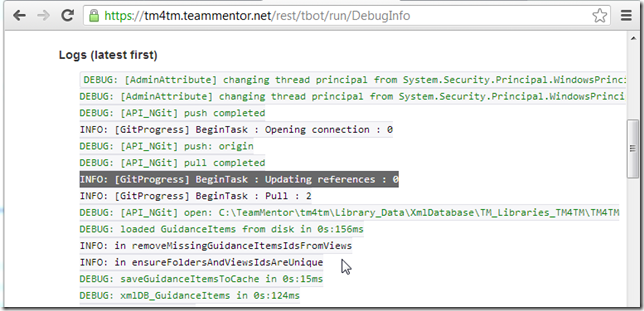
A quick look at the server logs confirms that a git pull took place:
And the https://tm4tm.teammentor.net/article/Code_Example is now updated with the latest content:
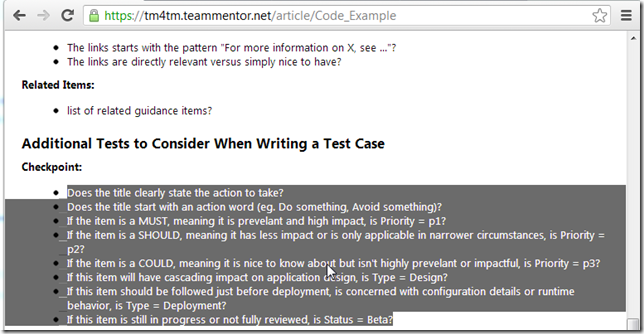
Note that the current plan is to run TBot as a constant server thread, which will then be able to monitor the GitHub’s content repository and automatically do git pulls (when needed).
AzureGate - how Azure’s ‘subscription upgrade’ crazy mode caused us to stop using Azure for VM Hosting (and Git+GitHub saved the day)
Late last night all the main TM hosted sites went down!
The reason is Azure’s crazy ‘subscription expired’ workflow which you can read what other Azure users had to say about it when I happened to them on http://stackoverflow.com/questions/12791020/windows-azure-virtual-machine-deleted-after-spending-limit-reached-how-can-i-g and Microsoft’s view on it http://blogs.msdn.com/b/narahari/archive/2012/10/18/windows-azure-virtual-machine-disappeared-or-gone-how-do-i-recover.aspx (note how the crowd in the comments are not happy with it)
Below is the email I sent internally at SI, with my debrief on what happened:
————————————————(start)
Ok so we are back online with
- https://www.teammentor.net
- https://services.teammentor.net
- https://owasp.teammentor.net
- https://tm4tm.teammentor.net
Here are some notes:
- The outage lasted about 14h
- This is an example of ‘worse case scenario’ where our ‘Data center’ effectively went down
- The good parts is that:
- The prob was picked up quite quickly
- We had a ‘fully working’ Teammentor.net site (i.e. with the content and users configured) up in about 15m (namely the one I created which was available on a direct IP)
- Roman was able to create a replacement server (for all 4 sites) in about 2hours (and that could had been 30m if Roman had not hit on a permission issue (and had done this type of deployments before))
- The fact that TM’s team spreads a multiple time-zones allowed us to react quickly
- Due to TM’s current architecture, if we did had customers who NEEDED to have access to TM guidance ASAP (see comment below) we would had several solutions for them (including giving them a full download to run locally)
- This was the first time we really put the new 3.3. TeamMentor’s ‘auto commit and push to GitHub’ architecture in action, and I’m happy that it worked quite well (we can still fine tune it a bit, BUT this could had been MUCH worse (note that than even now we still don’t have access to the old TM VMs since the VM login accounts are not working as expected, so if the userdata was not on GitHub, we would had not been able to restore the users)
- The bad parts is that:
- Nobody really cared :(
- Where were the ‘urgent call for TM to be up?’, twitter hashtag of TM failure!!!, ‘vulnerabilities not being fixed because TM is down’
- The sales guys were not ‘up in arms’, ‘potentials sales were not affected’
- Ed or Jason were not woken up in the middle of the night with a “WTF, TM is down!!!” (note: I was about to go to bed when I noticed that something was wrong in TM’s world)
- Like Roman was mentioned: “We drove for 14h on the wrong side of the road, and nothing happened”
- We found the hard way that we can’t trust Azure for live sites
- Azure really fucked us up. Roman just confirmed that the Azure GUI a couple days where still saying something like ‘your subscription is going to end in 20ish days’ (and destroying VMs and it’s configuration is a very crazy way to handle ‘account suspension for lack of payment or wrong subscription mode’)
- We also found a ‘single-point’ of failure where MK was the only one that could change the DNS (this is the main reason that it took 14h vs 2h/30m)
- and since ‘nobody was really complaining’ about TM’s MIA, there was no urgency to contact MK (who was dealing with a number of personal probs related to his “car losing a wheel on the motorway!” )
Since we now have a fully working TM environment, we can spend a couple days thinking about the best place to host the TM VMS.
I like EC2, but we can go anywhere that give us good VM management
————————————————(end)
Great presentation on Git Branching (very similar to the model we are using in TeamMentor)
Just saw this presentation on Git Branching (embedded below) which is really close to the model we are currently using to manage TeamMentor’s app development.
I really agree with just about everything Lemi Ergin says and this is a great description of the power of Git for branching
Fixing bug in TBot user editor via Git merge of fix developed on another repo’s branch
Here is an example of how I just created a HotFix branch to address an issue we want to push to our live servers asap, and how the fix was developed by Ian in one of this dev branches.
First I created _HotFix _Branch at a (freshly baked) local clone of the TeamMentor/Dev repository:

Then I reviewed the code from Ian’s branch I want to merge:
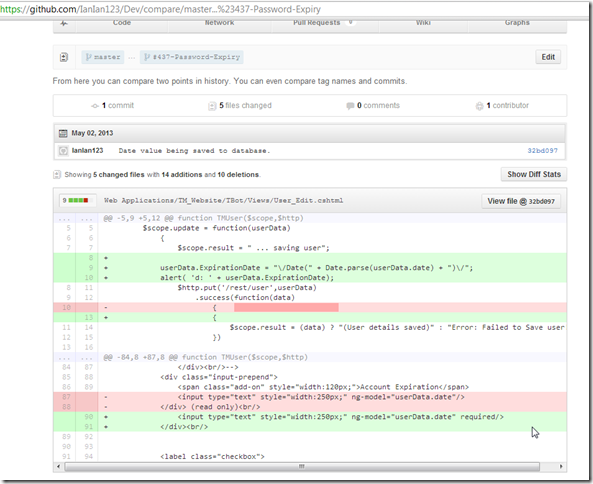
When happy with the changes, I used a git fetch** to get the latest version of Ian’s fork of **_TeamMentor/Dev

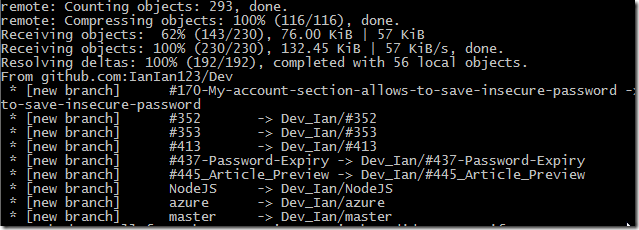
Followed by a $ git merge Dev_Ian/#437-Password-Expiry HotFix_3_3_1
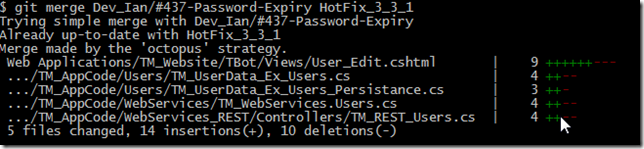
Which did the merge with the_ TeamMentor/Dev_ master branch
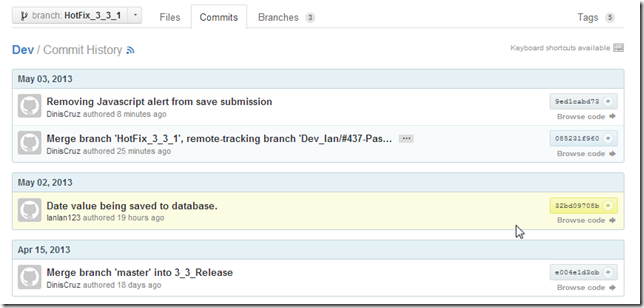
A look at GitK confirms that there was only one commit added (the Ian’s ‘Date value being saved to database’)

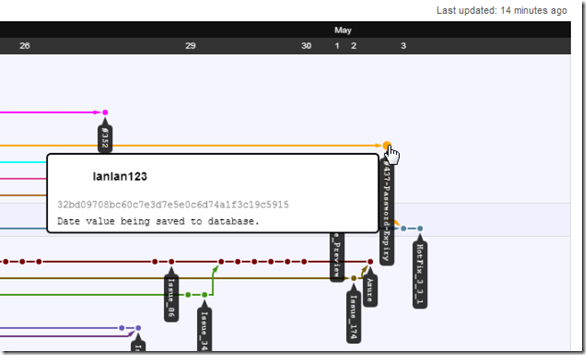
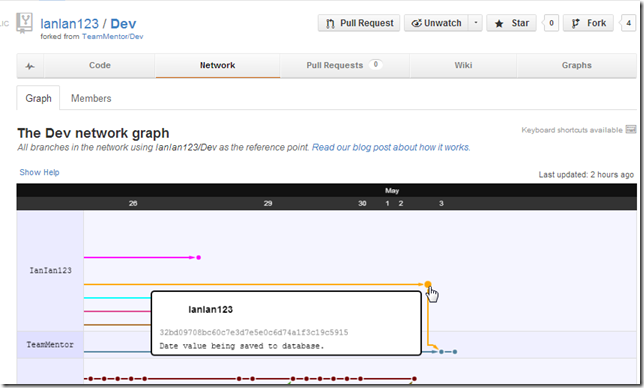
At this stage if we look at Ian’s network map, we will see that this commit is not linked to another commit (i.e. is the last one of the #437-Password-Expiry branch
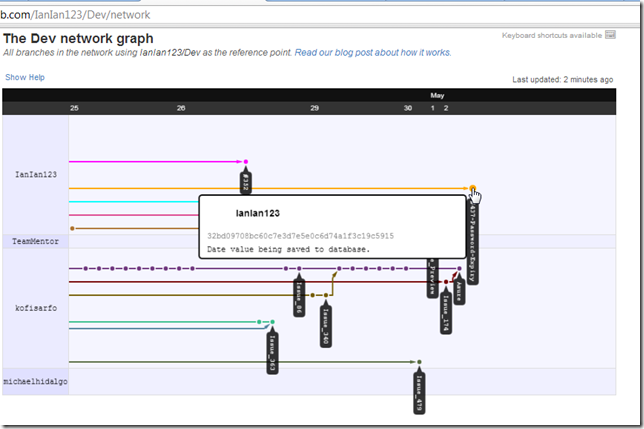
Next step is to quickly test if the feature is working ok.
This fix is for the Password expiry cannot be set from the main TM GUI issue (i.e. make the ‘Account Expiration’ field editable).
So I opened an user’s edit page
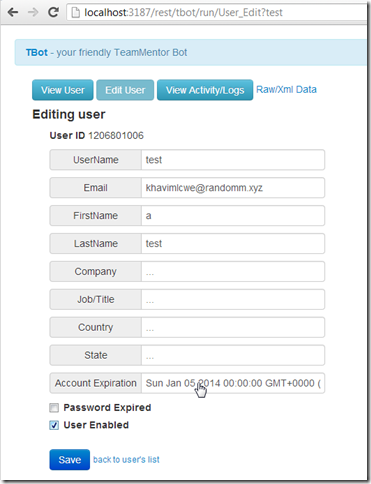
changed the expiration date:
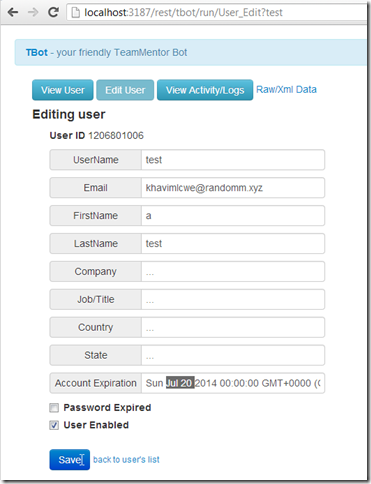
Saved it

And confirmed that the user’s xml data was changed on the in-memory version of the user xml files:
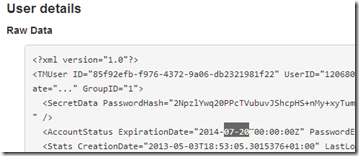
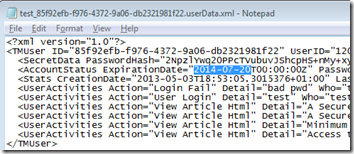
and on the file system:
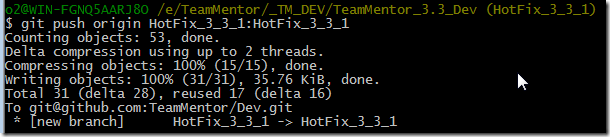
My final step was to push the HotFix branch into the live server:
Here are the commits in the new HotFix_3_3_1 branch (note the Ian’s ‘Date value being saved to database’ branch is now there)
And now Ian’s branch is connected with the new HotFix_3_3_1 branch:
same graph without the branch labels:
Releasing HotFix 1 for TeamMentor 3.3 (using Git to deploy updates to live servers)
This is how I updated the 3.3 version of TeamMentor to 3.3.1, which contained a fix for the Password expiry cannot be set from the main TM GUI issue
Since we are now using the Vincent Driessen GitFlow branching model (see also these Git-Flow scripts and this great presentation), after the issue 437 was reported+prioritised, all development happened on a Feature Branch called HotFix_3_3_1 (which was created from a Pull Request from Ian’s own 437-Password-Expiry dev branch).
Once TM’s QA (ie. Roman) was happy with the patch, it was time to push it to the first batch of TM production servers (my responsibility was to update the sme.teammentor.net server, while Roman updated the tm4tm.teammentor.net , and the rest will be updated by Michael K + Michael H). Technically I did a pull from those servers :)
Here are my steps:
1) I RDP into the production server and opened up the respective TM folder (which is a clone of https://github.com/TeamMentor/Master)
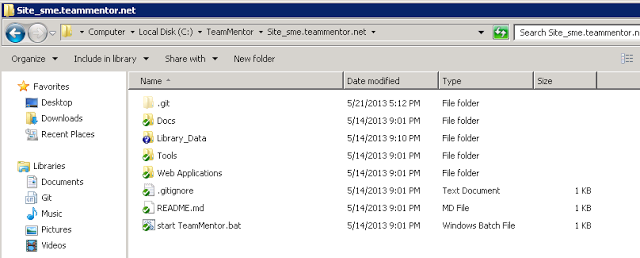
2) opened up the Git Sync gui
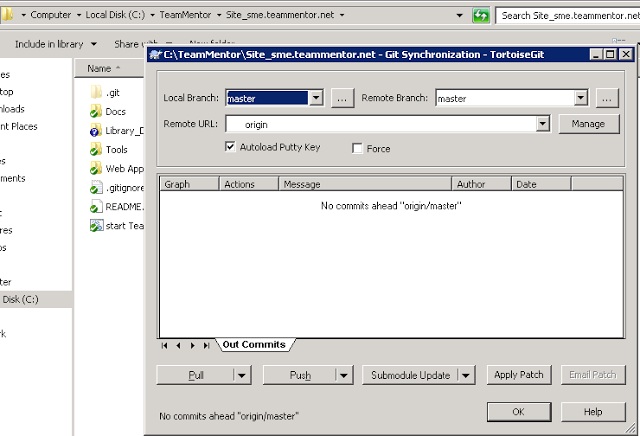
3) and did a Pull
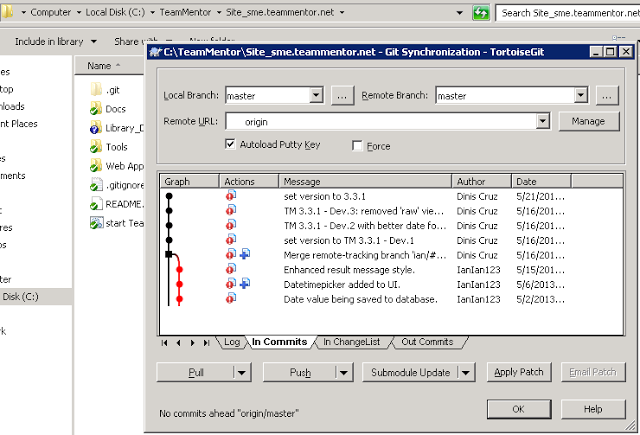
And that’s it, update done :)
I would say that this took me about 1m and Roman says he did his in 58 secs :)
Just to make sure all is good:
4) opened up sme.teammentor.net (note the new version number on top right)
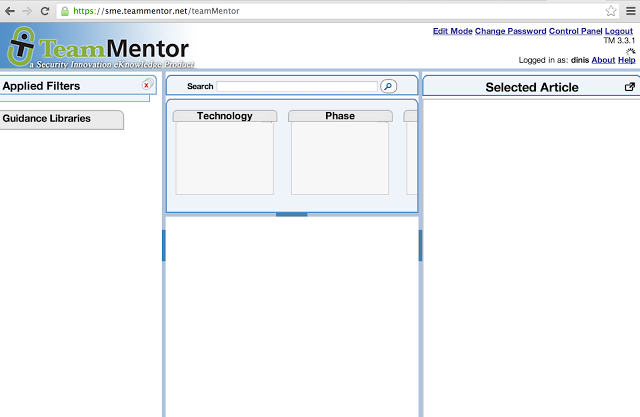
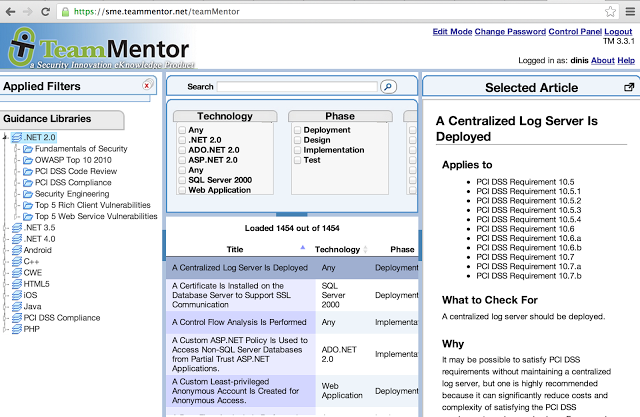
5) and confirmed that all was good (first load took a couple secs since there was a server side IIS W3WP process refresh, caused by the updated bin folder)
6) I then opened TBot’s user management page (for my user)
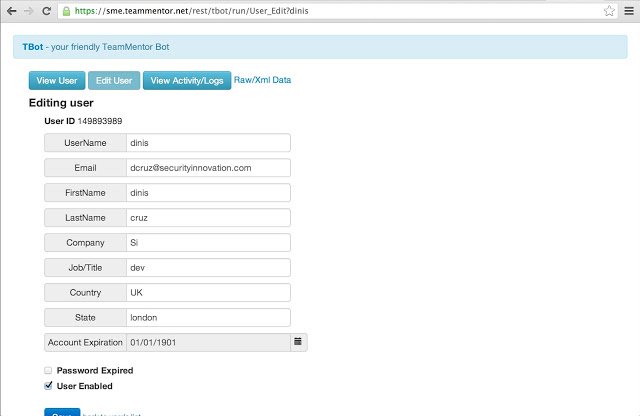
7) changed the expiration date (this was the issue 437 since it was not possible to change this value from the web (only via GitHub (see Changing a User’s ExpiryDate from GitHub hosted file) or REPL script (see Using CSharpRepl to batch change TeamMentor’s users email and settings))
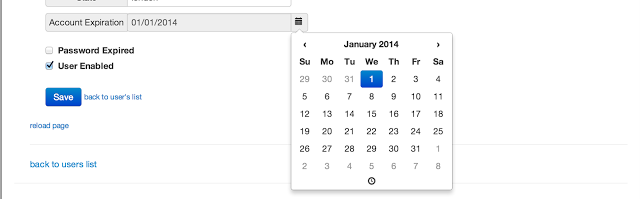
8) Saved the changes

9) and confirmed that they were committed ok locally (and into GitHub)
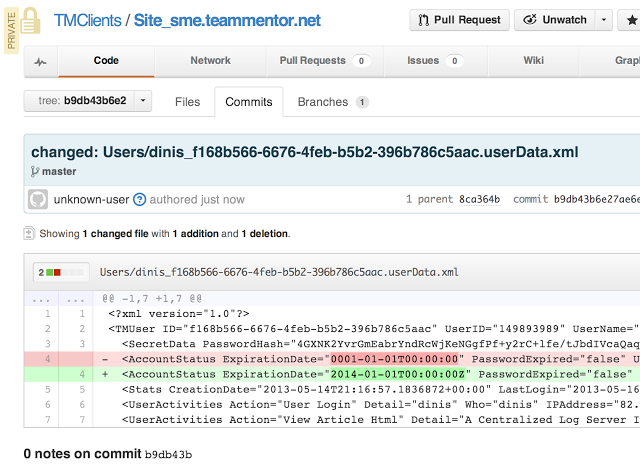
GitHub’s Graphs and Git helper pages
One of the great things about using GitHub as part of our workflow is that we can use its Graphing capabilities to visualize what is happening.
For example
Here is the last commit:
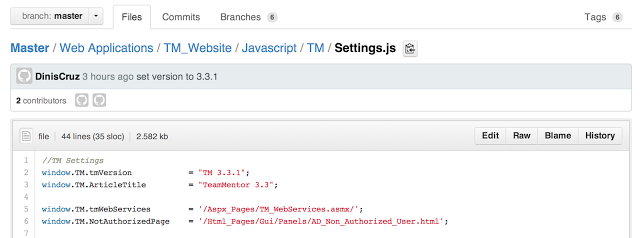
Which just changes the version number
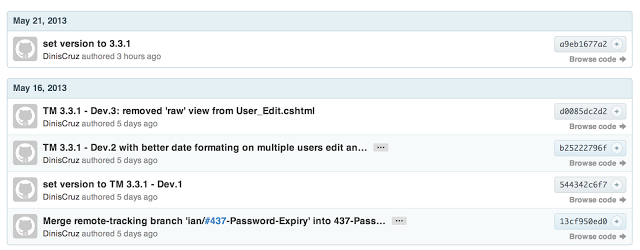
Note that this commit happen on the HotFix branch. So the next step is to push it into TeamMentor/Master (the production repo)
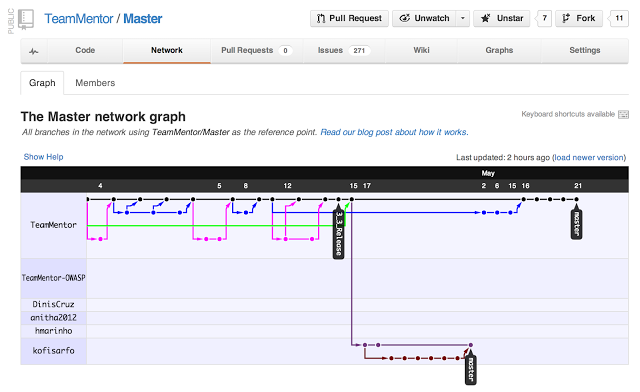
This is what TeamMentor/Master looks like for 3.3 (before hotfix commits)
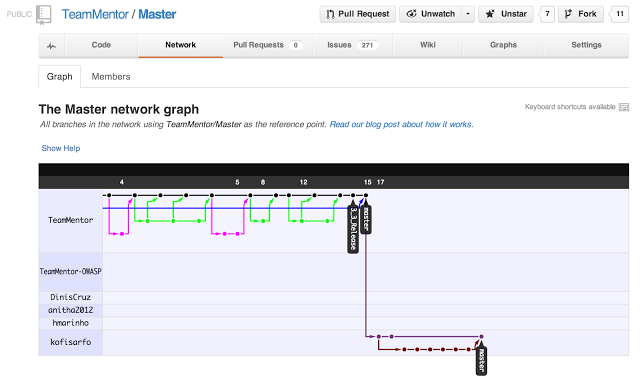
This is what TeamMentor/Master looks like after the 3.3.1 commit
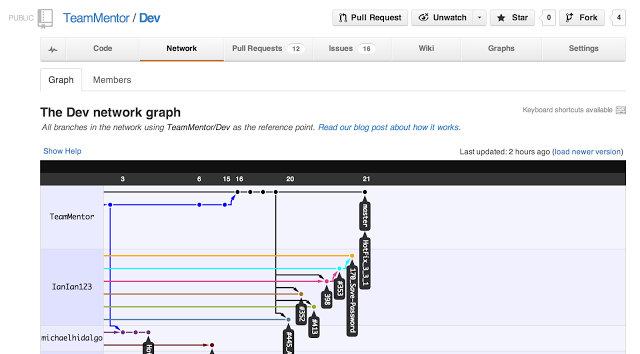
And this is what the TeamMentor/Dev Repo looks like after the commit (this is the development clone/fork, which has all the other feature branches)
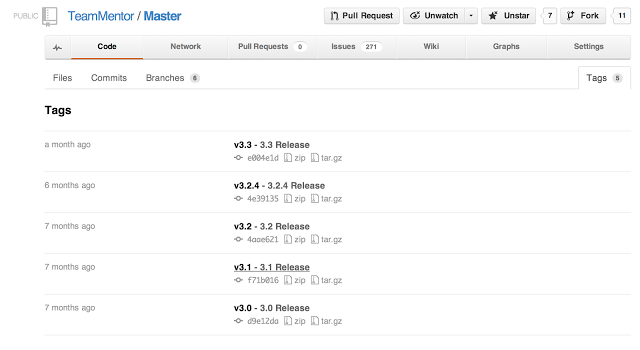
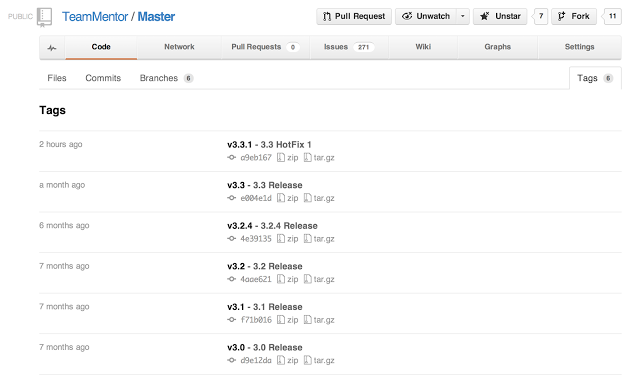
I also update the Tags (using the commands described here Adding Tags to TeamMentor Master repository)
Here are the git tags before the push:
** Here are the Git tags after the tag push**
Great post - Git: Who cares about branches? It’s all about collaboration and code reviews
This is a great explanation of the power of Git : Who cares about branches? It’s all about collaboration and code reviews
here is the author’s TL;DR:
TL;DR: Using Git has made our team much better by removing barriers to collaboration and code reviews. Those are the real Git benefits, not specific features like fast branches.
I complete agree and it is the ability to easily review code (and send code back for rewrite during pull requests) that really makes git powerful :)
On this topic also read Great presentation on Git Branching (very similar to the model we are using in TeamMentor)
Creating o2platform.com website using GitHub Pages (with screenshots of all design options)
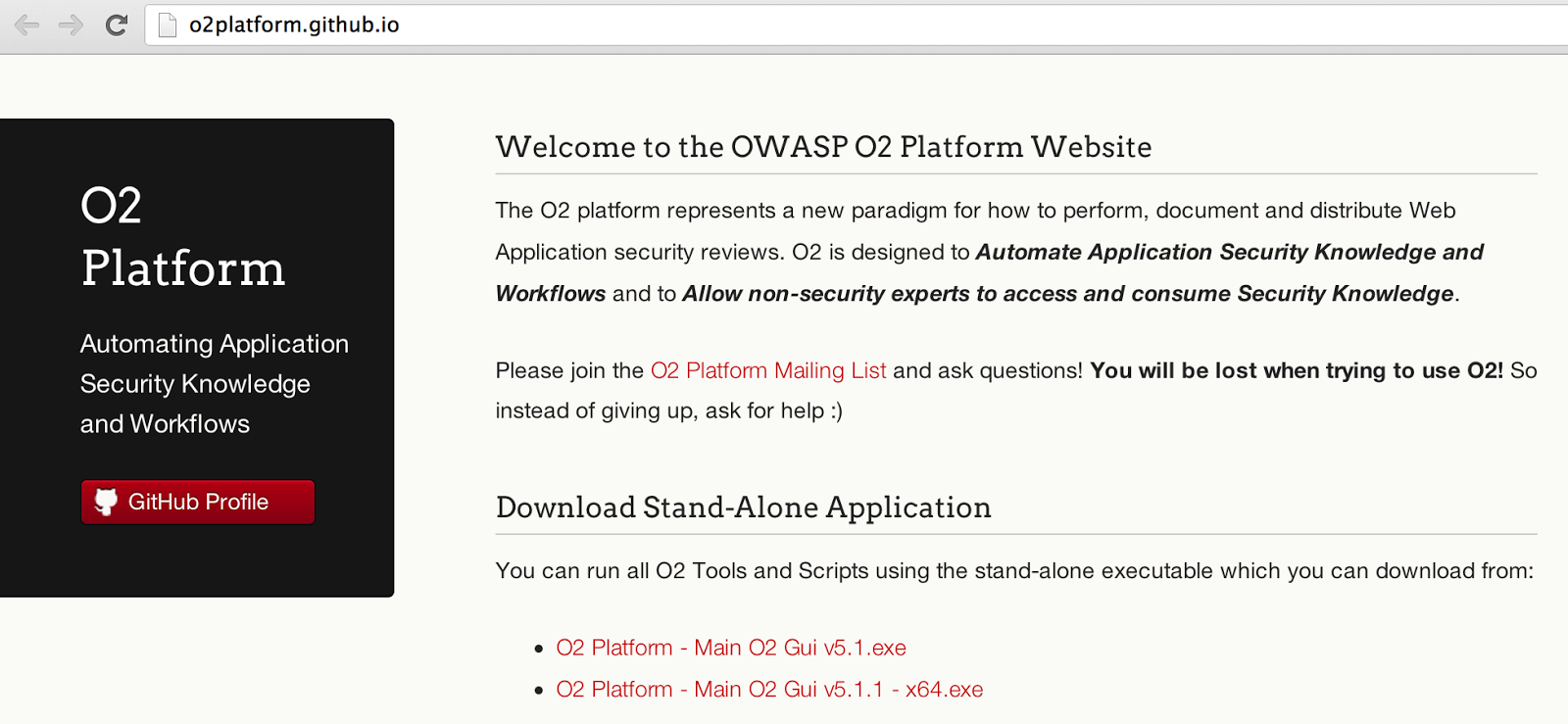
In order to set-up a site for the http://o2platform.com domain, I just used GitHub Pages to create and publish a brand new site.
This is what it looks like:
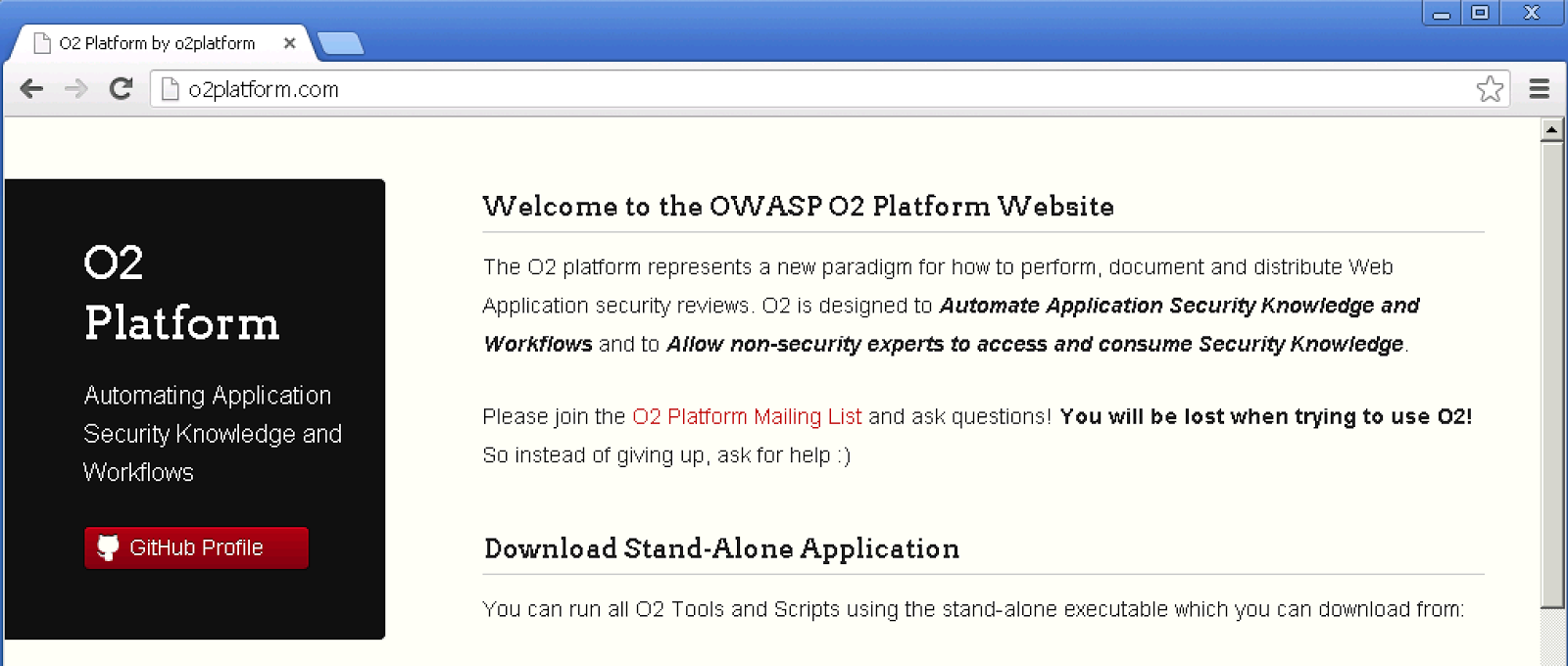
What do you think?
Please see below the other design options and let me know if I made a mistake. Also if you want help in editing this site, ping me with your GitHub account, and I’ll give you push access (or fork the o2platform.github.com repo and send me pull requests)
Here is how I created it:
I went to the https://github.com/o2platform/o2platform.github.com** repo, and on the settings page, I clicked on the **Automatic Page Generator
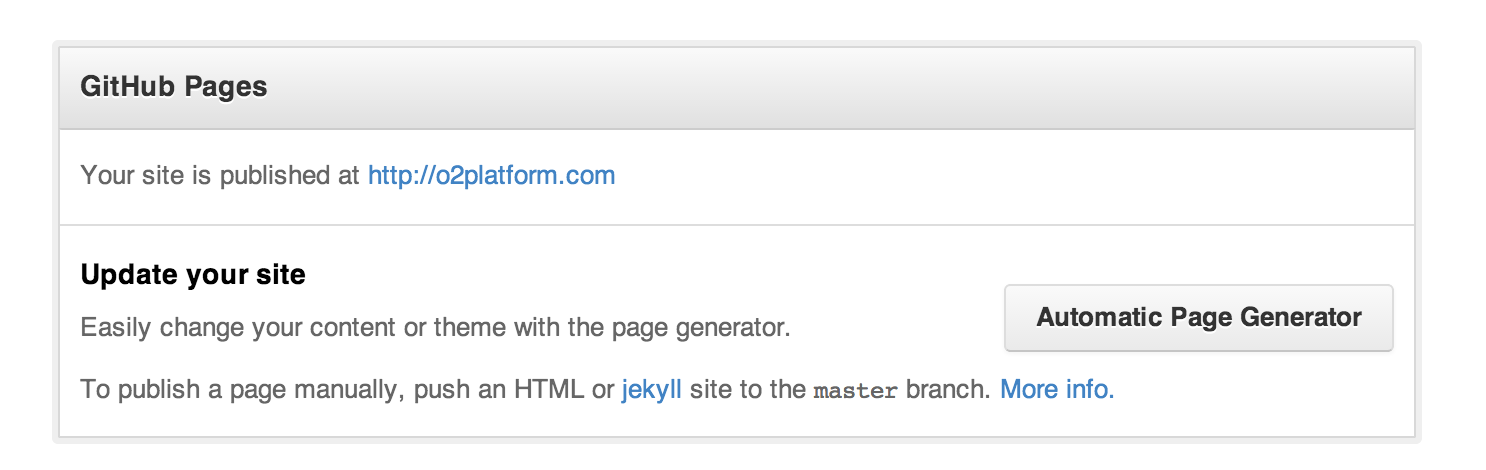
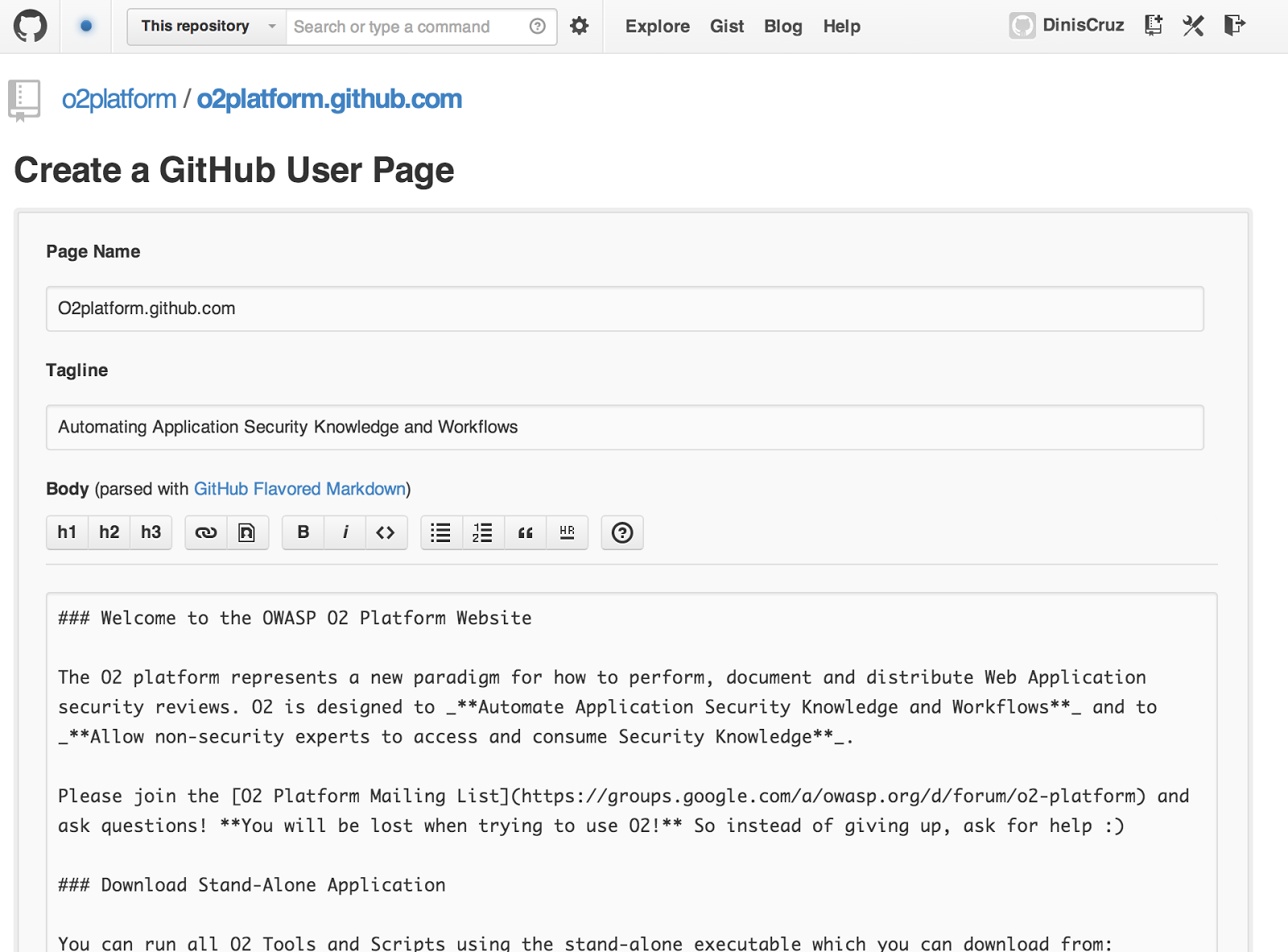
which opened up this page, where I added the content that is current on this blog’s O2 Platform page:
When finished I clicked on Continue to Layouts
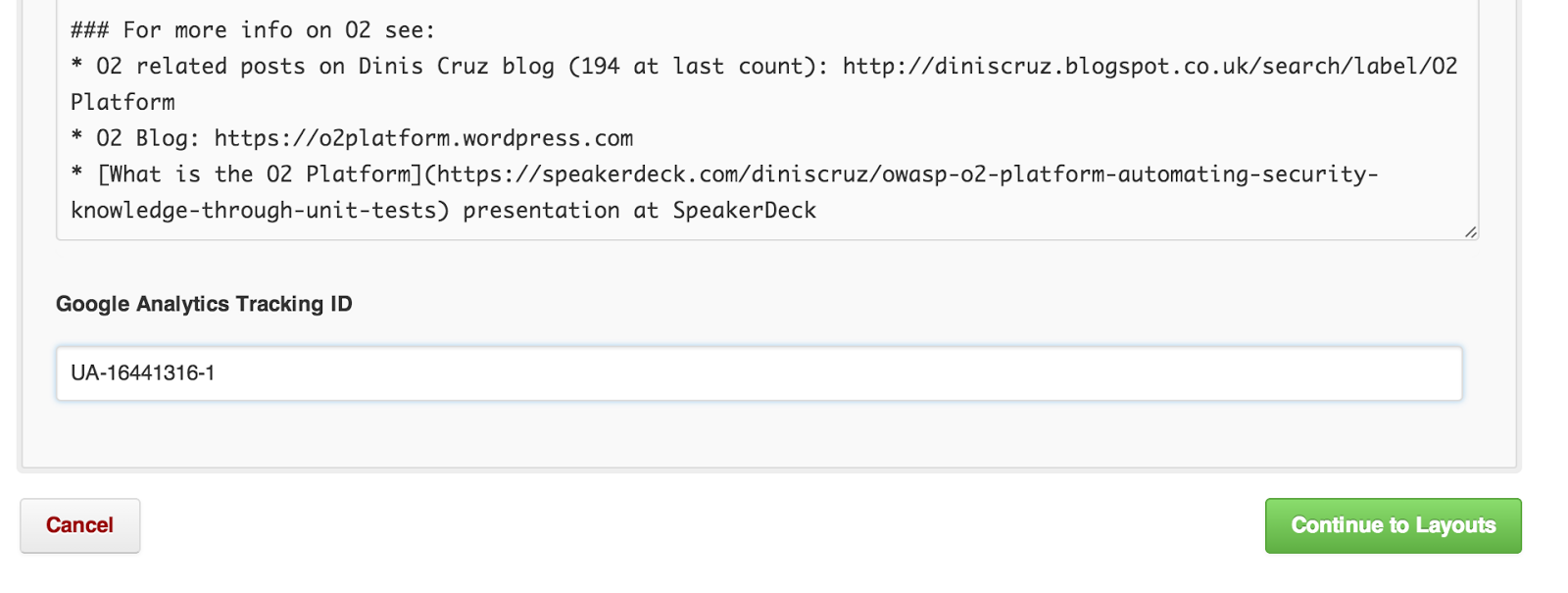
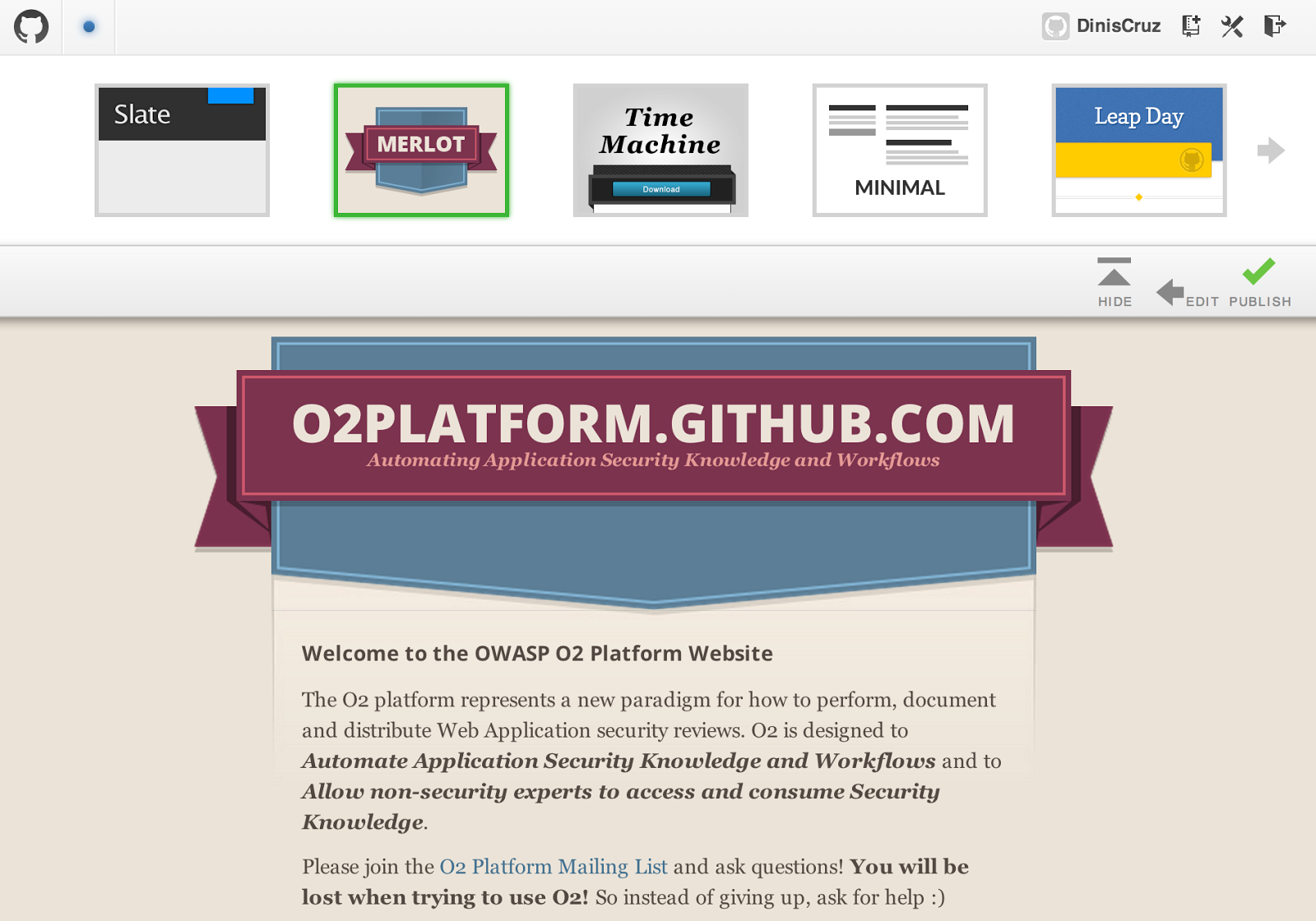
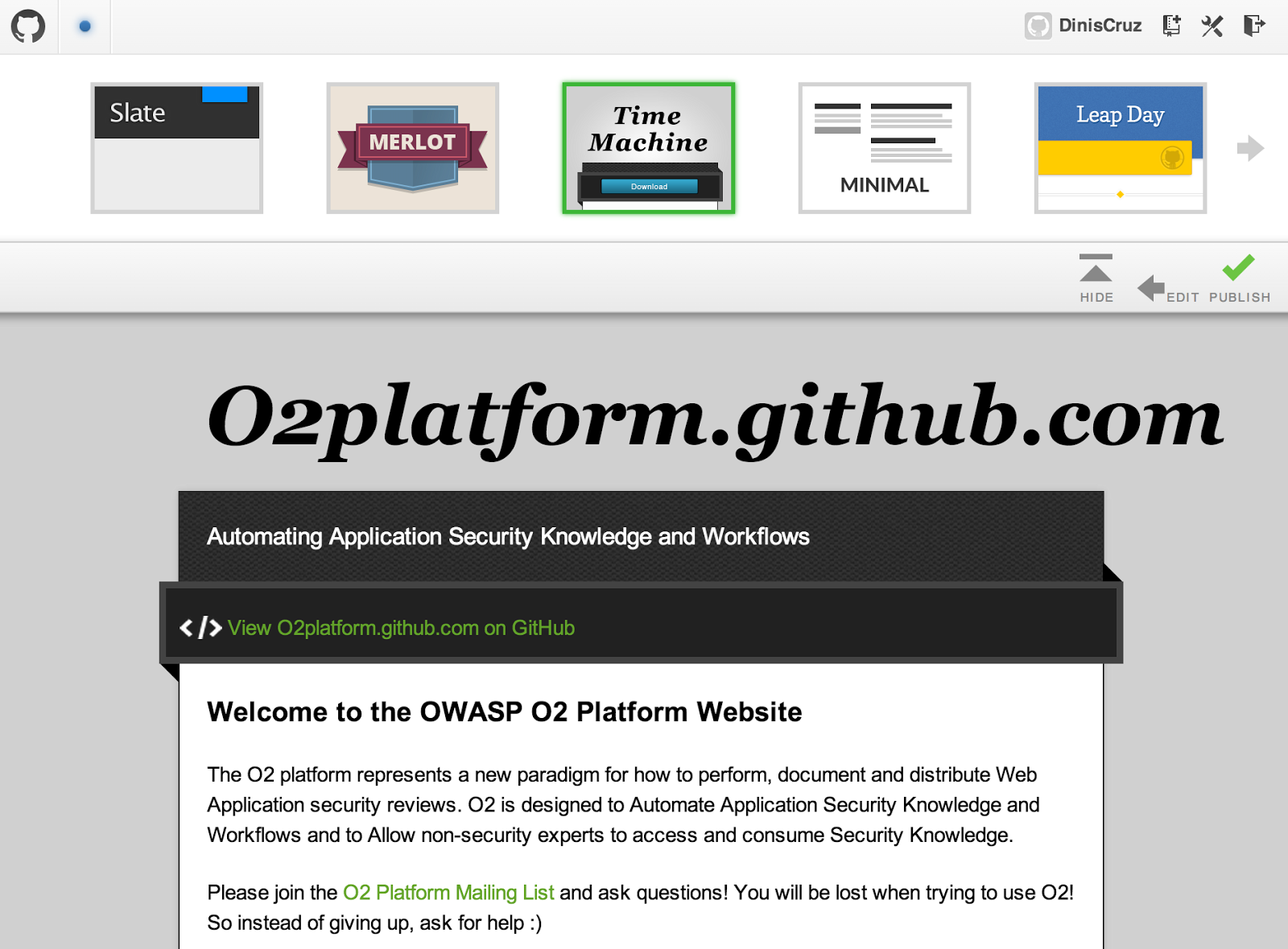
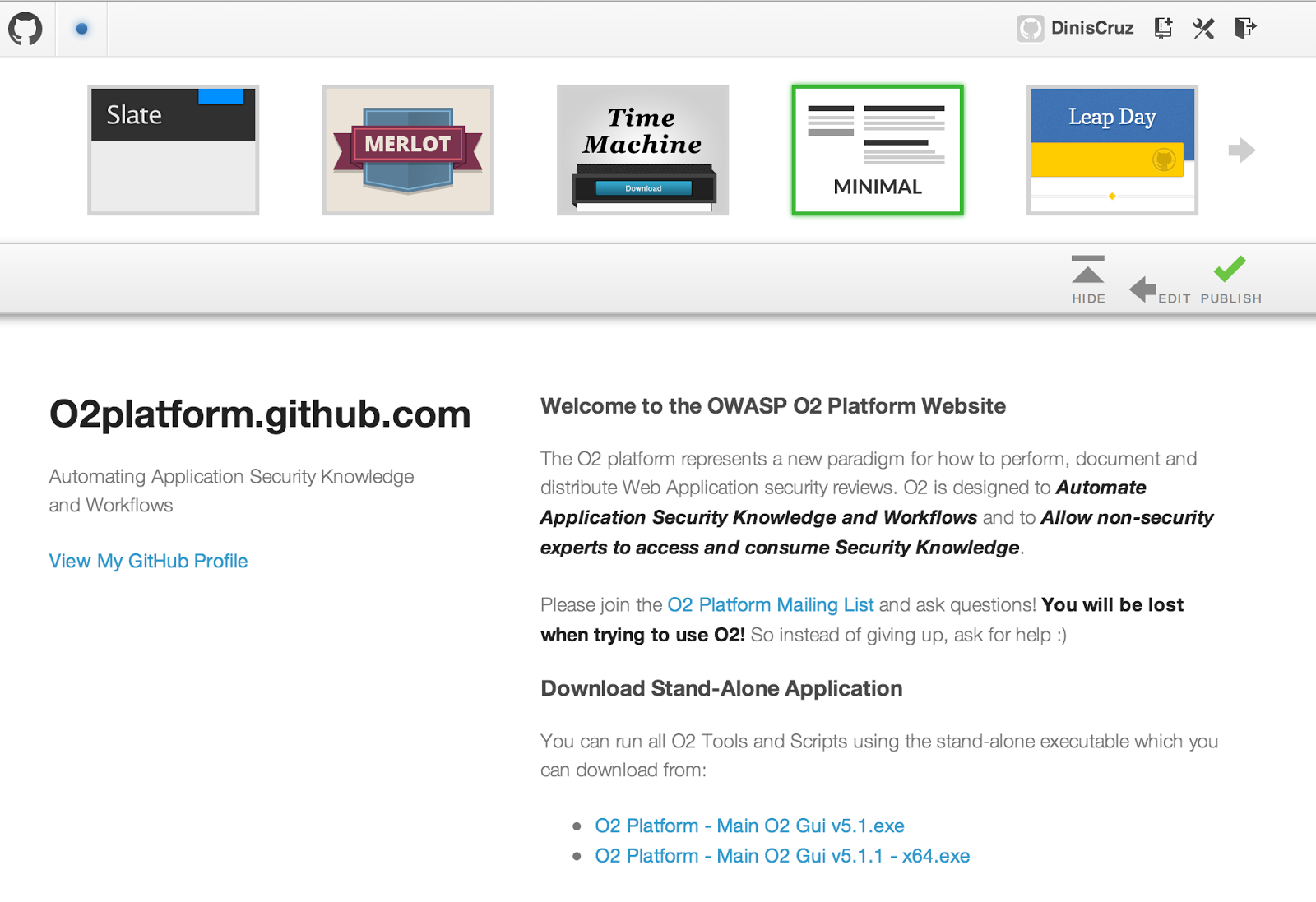
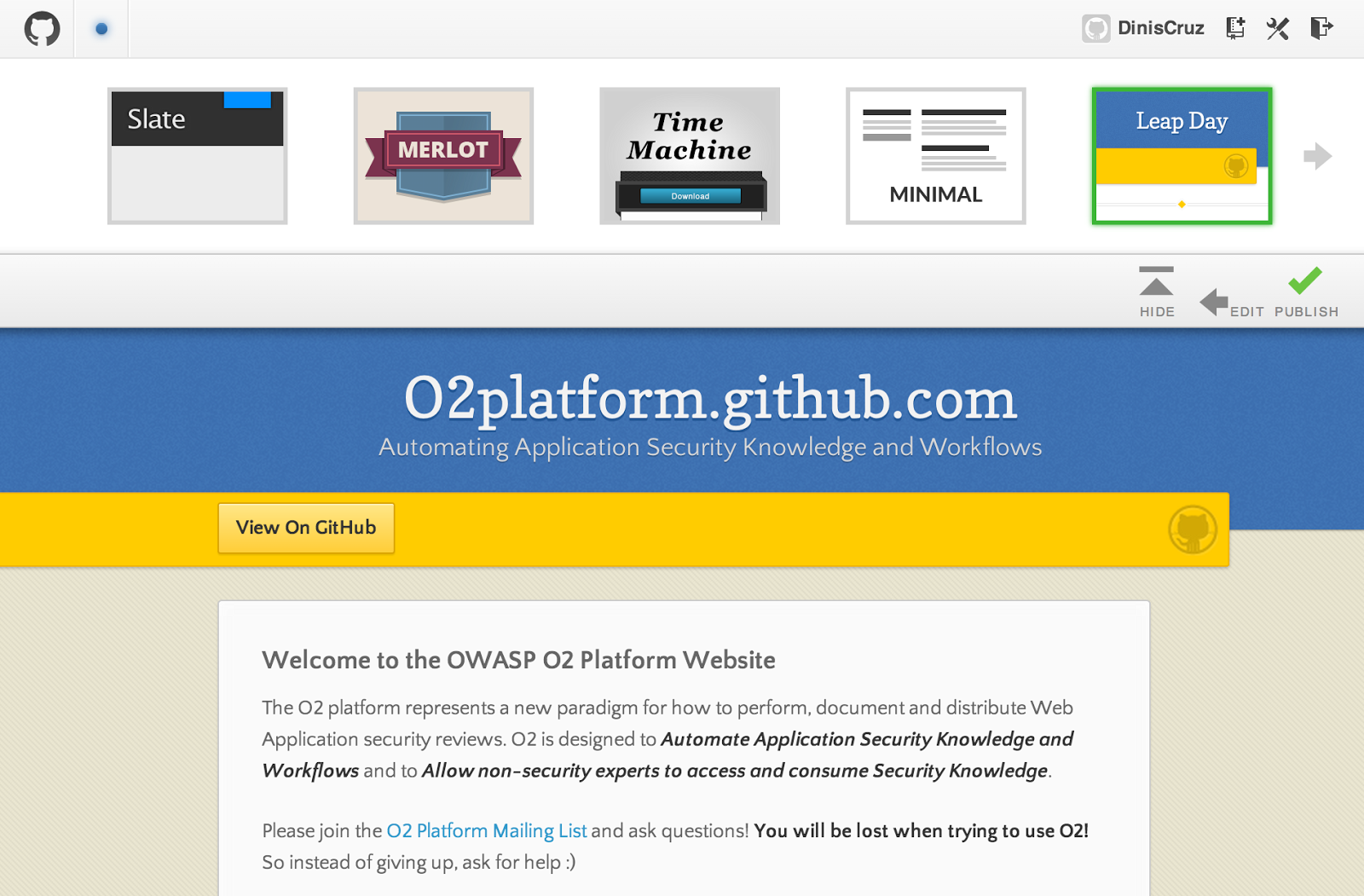
And I checkout the multiple design options:
Slate:

Merlot:**
Time Machine:
Minimal:
Leap Day:
Modernist:
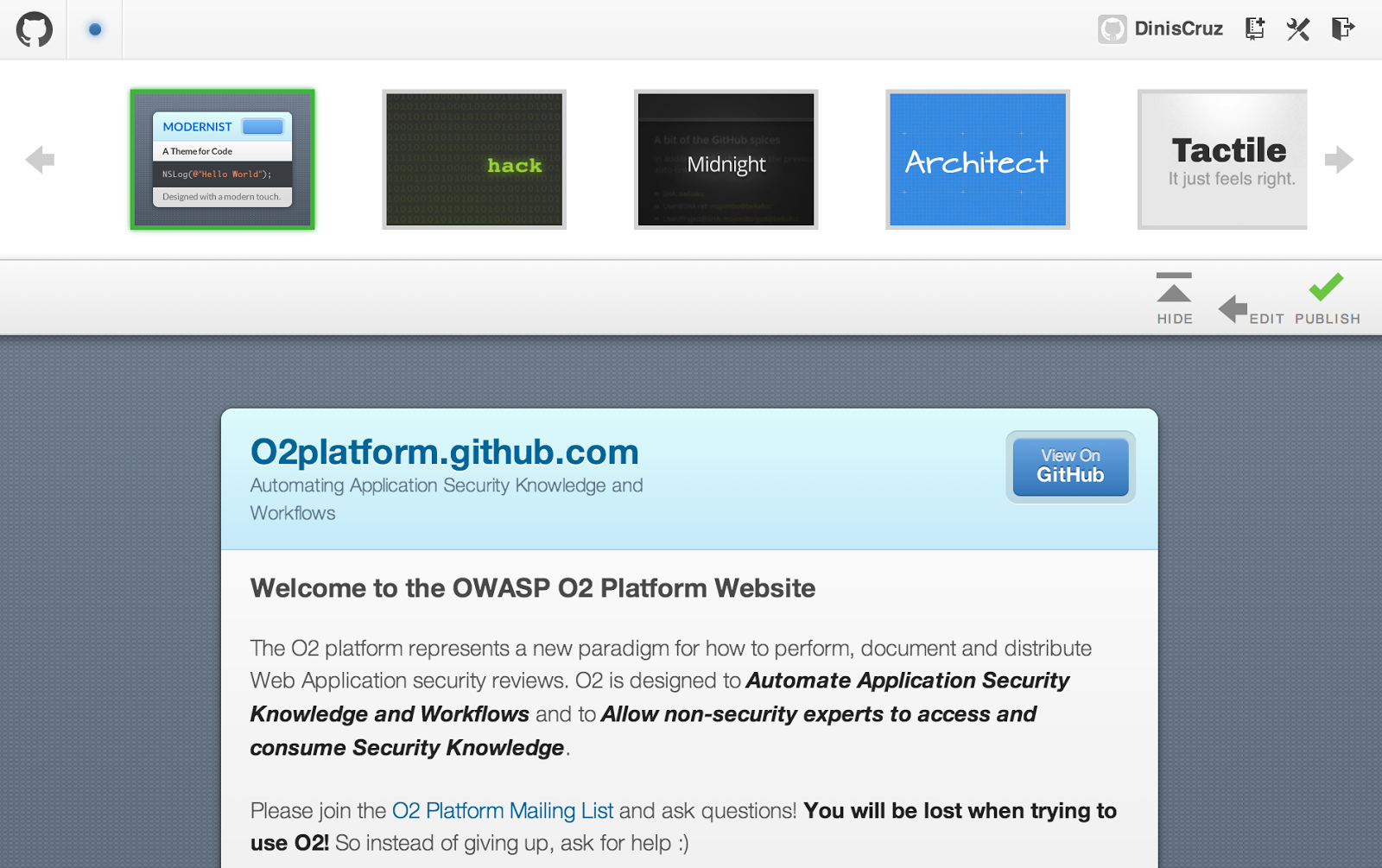
** Hack:**
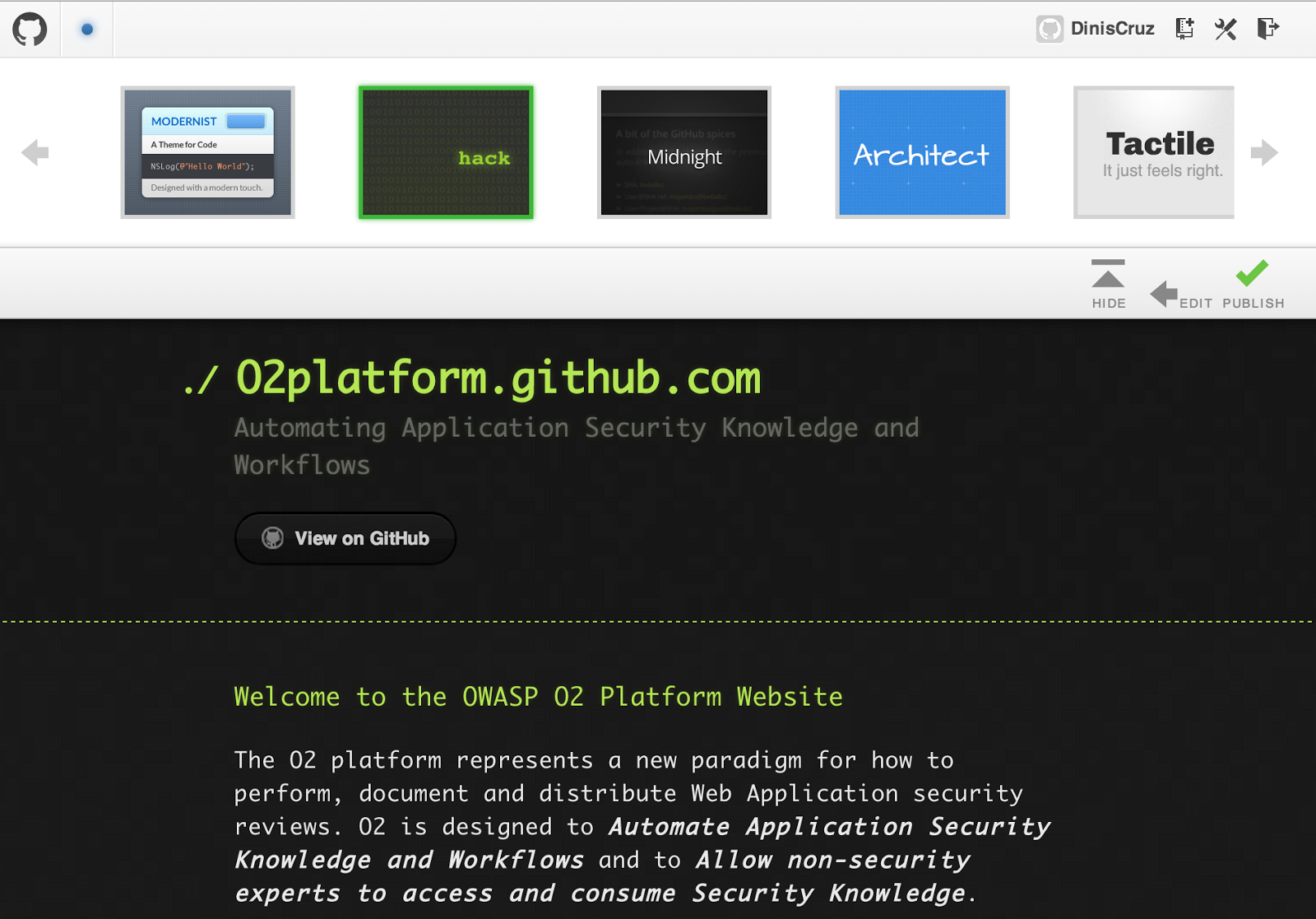
Midnight:

Architect:
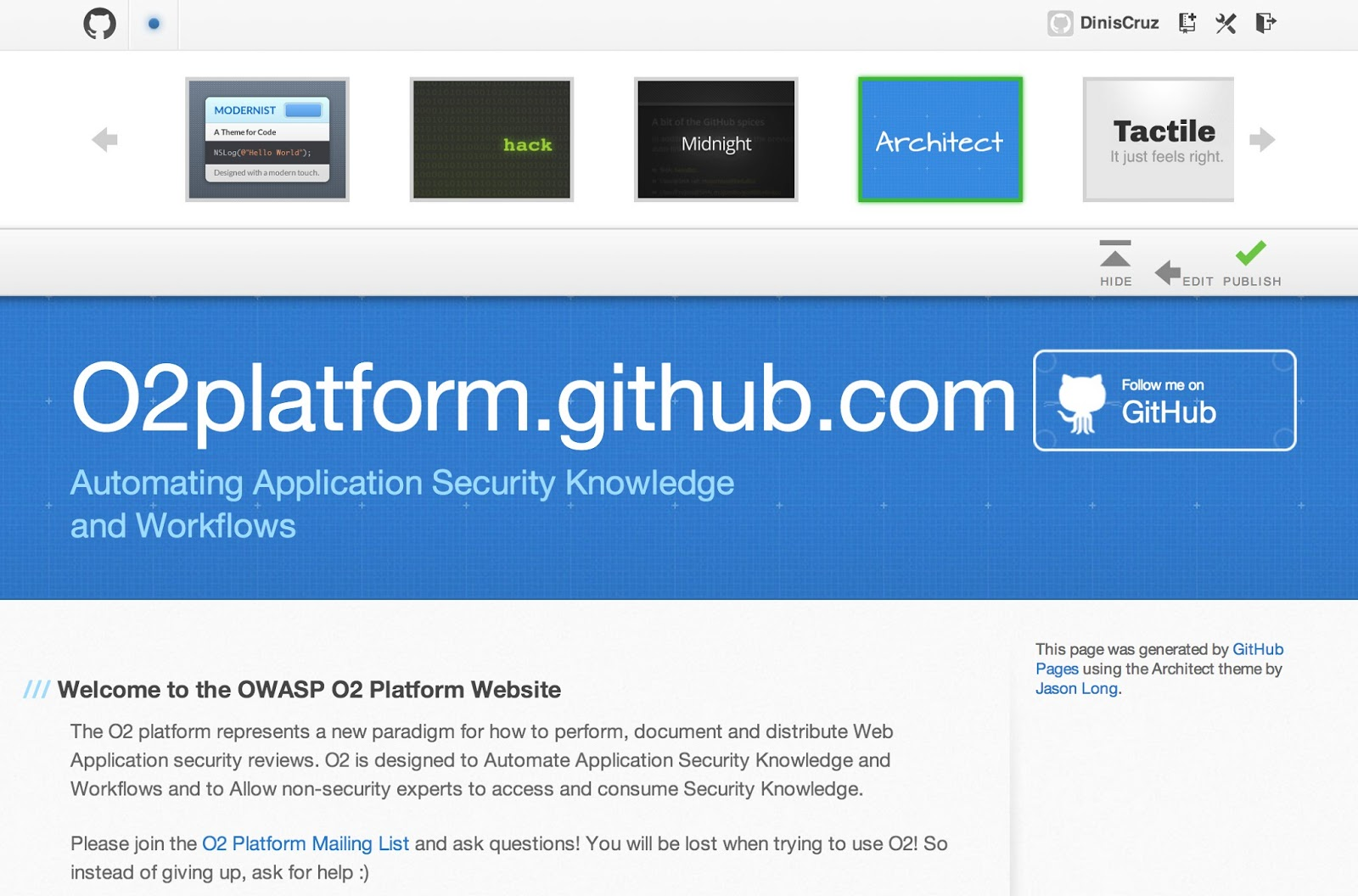
Tactile:
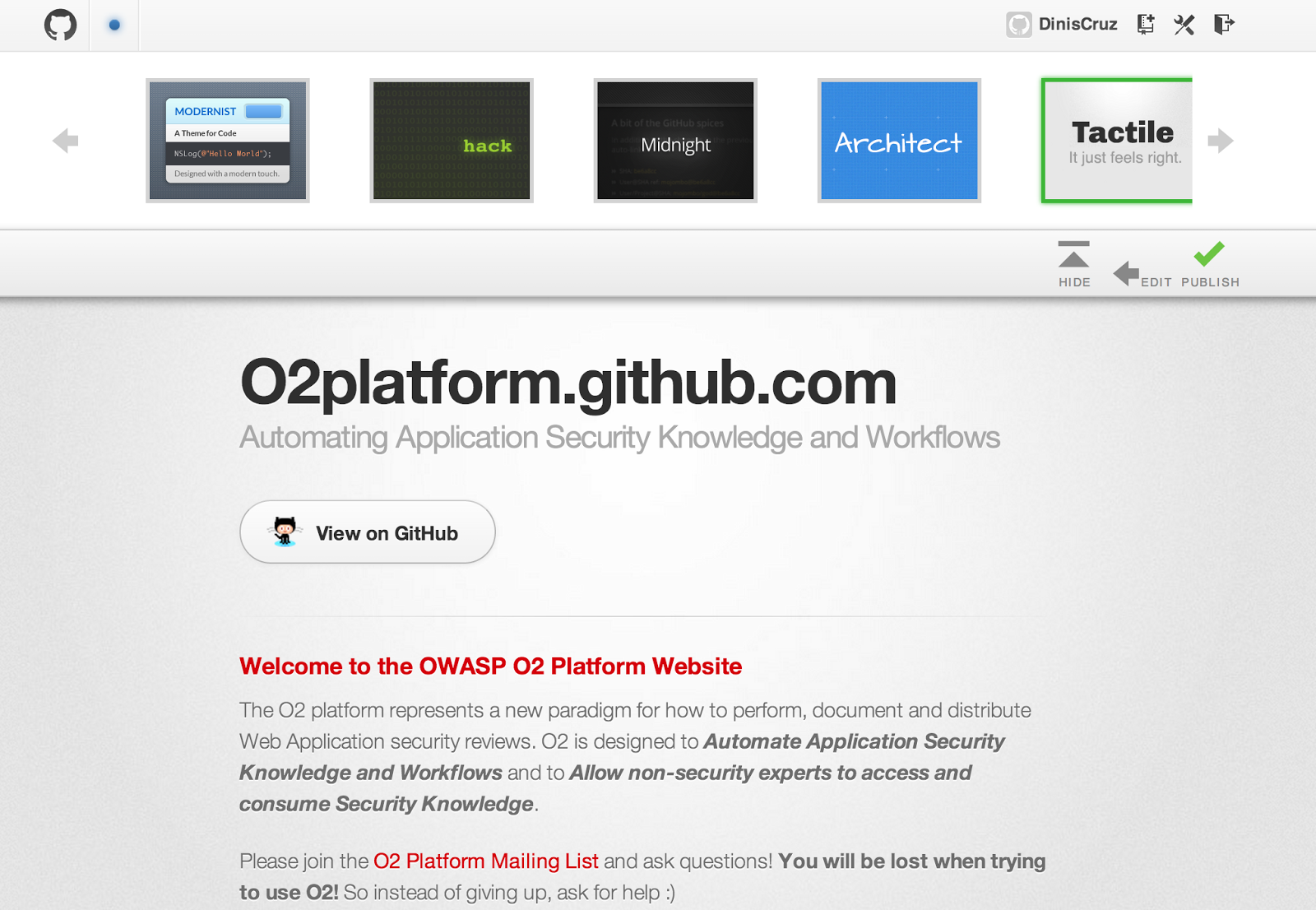
And finally Dinky
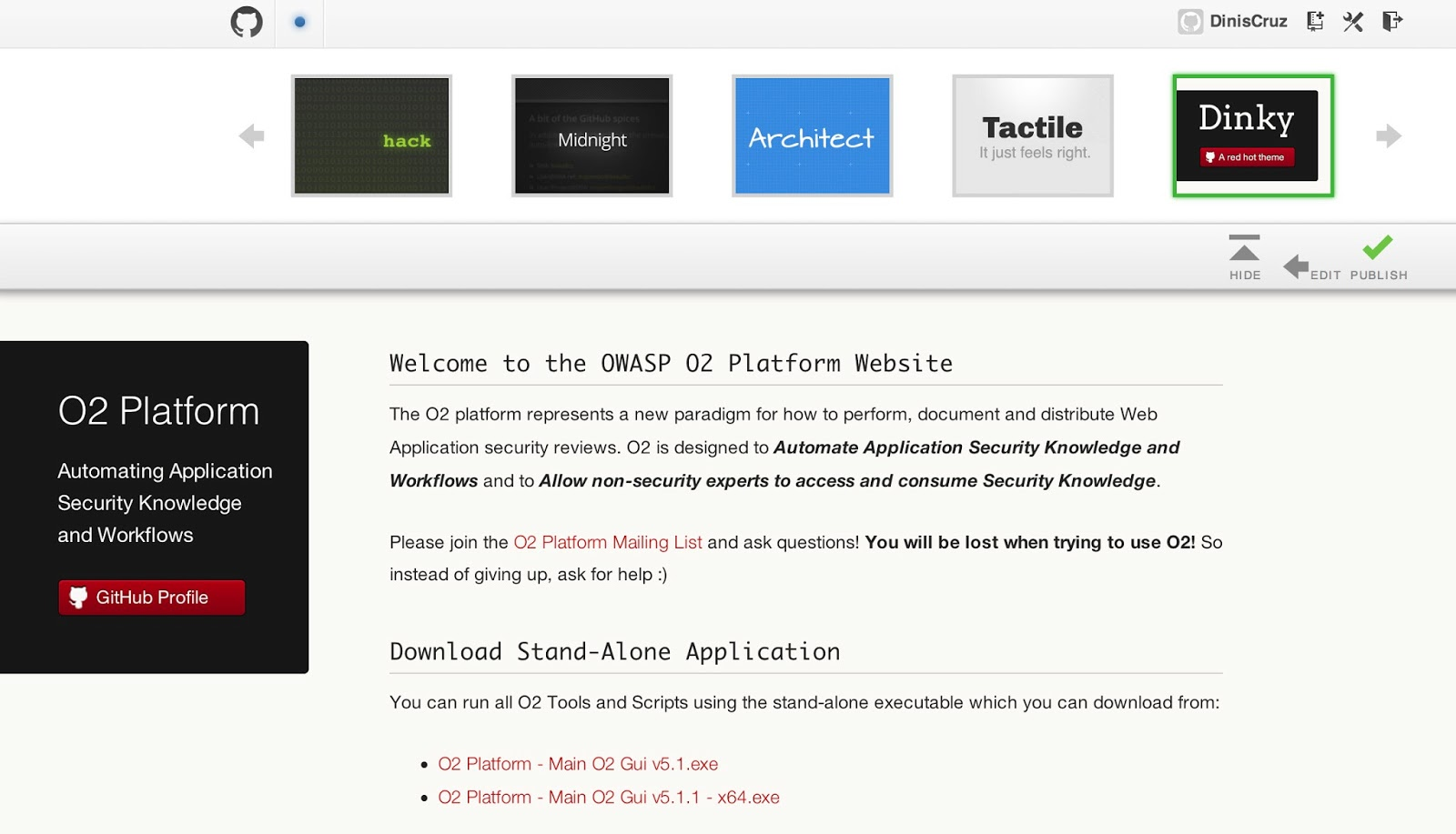
which was my preferred choice , so I clicked on Publish, and here it is in action (using the default domain provided by GitHub)** **
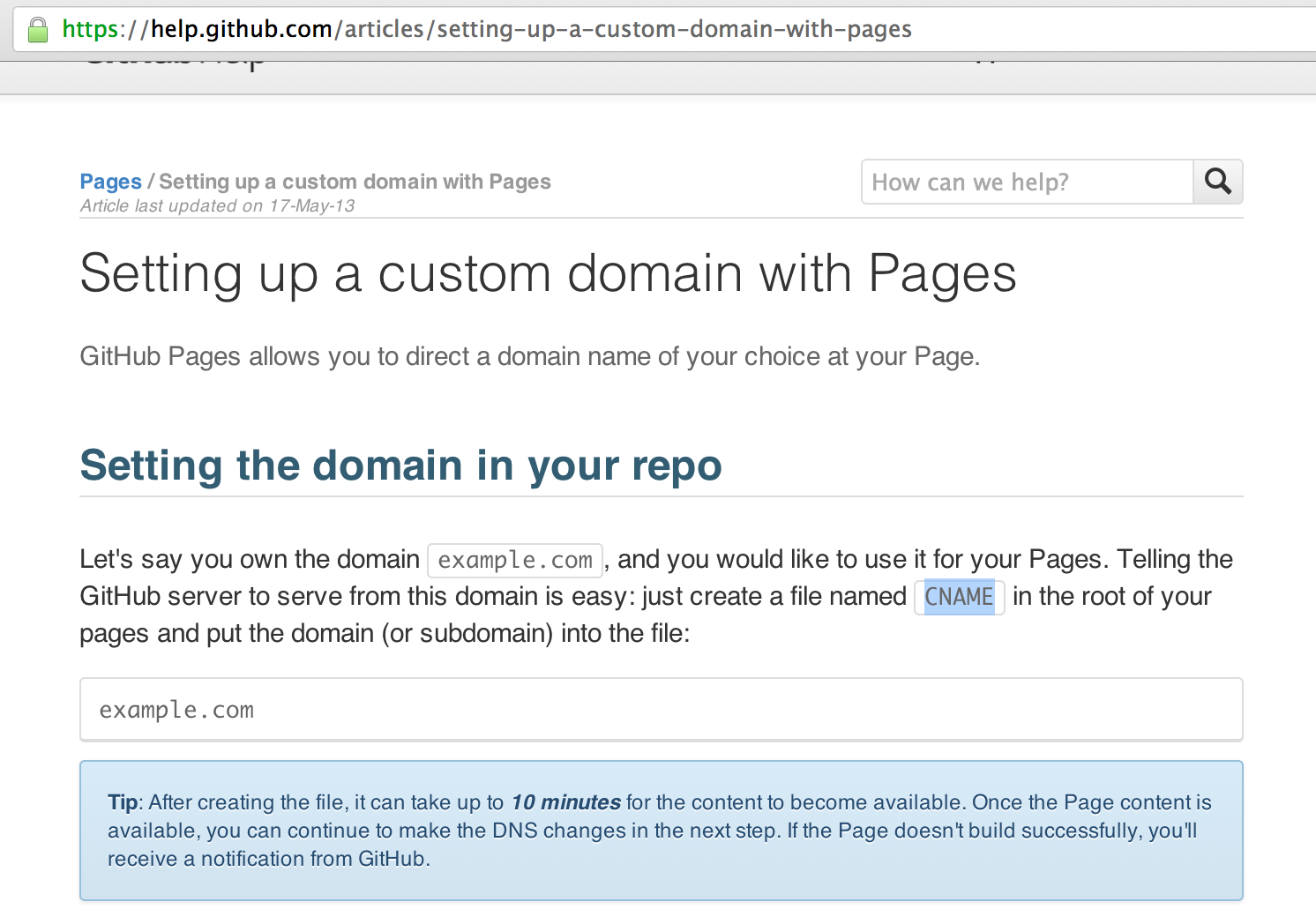
Next step was to set up custom domain, which is explained here:
and is basically a case of creating new file:
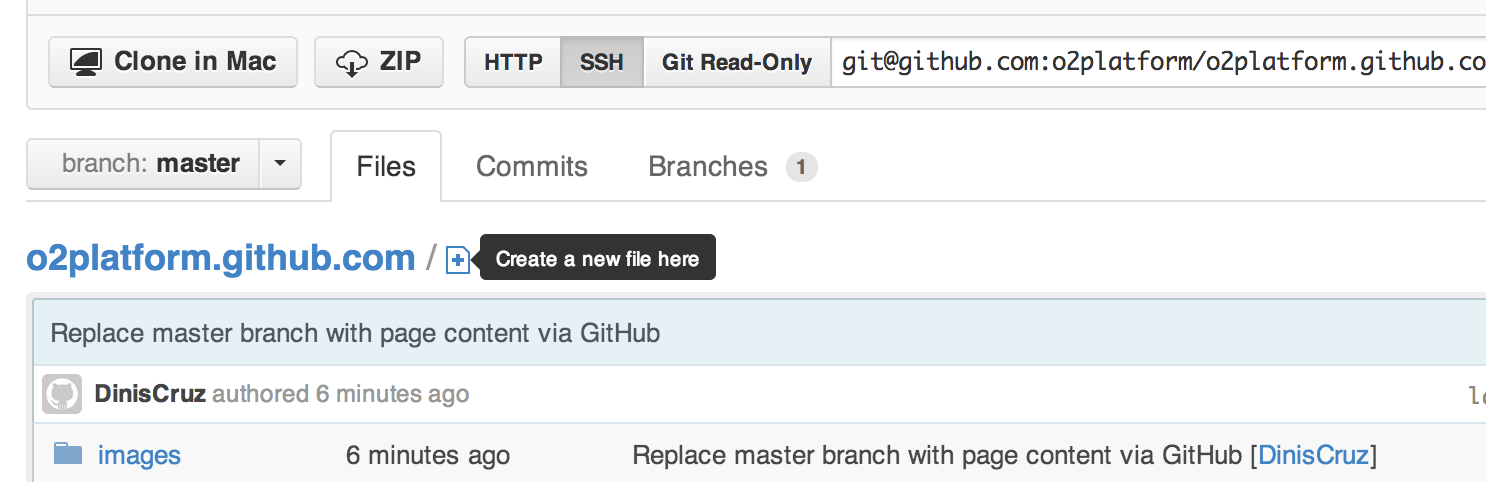
Called CNAME, with the contents of the domain
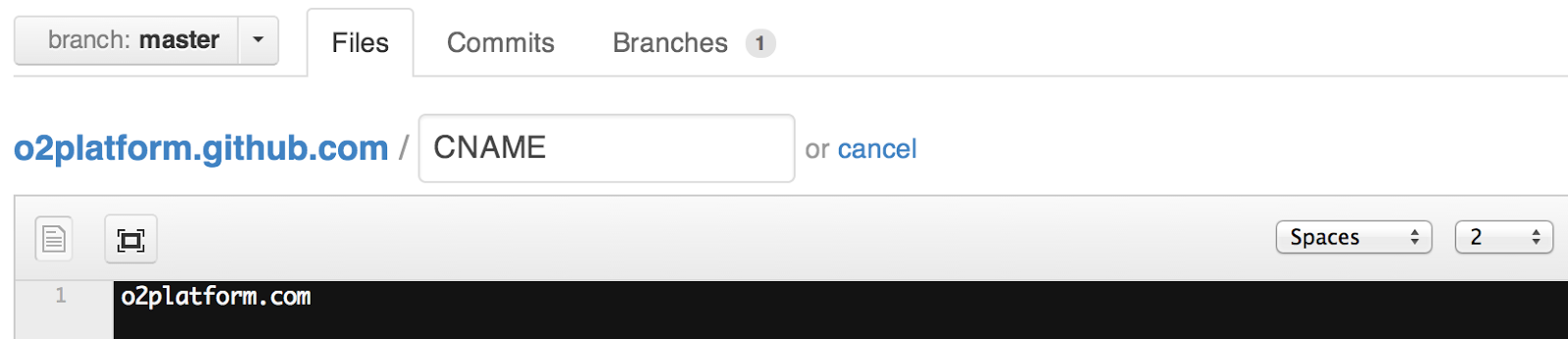
After saving it (and local cache flushed), the GitHub pages now point to http://o2platform.com