8. June 2013
- Creating TeamMentor release 3.3.2 (3.2 version with HotFix 2)
- Fixing a couple bugs and pushing new TeamMentor 3.4 Dev Version (from 4 to 5)
- Gource Visualisation of “TeamMentor Git Development - 18 Months in 180 Seconds”
Creating TeamMentor release 3.3.2 (3.2 version with HotFix 2)
Now that the two P0 issues are marked as fixed (after a round of QA):
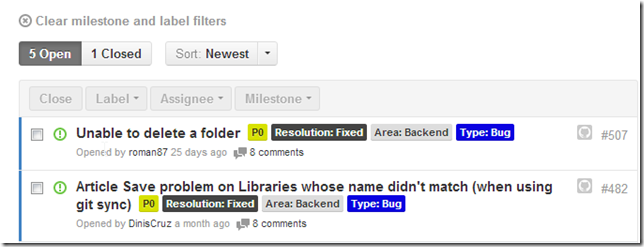
It’s time to publish the 3.3.2 TeamMentor release.
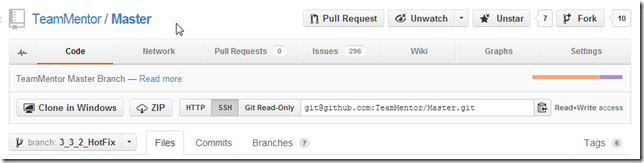
At the moment the code changes are in the 3_3_2_HotFix branch
Which contains the commits that made up the 3.3.2 – RC2 version (with the last commit being the 852d877290)
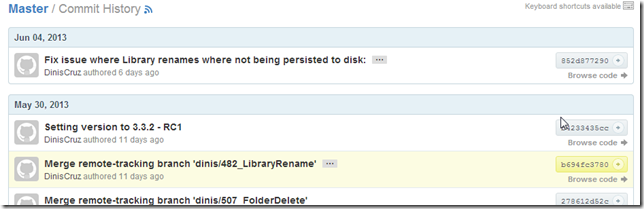
As set in our release process, to make this the official official version, I will remove the RC2 bit from the version number and make it the final commit for this release.
So I opened a Git Bash on a local copy of that repo TeamMentor/Master (same thing as doing a git clone and pull of the 3_3_2_HotFix branch)
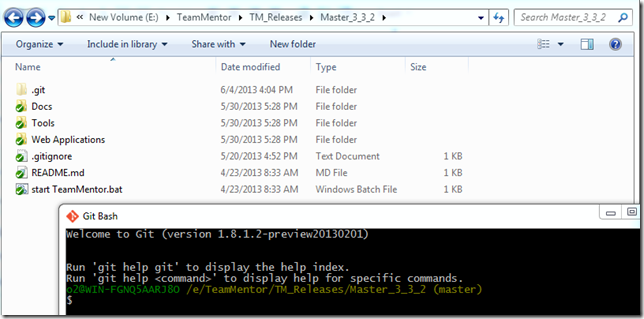
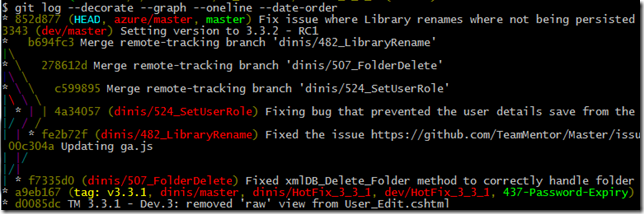
A quick look using git log –decorate –graph –oneline –date-order shows that the latest commit is 852d877 (which matches the version at GitHub that was QAed and checked for this release)
My next steps was to change the version number,
… commit that small change:
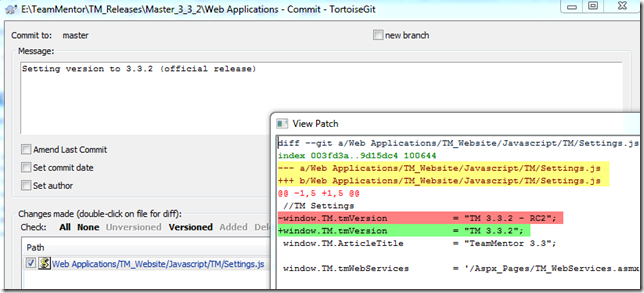
… add the v3.3.2 tag (see Adding Tags to TeamMentor Master repository for more details on tagging)

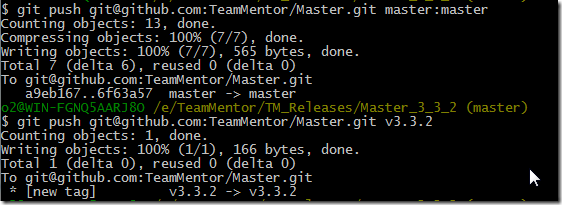
… and pushed into TeamMentor/Master the commit and tag:
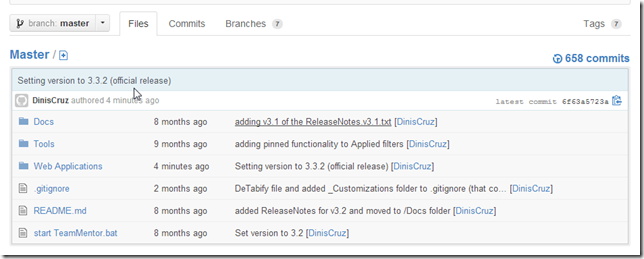
Just to confirm, let’s take a look at GitHub:
Main page shows the 3.3.2 commit
… so does the commit page:
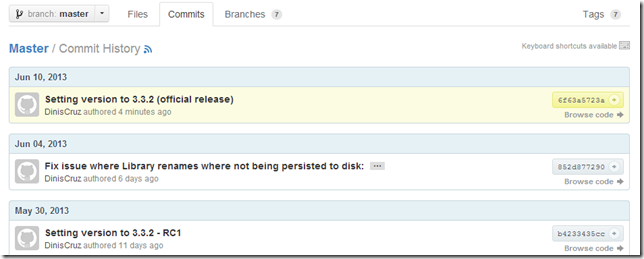
… and the Tags view:
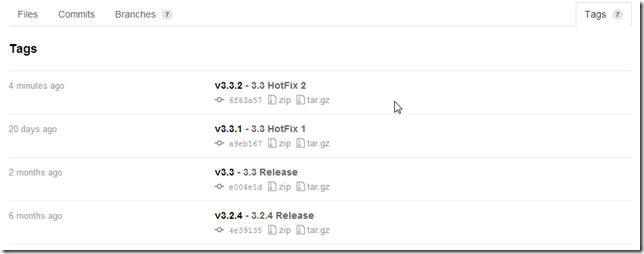
…and the Network graph:
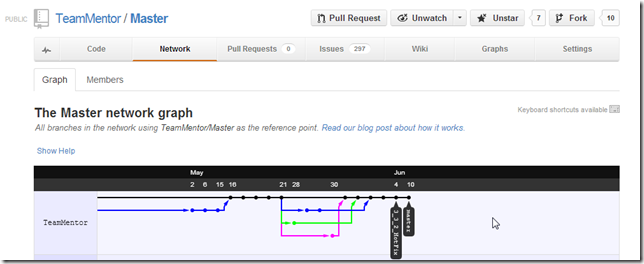
The deployment of this version is now passed to the hands of the Infrastructure team, which will update all TM sites currently managed by SI.
On the development side, the last thing to do, is to add this version to the TeamMentor/Dev fork so that it is part of the next release
At the moment TeamMentor/Dev is on this commit
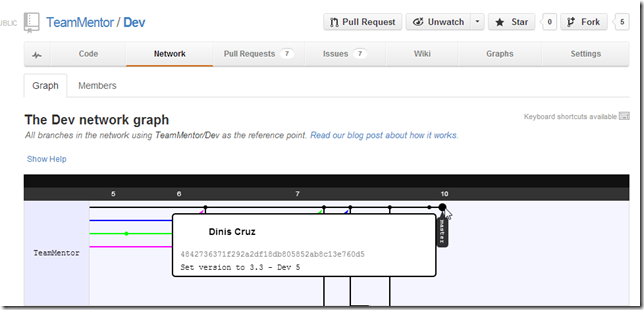
In a local copy of the this repo, I did a pull from TeamMentor/Master
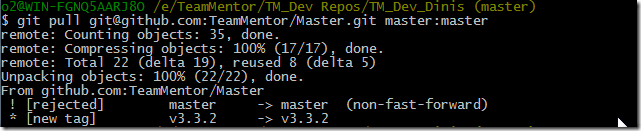
… which failed (on master) because there has been updates done on this repo (since the last merge).
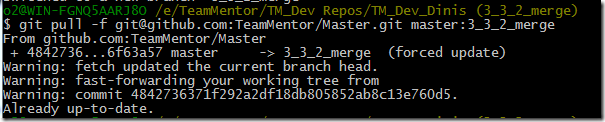
So I created a new branch called 3_3_2_merge

Forced pulled the 3.3.2 code into it (the code from TeamMentor/Master)
switch back into master branch and merged with 3_3_2_merge branch
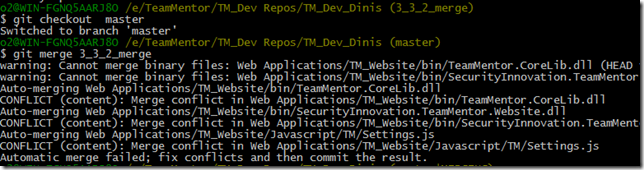
…which had (as expected) a couple conflicts), with I’m going to resolve using
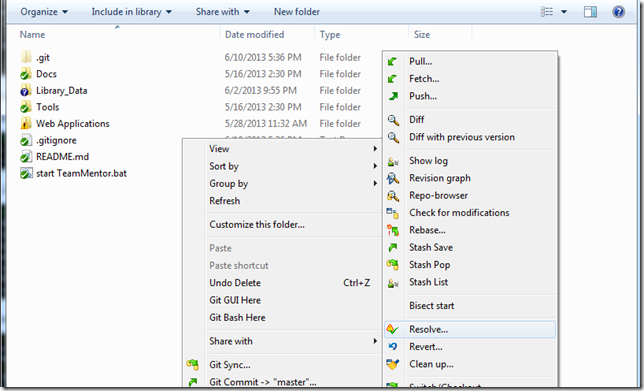
… which lists the conflicts
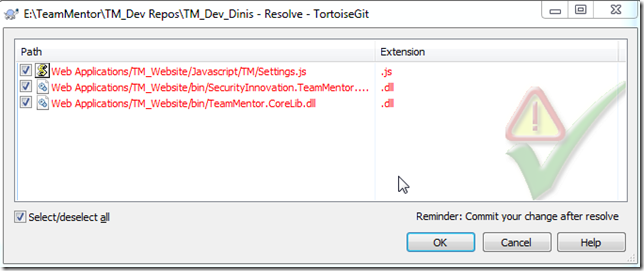
… and in this case was mainly the version number:
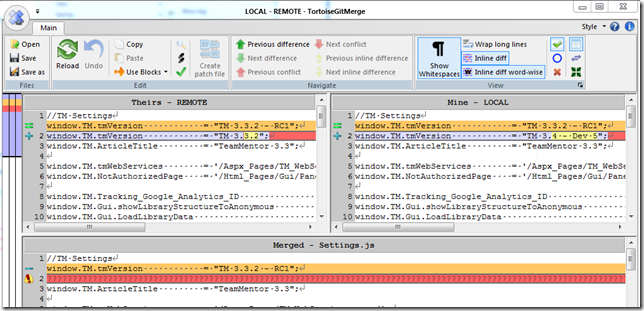
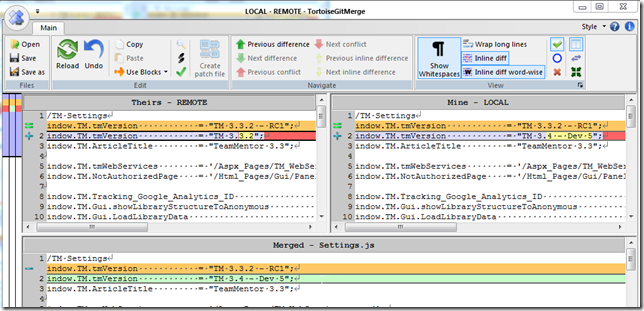
… easily fixed by making the local version the one to use:
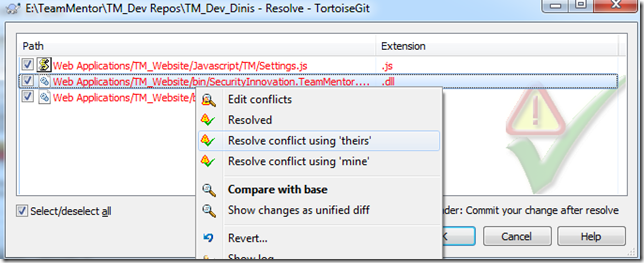
… next I resolved the dlls by selecting one of them (doesn’t really mater since they will be recompiled soon)
… and committed the merge:
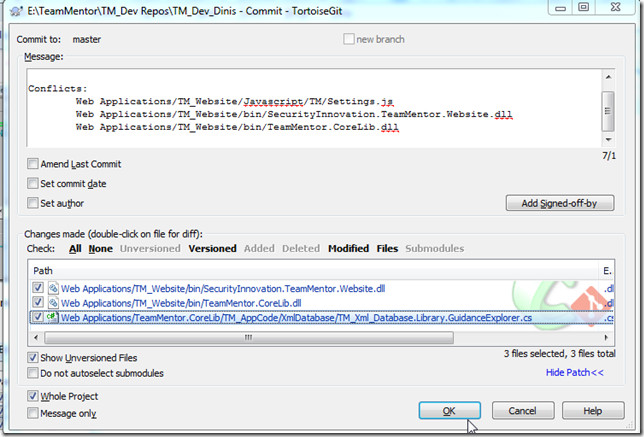
….which we can now see on Gitk:
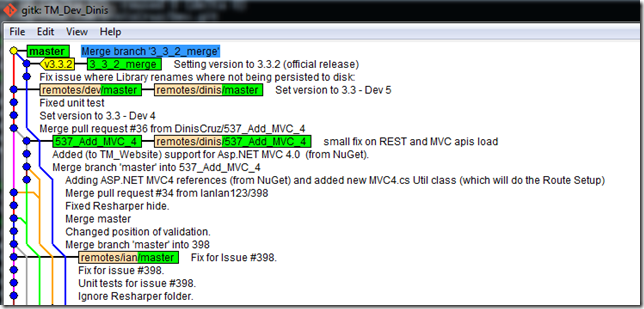
The final step is to push these commits into TeamMentor/Dev

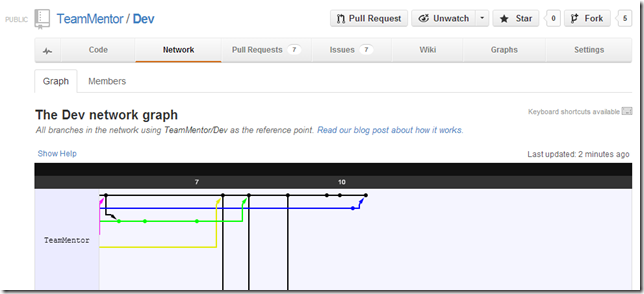
…. which can be seen on the following couple graphs:
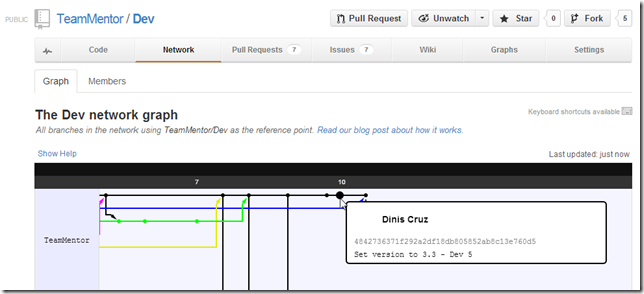
The image above shows the TeamMentor/Dev commit done before the 3.3.2 merge, and below is the last commit made
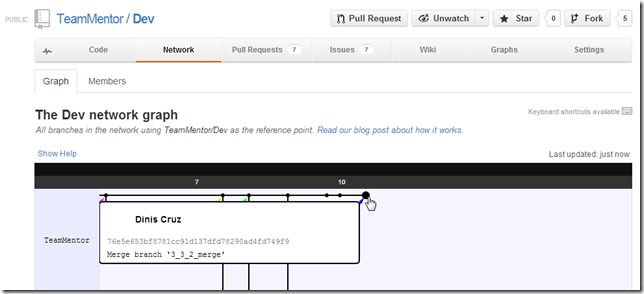
It might be easier to read with out the labels (in blue is the TeamMentor/Dev code in black is the_ TeamMentor/Master_ code:
Fixing a couple bugs and pushing new TeamMentor 3.4 Dev Version (from 4 to 5)
This post shows one way to use GitHub to update the main development branch of TeamMentor.
At the moment TeamMentor/Dev repo is at version 3.3 – Dev 4
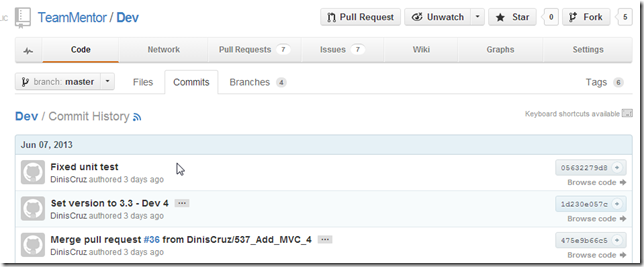
This version was pushed on Friday, and it introduced a nasty side effect on the wsdl generation (see issue 546) and a minor bug in the user edit (from the old control panel).
Both probs were picked up by Michael’s TM UI Unit Tests, which is another good example of the power of that type of UI/Browser integration tests.
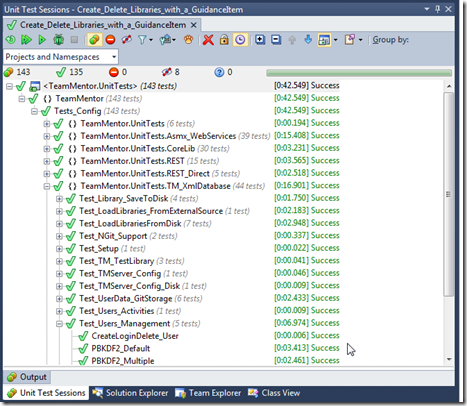
So, I went into my local dev repo, made the code fixes, checked that they were working and executed all unit tests (to make sure we are still good)
Next I committed the changes locally:
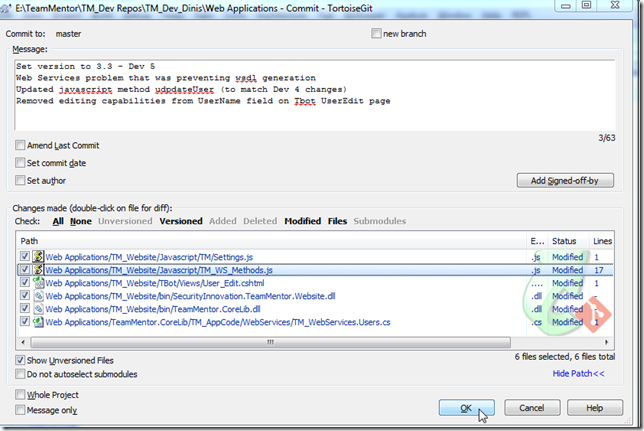
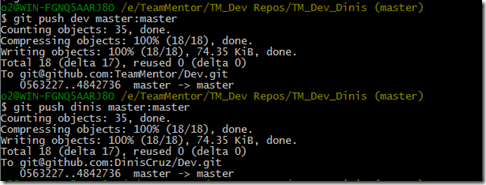
And pushed the commit to the main Dev repo and my personal Dev repo (this is the same as doing a Pull Request and authorizing it via the GUI):
Since TeamCity is configured to run on commit the master branch of TeamMentor/Dev a quick look at its web interface shows that the build started

… after 4m:13s the build was completed, with all unit tests are passed and

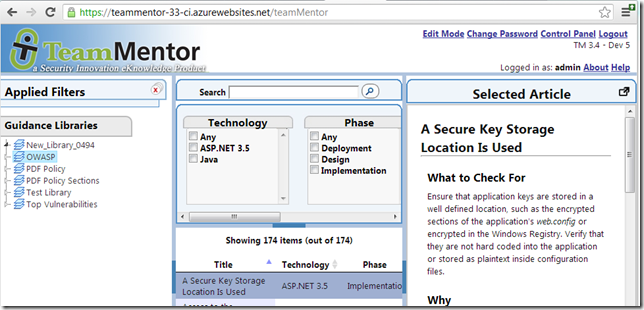
… and the Dev QA site pushed into Azure:
Gource Visualization of “TeamMentor Git Development - 18 Months in 180 Seconds”
Here is a pretty cool video of 18 months of Git commits using the Gource tool which is a software version control visualization tool.
Try to see it in full screen and at 1024p HD quality:
Here are the Gource settings used to create this video:
gource.exe -s 1 –file-idle-time 0 –key –title “TeamMentor” –font-size 30 – hide dirnames –date-format “%d/%b/%y” –bloom-multiplier 0.5 –bloom-intensity 0.5 –f
Since the original video was 10 minutes, I used Camtasia Clip Speed feature to compress it to about 3 minutes (~180 sec)