Internationalization (i18n)
Define Date Format in i18n ResourceBundle
The Grails formatDate tag supports the formatName attribute. The value of this property is the lookup key for the date format defined in the i18n properties files. So we can define a custom date format in grails-app/i18n/messages.properties and use it with the formatDate tag.
If we don’t specify a value for the format and formatName attributes Grails will look for the keys date.format or default.date.format for a date format. If those keys cannot be found then the default pattern yyyy-MM-dd HH:mm:ss z' is used.
Code written with Grails 1.3.7
Original blog post written on February 18, 2011.
Splitting i18n Message Bundles
Grails supports internationalization out of the box. In the directory grails-app/i18n we find a messages.properties with default Grails messages. We only have to make a new properties file where the name ends with the locale to add messages for another locale to our application.
But we are not restricted to the basename messages for our message bundles. We can use any name as long as we place the file in the grails-app/i18n directory. For example we can create a file views.properties to store messages related to the Groovy Server Pages and a file validation.properties with messages related to validation of domain objects. And if we want specific messages for the Dutch locale for example we create views_nl.properites and validation_nl.properties.
Code written with Grails 1.3.7.
Original blog post written on March 29, 2011.
Change Locale With Request Parameter
Grails has internationalisation (i18n) support built-in. It is very easy to add messages for different locales that can be displayed to the user. The messages are stored in properties files in the directory grails-app/i18n. Grails checks the request Accept-Language header to set the default locale for the application. If we want to force a specific locale, for example for testing new messages we added to the i18n property files, we can specify the request parameter lang. We specify a locale value and the application runs with that value for new requests.
The following screenshot shows a scaffold controller for a Book domain class with a default locale en:
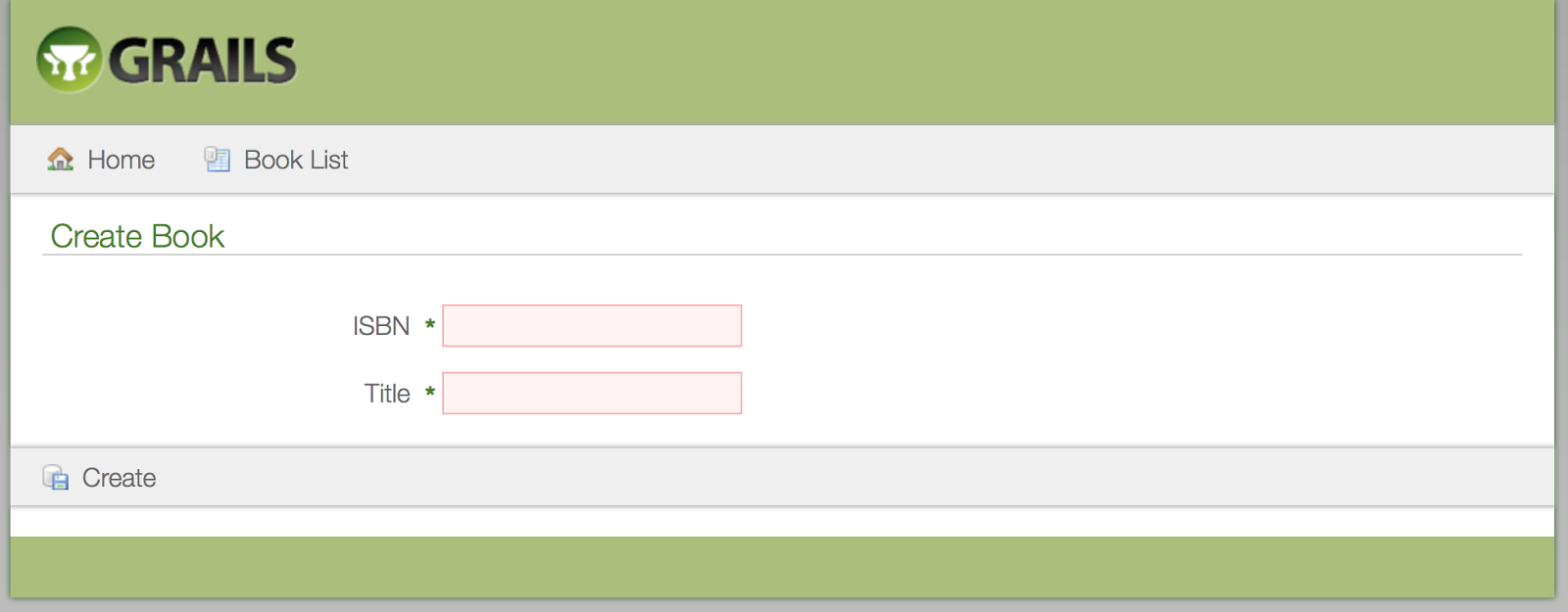
To see a dutch version we invoke the controller with the lang request parameter: http://localhost:8080/book/create?lang=nl:
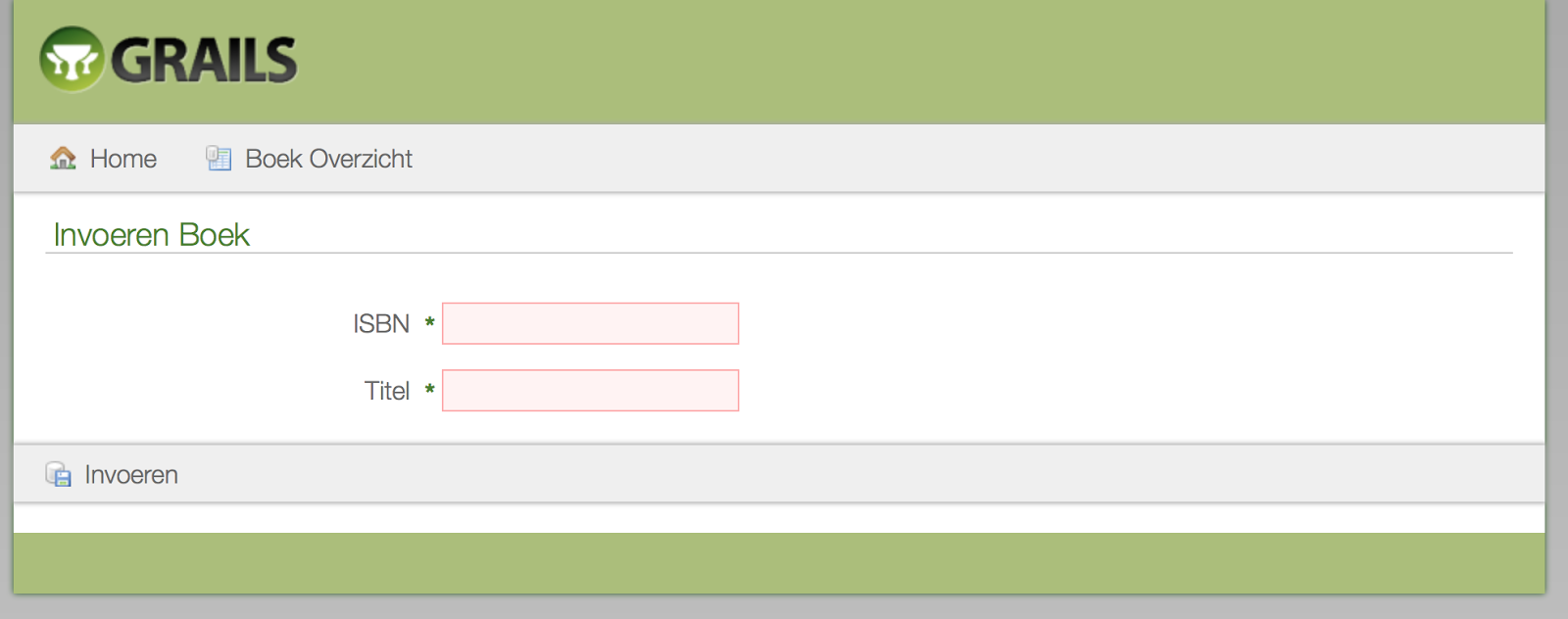
We can change the name of the request parameter by redefining the Spring bean localeChangeInterceptor in for example grails-app/conf/spring/resources.groovy:
Written with Grails 3.0.10
Original blog post written on December 10, 2015.
Internationalize Javascript Messages with JAWR Plugin
Grails has great builtin support for internationalization (i18n). The underlying Spring support for i18n is used. We can easily change for example text on views based on the user’s locale. But this only applies for the server side of our code. So we can generate the correct messages and labels based on the user’s locale on the server, but not in our Javascript code. What if we want to display a localized message in a bit of Javascript code, that is not created on the server? Why do I add this extra information ‘not created on the server’? Because we can still generate Javascript code in a view or use the gsp-resources plugin to create Javascript on the server. This code can contain the output of a localized message and can be used in Javascript. But that is not what we want for this blog post. Here we are going to reference our i18n messages from plain, non-generated Javascript code.
We can achieve this with the JAWR plugin. The plugin provides roughly the same functionality as the resources plugin for bundling resources efficiently in a Grails application. We are not interested in that part, but the JAWR library used by the plugin also has a i18n messages generator. And we are going to use that in our Grails application to get localized Javascript messages.
First we must install the JAWR plugin: $ grails install-plugin jawr. Next we can configure the plugin. We open our grails-app/conf/Config.groovy file and add:
At line 6 we define a mapping. If we don’t define a mapping the JAWR plugin will also act as a resource and bundling plugin, but for this example we only want to use the i18n messages generator.
Line 14 defines which resource in the classpath contains the messages that need to be accessible in Javascript. For our Grails application we want the messages from messages.properties (and the locale specific versions) so we define grails-app.i18n.messages.
With Grails it is easy to switch to a specific user locale by adding the request parameter lang to a request. At line 20 we add a resolver that will use the Grails locale resolver to determine a user’s locale.
It it time to see our Javascript in action. First we create two new message labels in messages.properties. One without variables and one with a variable placeholder to show how the JAWR plugin supports this:
Let’s add a Dutch version of these messages in grails-app/i18n/messages_nl.properties:
Now it is time to create a GSP view with a simple controller (only request through a controller will be able to use the locale resolver we defined in our configuration).
At line 4 we inlude the Javascript i18n messages generated by the JAWR plugin. And at line 5 we include an external Javascript file that will use the generated messages:
Notice how we can access the i18n messages in Javascript. The plugin will convert the messages to Javascript functions to return the message. And even variable substitution is supported (see line 9).
The following screenshots show the alert messages for the default locale and for a request with the Dutch locale:
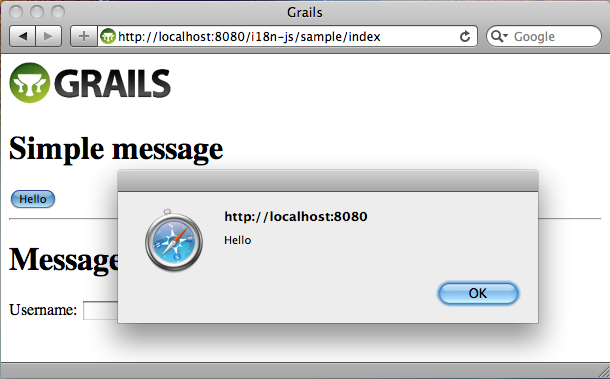
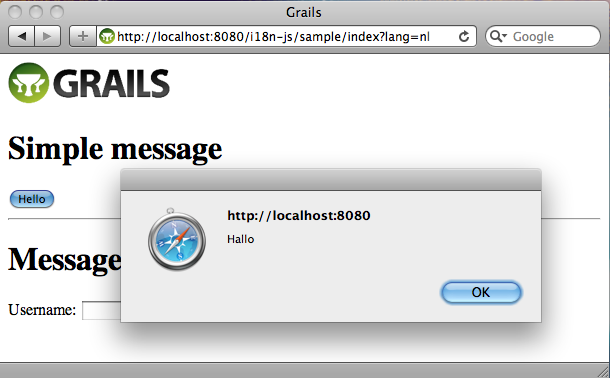
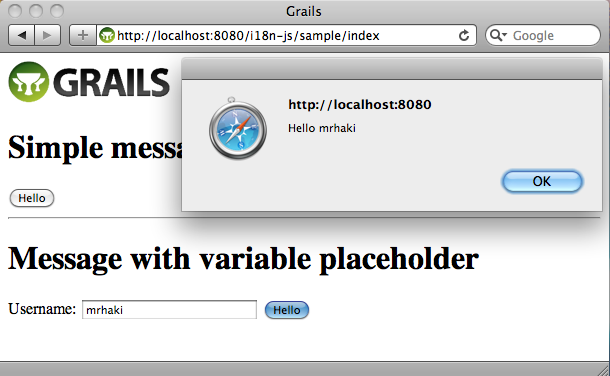
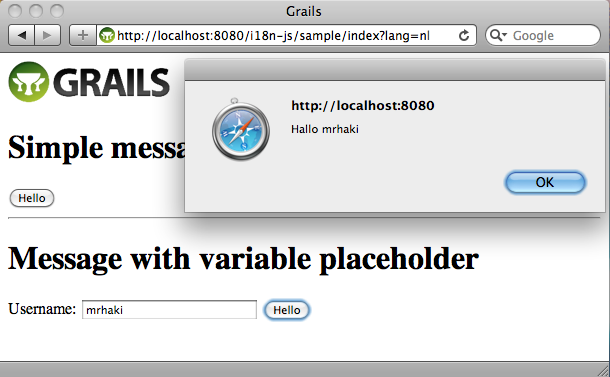
With the current configuration of the JAWR plugin all messages in the messages.properties (and locale versions) will be exported to Javascript messages. But maybe this is too much and we only want to include a subset of the messages in the generated Javascript. In the configuration we can define a prefix for the messages to be exported or we can even define a separate properties file with only messages necessary for Javascript:
In our Javascript we reference the messages by prefixing messages. to the message properties. We can change this as well in our JAWR plugin configuration. If for example we want to use i18n we must define our plugin as follows:
With the use of the JAWR plugin and the i18n messages generator we can easily use localized messages in our Javascript code.
Code written with Grails 1.3.7.
Original blog post written on November 14, 2011.