9 Installation and Configuration
Balance between online remote installation and betwen desktop application. Web-based running on your network, or even your own computer, or in a virtual machine
9.1 H2 database
bundled JRE vs your system JRE…
9.2 MySQL database
9.3 Backup and restore
By default, data files and the database are stored in the main folder of PKM in “data” and “database” folders. To back them up, simply stop the application by executing the stop script and make a copy of them, preferably in a compressed folder so they are stored as one file.
To restore them, ensure that the application is not running, and then copy the files from the backed up file to their original locations.
Web Browser
- Firefox is the supported and recommended browser. It should work look fine on Chrome too. Internet Explorer is neither recommended nor supported.
Lots of settings to choose from. 55 now.
PKM comes with over 60 saved searches, waiting to filter your records.
9.4 First steps
The application comes with basic set of parameters, and sample records in each module. You can then edit the parameters, add new ones and start adding records.
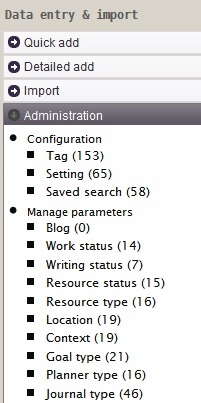
administration-menu.jpg