6 TeamMentor
This section has the following chapters:
- TM-_Library_Manager(with_REPL)_v1.2.4.exe.md
- Util_-_Browse_TeamMentor_Libraries.h2.md
6.1 TM - Library Manager (with REPL) v1.2.4.exe
Here is a (still quite raw) Library Manager for TeamMentor with REPL support (packaged as an O2 Platform stand-alone exe).
You can download this version from: TM - Library Manager (with REPL) v1.2.4.exe
If you want to run the scripts directly from O2 (or modify them), fork the UnitTests repository and take a look in this Library Management folder).
Here are some screenshots of this tool in action:
**
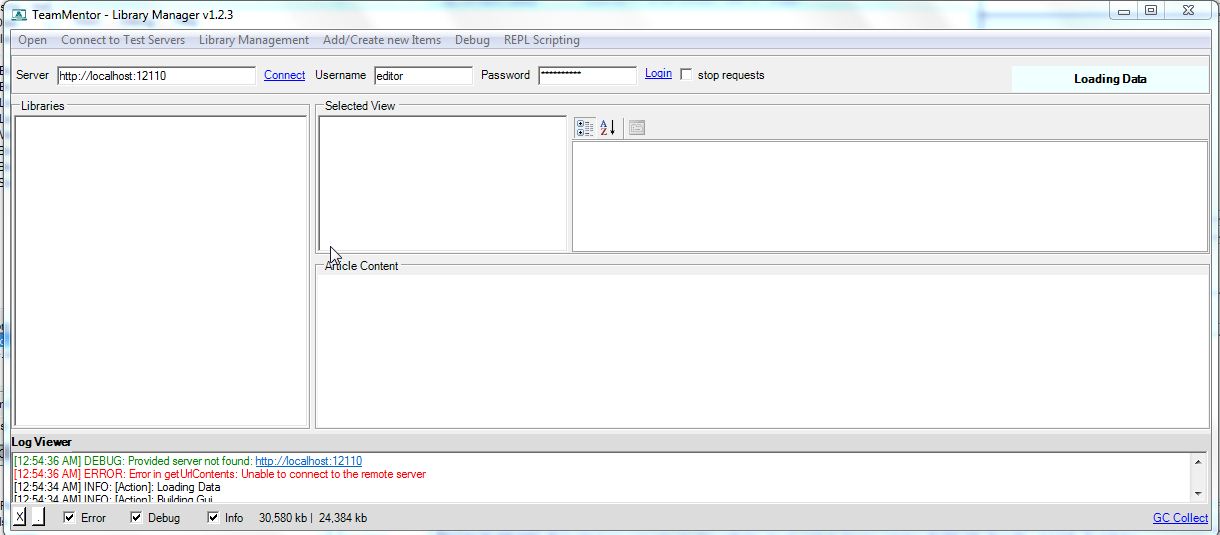
**Default screen (which tries to connect to a local TM instance which in this case there wasn’t one)
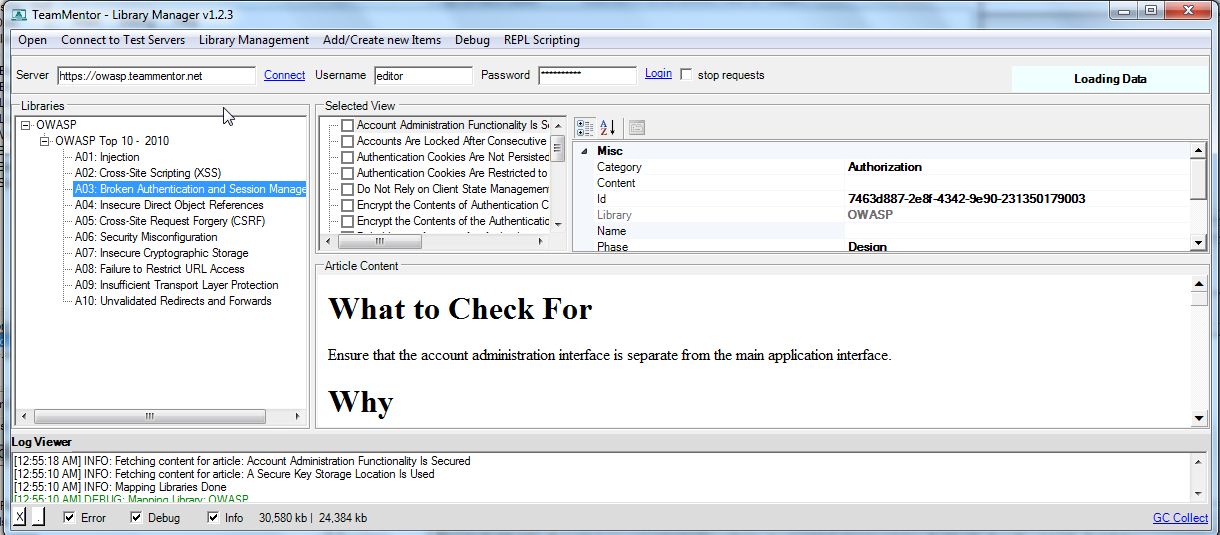
Connecting to the owasp.teammentor.net server
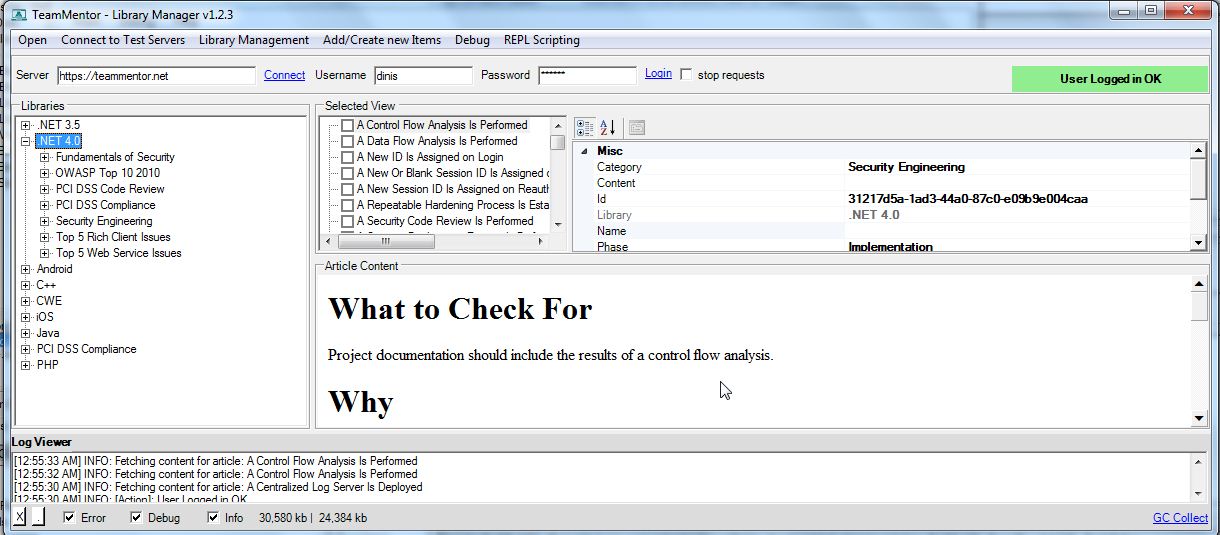
Connecting to the teammentor.net server (which needs a valid login to see the content)
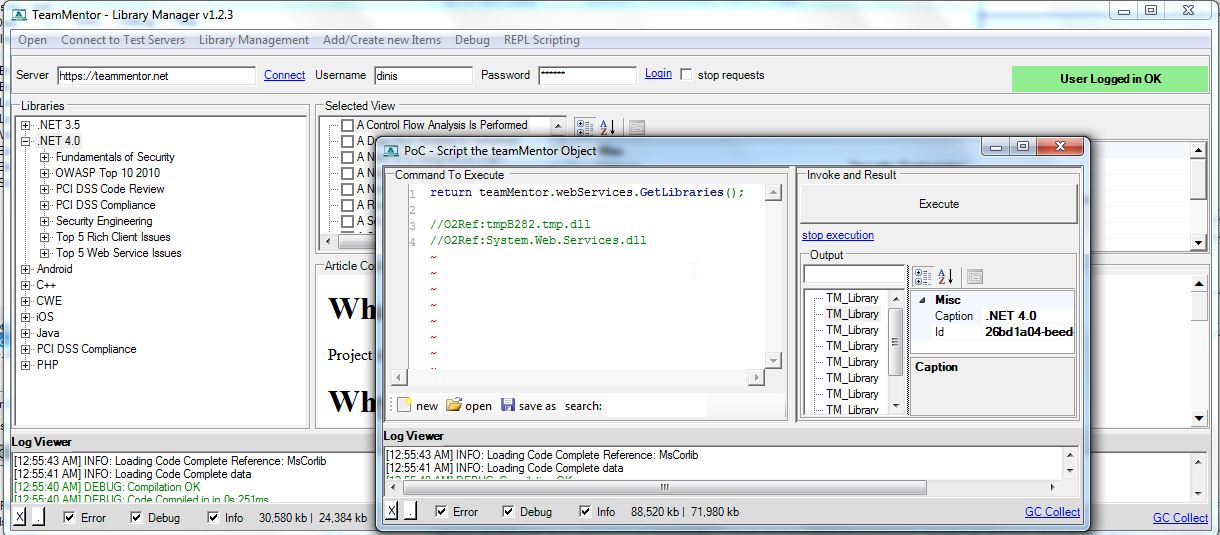
Using the built in REPL script editor to directly invoke the TM webservices
Here is a video of an older version of this tool
The Gui has changed a bit, but the drag-and-drop operation works the same way (note how you open two instances of this tool to copy articles between TM servers)
**
****Features requests**
**
**This version is due a refresh (since there were a couple features added to the TM WebServices that will make it much faster and more efficient), so if you have ideas on what should be added, please use this Issue Tracking to register them
6.2 Util - Browse TeamMentor Libraries.h2
Here is another simple tool that allows for a quick browse of TeamMentor Articles (download exe from: Util - Browse TeamMentor Libraries v1.0.exe )
The objective of this tool is to show how to mass consume TeamMentor Articles (if you look at the code you will notice that all metadata will be downloaded locally so that after an initial delay, all navigation happens in real time (with the articles being downloaded on demand).
Note that that there is a more advanced version of this tool (called Library Manager), but for local access and quick views of TeamMentor Libraries, this is quite a nice tool:
This is what the tools looks like:

There is a right-mouse-click context menu (on the Server TextBox) that allows you to change servers

And a ‘Reload Libraries’ context menu on the Library tree that will clear the local cache and reload the TeamMentor GuiObjects.

The object viewer on the right shows the Metadata available on each TeamMentor article:

For best results use a local instance of TeamMentor, and if you get an error like this, it means the account you tried to use failed to login:

The packaged script has 2.5Mb

… and can be downloaded from Util - Browse TeamMentor Libraries v1.0.exe
… and looks like this when executed for the first time:

Finally see this gist for the source code of this script: