5. August 2013
- Consuming a forked version of Jni4Net
- Compiling Jni4Net from Source
- Fixing the ‘Attempted to read or write protected memory’ issue
Consuming a forked version of Jni4Net
An O2 user was having some issues with my Jni4Net scripts, and after some research, I realized that the problem existed inside the current published jni4net.n-0.8.6.0.dll:

The problem is that with the 0.8.6 version we get an ‘Attempted to read or write protected memory’ error when trying to connect to an existing Java process we previously injected O2 into.
The solution is to use the latest version of Jni4Net, which is not available for direct download, but its code it at: http://jni4net.googlecode.com/svn jni4Net
After getting the compilation and generation process right (see Dealing with ‘Attempted to read or write protected memory), I had this folder:
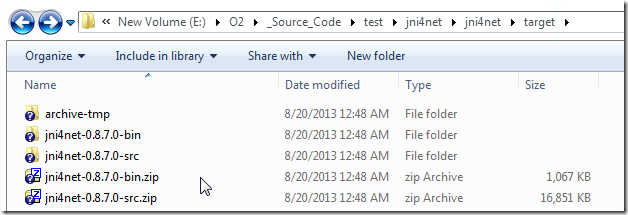
I was then able to write these scripts (which worked):
1) start ZAP and inject O2 into the new process:
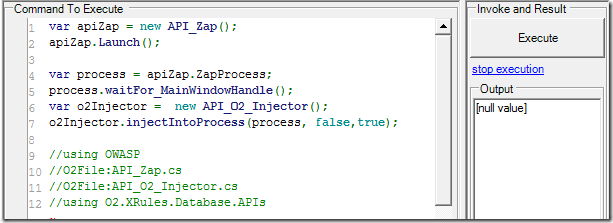
 1 var apiZap = new API_Zap();
 2 apiZap.Launch();
 3 var process = apiZap.ZapProcess;
 4 process.waitFor_MainWindowHandle();
 5 var o2Injector =  new API_O2_Injector();
 6 o2Injector.injectIntoProcess(process, false,true);
 7
 8 //using OWASP
 9 //O2File:API_Zap.cs
10 //O2File:API_O2_Injector.cs
11 //using O2.XRules.Database.APIs
2) hook VisualStudio to that process (assumes there is only one java.exe process)
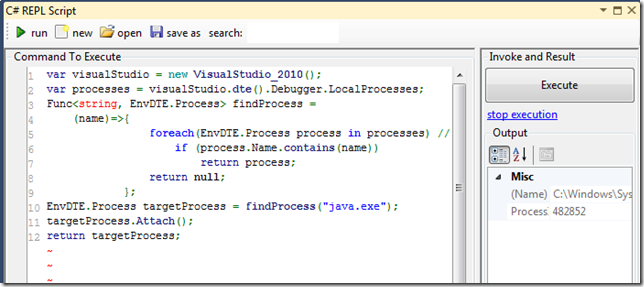
 1 var visualStudio = new VisualStudio_2010();
 2 var processes = visualStudio.dte().Debugger.LocalProcesses;
 3 Func<string, EnvDTE.Process> findProcess =
 4   (name)=>{
 5 				foreach(EnvDTE.Process process in processes) //linq doesn't work here
 6 					if (process.Name.contains(name))
 7 						return process;
 8 				return null;
 9 			};
10 EnvDTE.Process targetProcess = findProcess("java.exe");
11 targetProcess.Attach();
12 return targetProcess;
3) create bridge and output java properties (inside the ZAP REPL)
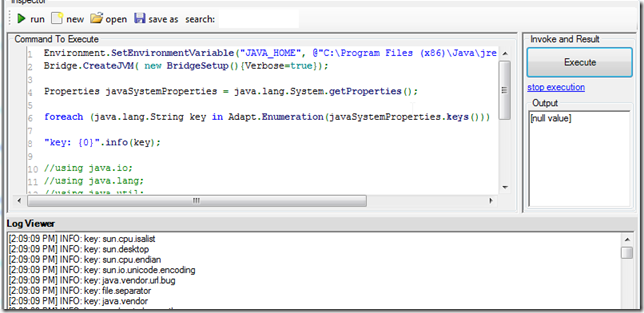
 1 Environment.SetEnvironmentVariable("JAVA_HOME", @"C:\Program Files (x86)\Java\jre7");
 2 Bridge.CreateJVM( new BridgeSetup(){Verbose=true});
 3
 4 Properties javaSystemProperties = java.lang.System.getProperties();
 5
 6 foreach (java.lang.String key in Adapt.Enumeration(javaSystemProperties.keys()))
 7
 8 "key: {0}".info(key);
 9
10 //using java.io;
11 //using java.lang;
12 //using java.util;
13 //using net.sf.jni4net;
14 //using net.sf.jni4net.adaptors;
15 //O2Ref:E:\O2\_Source_Code\test\jni4net\jni4net\target\jni4net-0.8.7.0-bin\lib\jni4net.n-0.8.\
16 7.0.dll
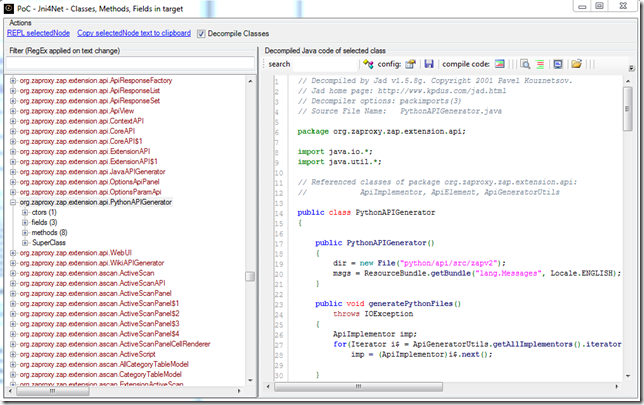
4) Executed PoC - Jni4Net - Classes, Methods, Fields in target.h2 script (inside ZAP process)
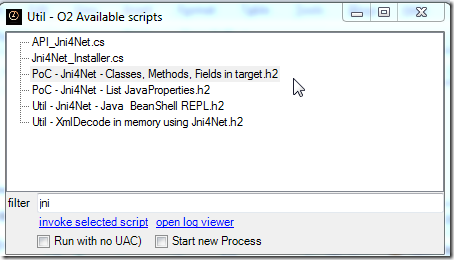
which listed all loaded java classes (and its decompiled code):
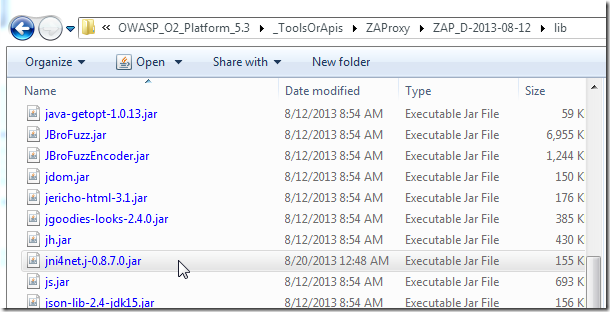
To make this work (and deal with the ‘Attempted to read or write protected memory’ prob) I had to copy the jni4net.j-0.8.7.0.jar to the ZAP default class path and manually skip a bit of code when connected to VisualStudio
Compiling Jni4Net from Source
After using the git svn clone -s http://jni4net.googlecode.com/svn jni4Net command, to create a local clone of the SVN repo:
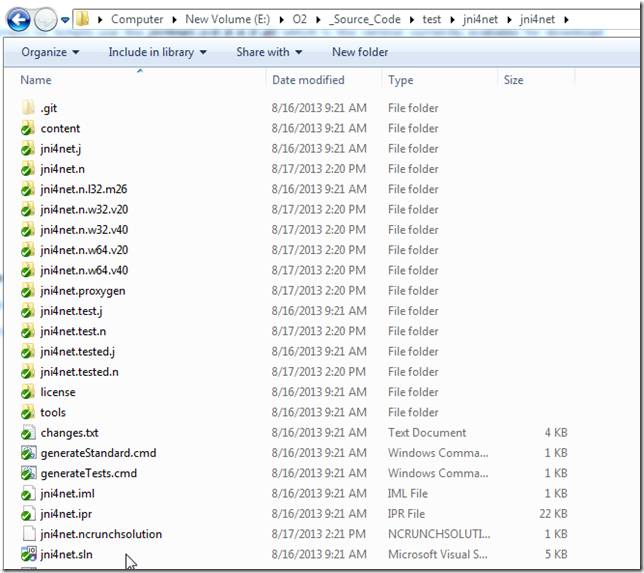
I started by opening the jni4net.sln file in VS 2010.
But on first compile I had this error:
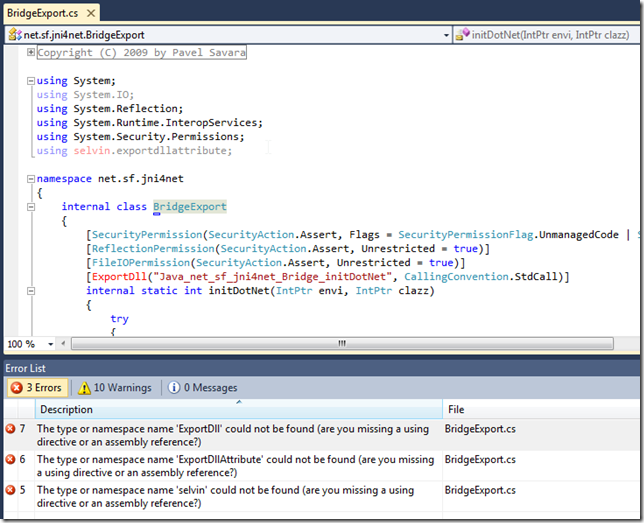
which was created by the missing selvin.exportdllattribute-0.2.6.0.dll
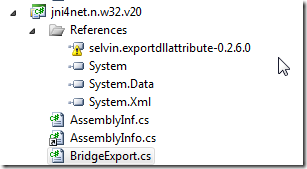
which looks like should be here:
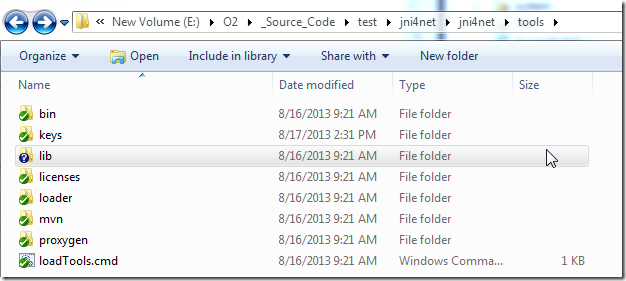
let’s take a look at the v0-8-generics branch
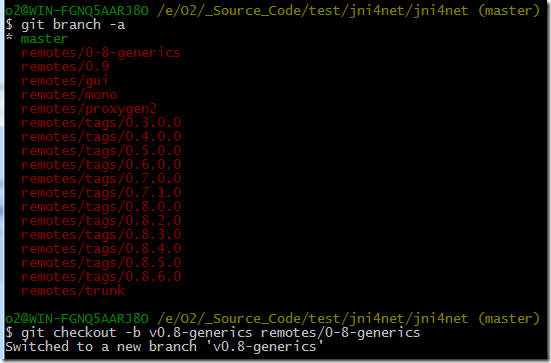
Since it is also not there, I just downloaded it from:
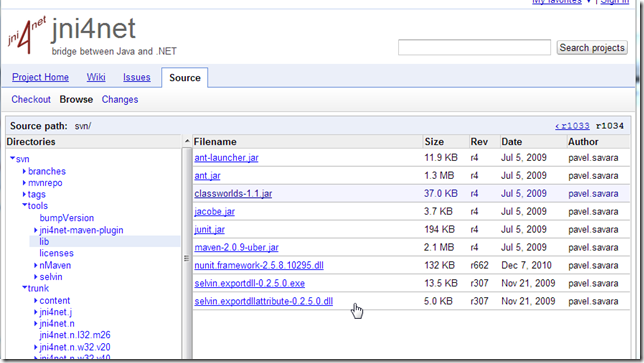
… and saved it to:
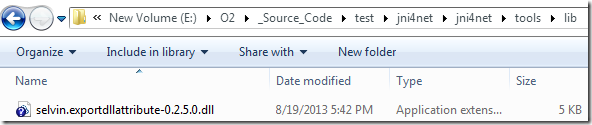
… and updated the references
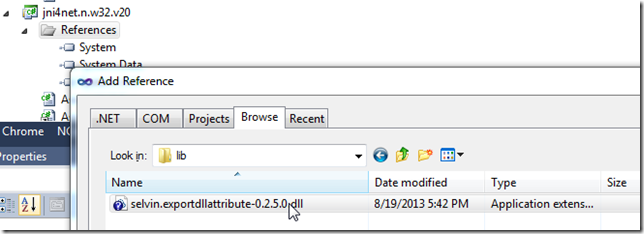
Now the code compiles, but we get this error:
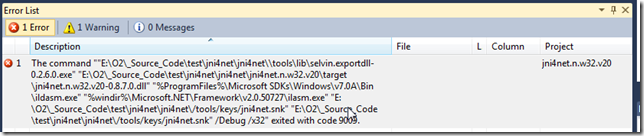
… which is caused by this post build command:
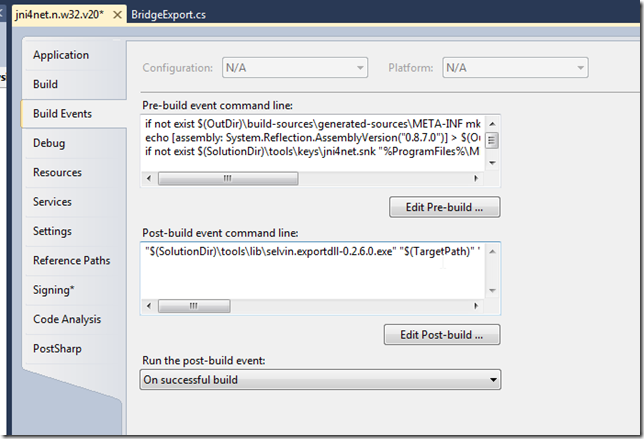
… and is resolved by downloading this file:

… into this folder:
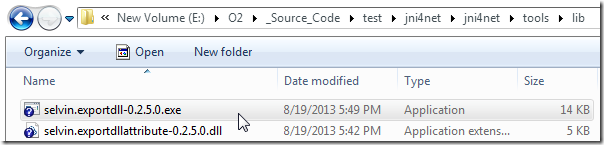
I was able to get it to compile by changing the selvin.exportdll-0.2.6.0.exe to selvin.exportdll-0.2.5.0.exe (couldn’t find the 0.2.6.0 version)
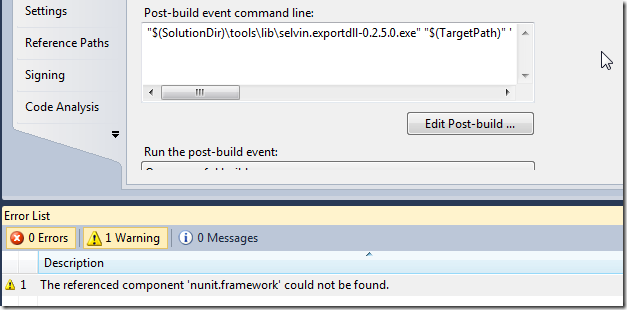
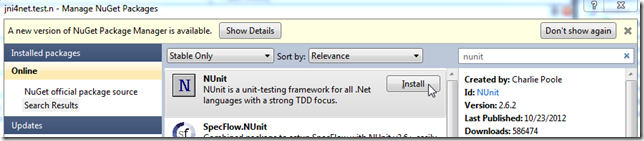
Next there was a bunch of NUnit errors, which were resolved using
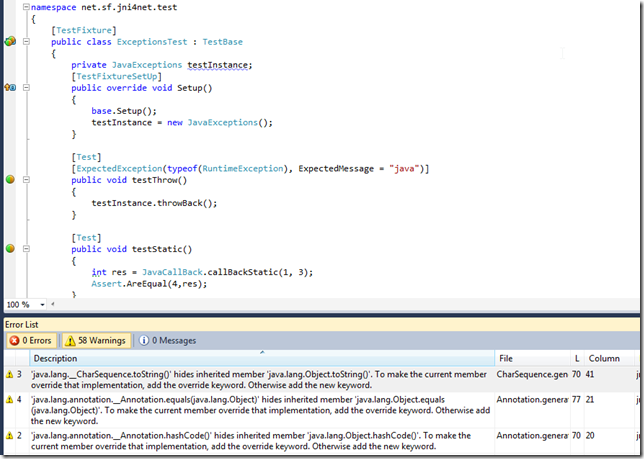
Now we have a clean compilation (with only a bunch of warnings)
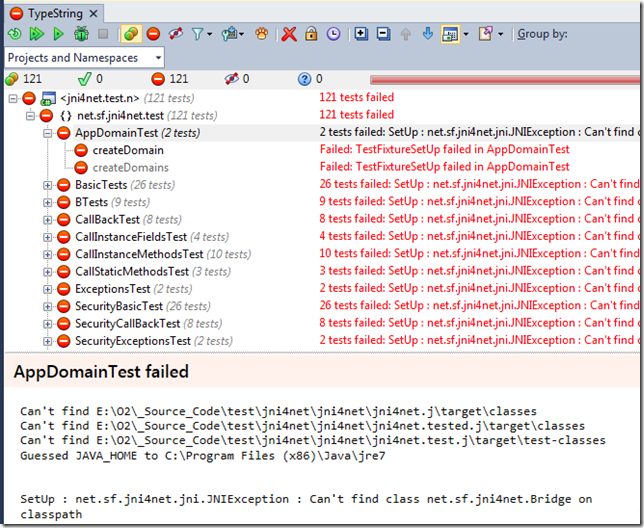
But, they all fail to execute:
This was a good sign that I should look for a readme.txt, which I found in the repo root (ie. RTFM when everything else fails :) )
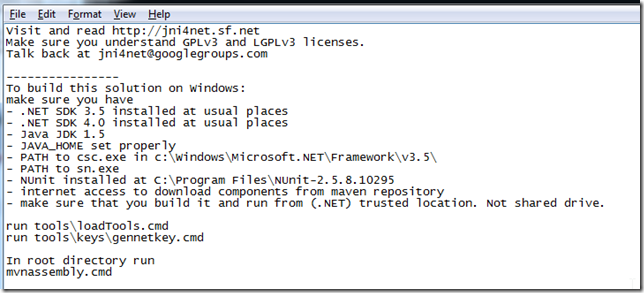
From that file I got the clue to run the loadTools.cmd script:
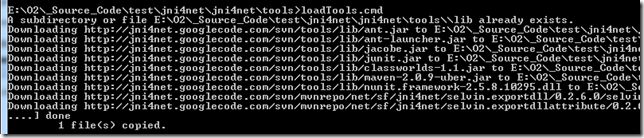
… which downloads the missing files into the lib folder:
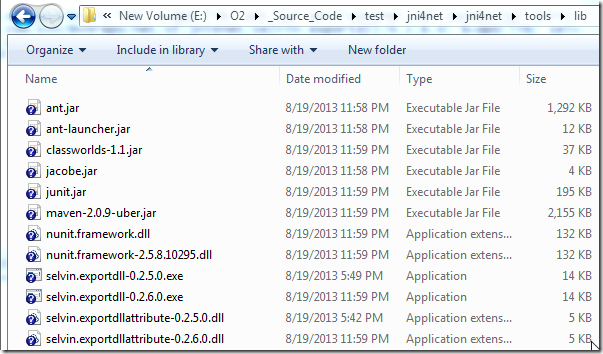
Since we now have the 0.2.6.0 versions, I updated back the VS solution (and removed the nUnit package from Nuget)
Then I executed

… and
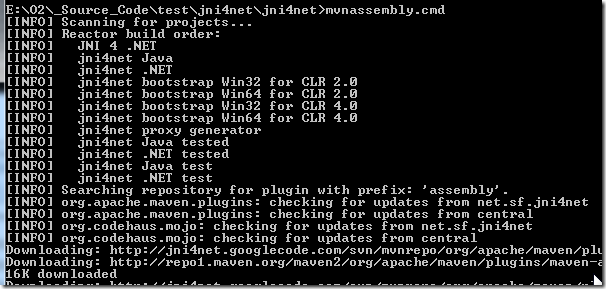
… this took a while, and although most looked ok:
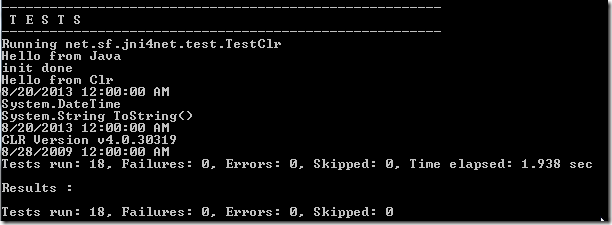
… the last one failed:
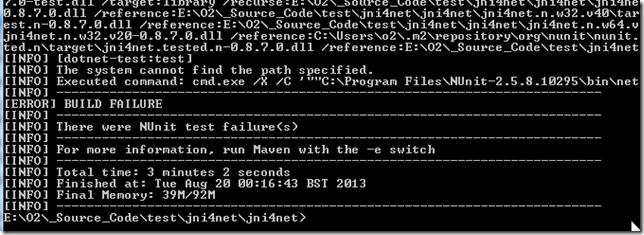
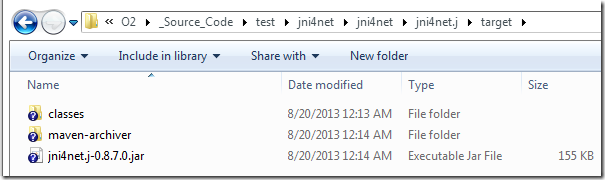
That said, it looked like the required files seemed to have been created:
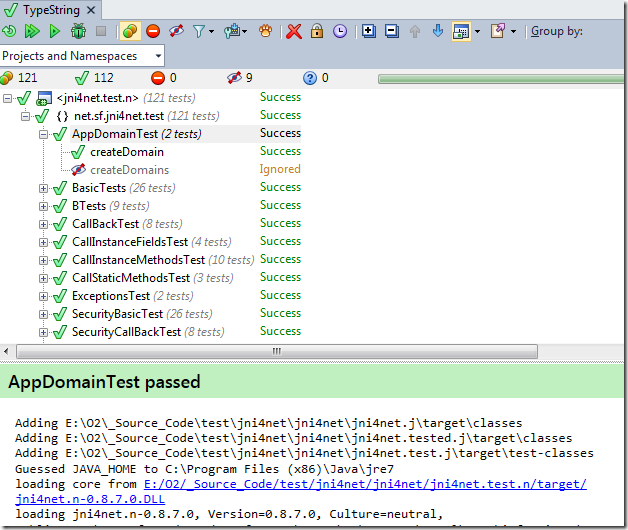
And the Unit tests now pass:
I didn’t like the fact that we had that build error, so I tracked the problem to a missing NUnit installation:
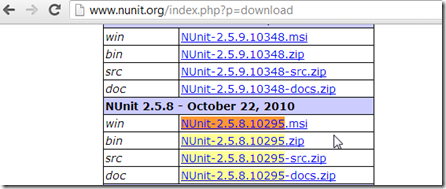
Since I’m on a x64 VM and the path is hard-coded in the Maven script, I had to copy the installed nunit files into the expected folder:
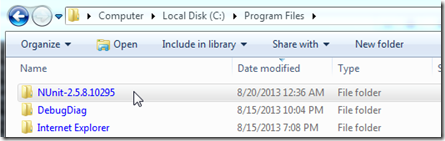
… which didn’t work
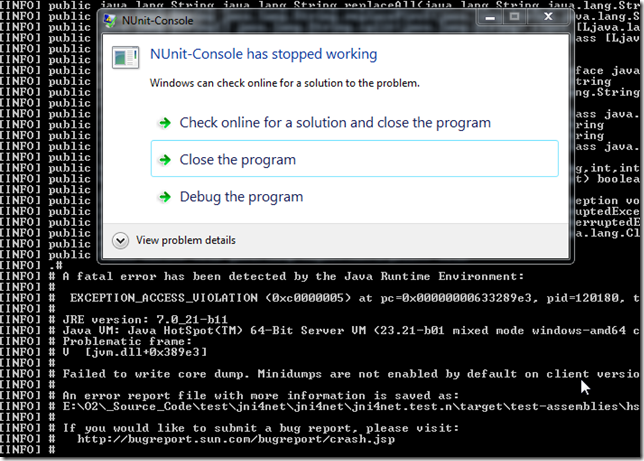
The problem was caused by the fact that I’m currently using an x64 JDK:

Forcing a x86 (32bit) version of the JDK will do the trick

Since the tests expect to find Nunit in the (x86) folder:
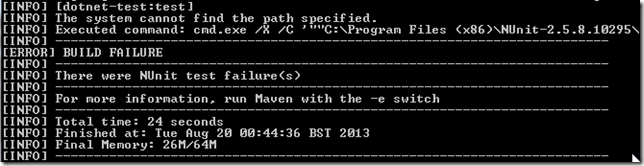
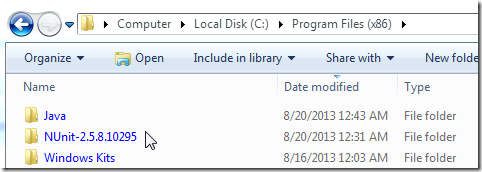
We need to rename the NUnit-2.5.8 folder to the expected value:
Finally we have a successful complete build:
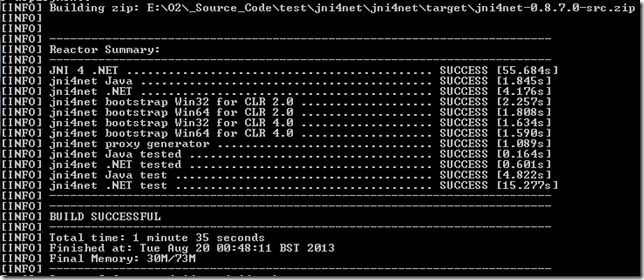
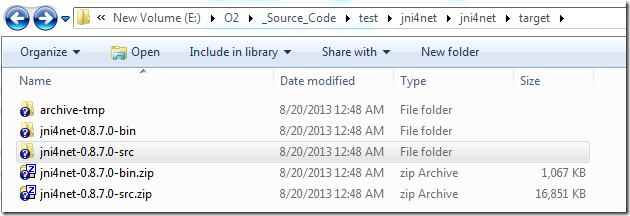
… with all created files placed inside the target folder:
Fixing the ‘Attempted to read or write protected memory’ issue
This error happened when running a java process (like ZAP):
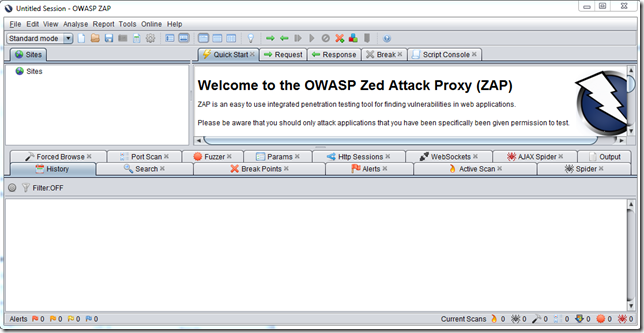
…with the O2 Platform REPL injected into:
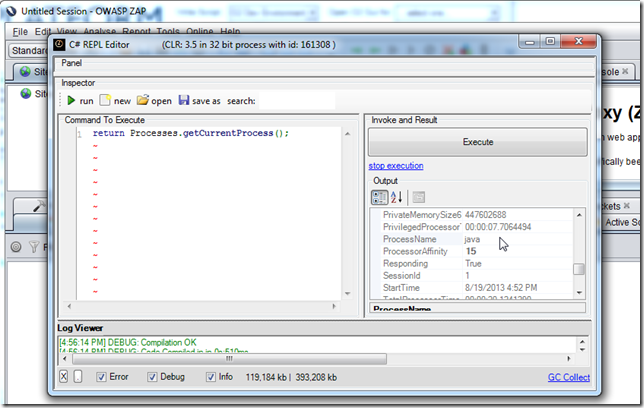
… and executing PoC - Jni4Net - List JavaProperties.h2 scrit, resulted in an unmanaged error (which is always a worse case scenario in the .NET Interop world)
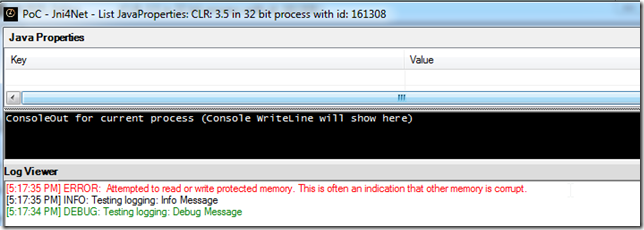
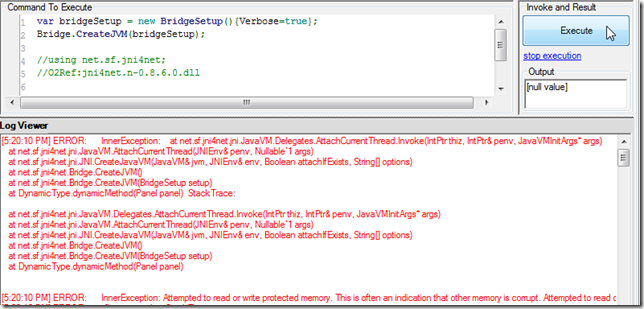
As the (simpler script shows), the error happens on the CreateJVM invocation
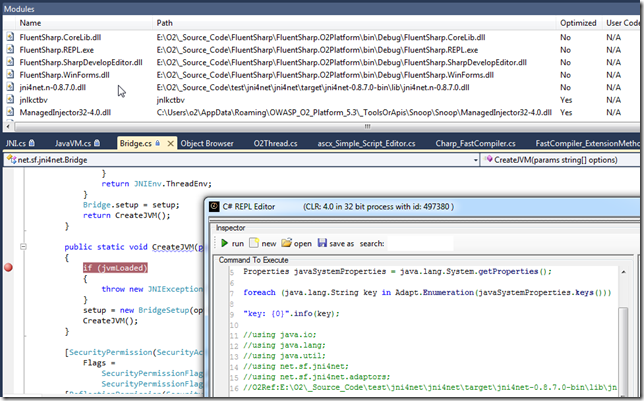
My next step was to create a local build of Jni4Net (see Compiling Jni4Net from Source) and to use it to attach into an existing running ZAP with an O2 REPL injected.
Here is the moment when I have VisualStudio hooked, the script compiled (in the ZAP REPL), the jni4net dll loaded (with Symbols) in VisualStudio and a breakpoint on the CreateJVM method:
Here is where I think the problem exists:
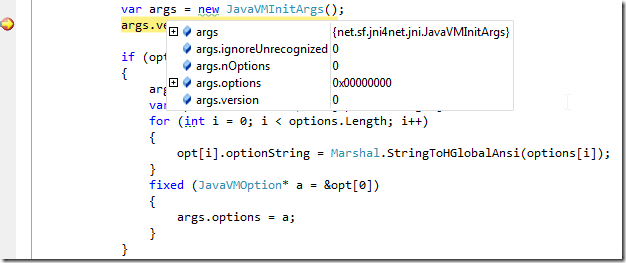
The args object (created via JNI) seems to be empty.
It is then assigned to the value of the Jni4Net class path string

The args object is used here:
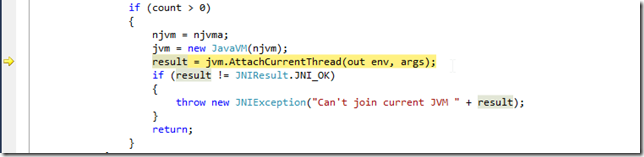
And inside that method, if I let args to be used, we will get the ‘Attempted to read or write protected memory’ error
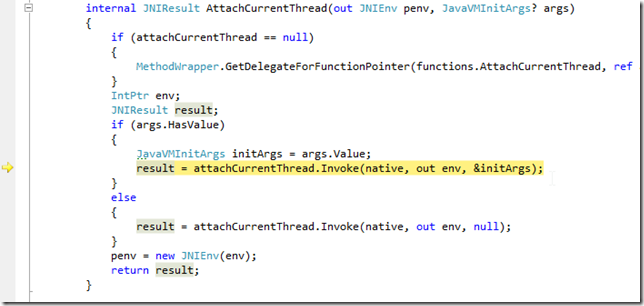
But, if I change the execution path (manually) and set it to the line below (where no args is passed)
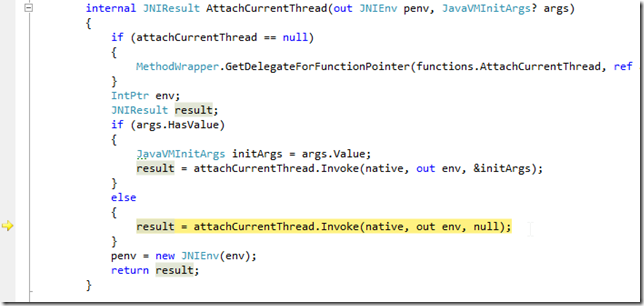
Then the execution will be ok (note that the path with the &initArgs would had thrown an ‘Attempted to read or write protected memory’ by now):
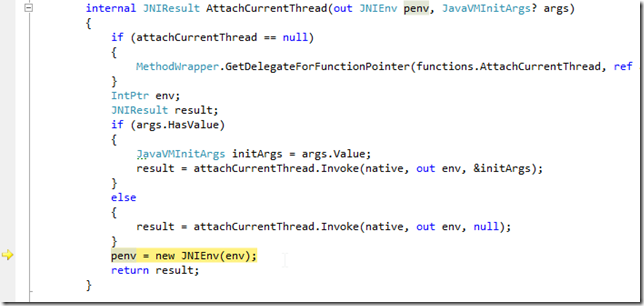
The only problem with this approach (which is basically not adding the classpath clue to the current JVM) is that unless we manually add the jni4net jar to the target app, we will get an exception here:
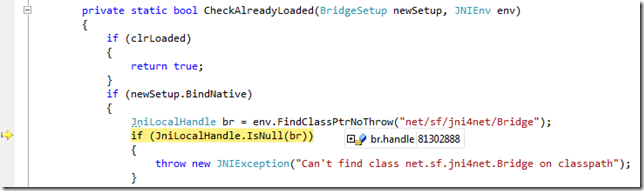
i.e. br.handle would be 0 (meaning that the net.sf.jnin4net.Bridge class could not be found)
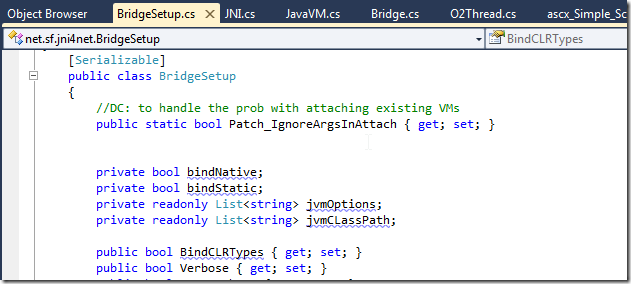
To fix it, I added the Patch_IgnoreArgsInAttach property
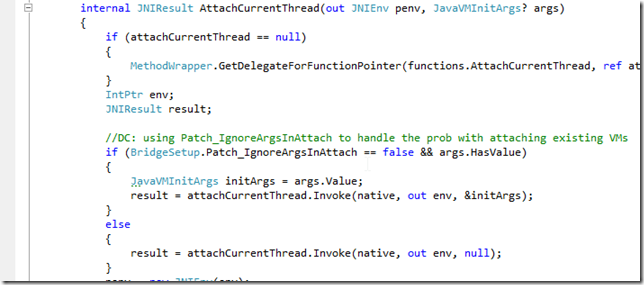
… which is then used here (to allow the selection of the path that works)
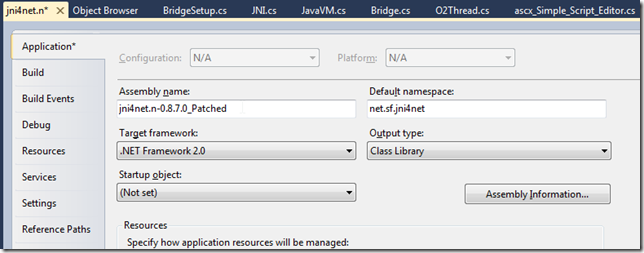
I also changed the assembly name (so it is easy to track its use):
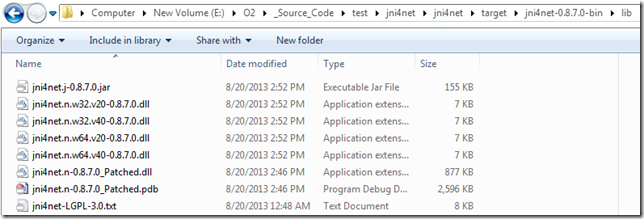
After the compilation I copied it to the main target folder:
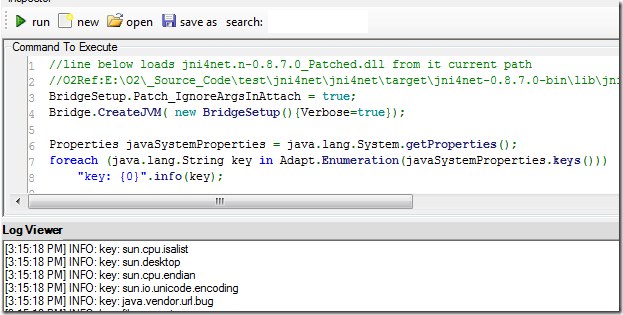
To test it , I used the script
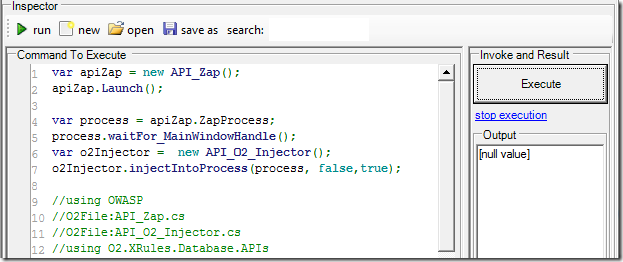
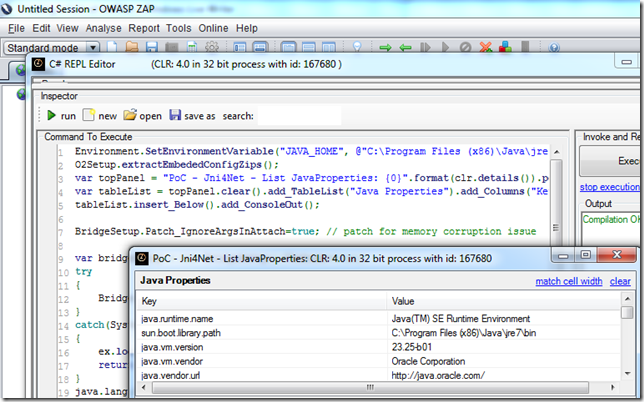
… to start ZAP with a REPL, where I could execute OK:
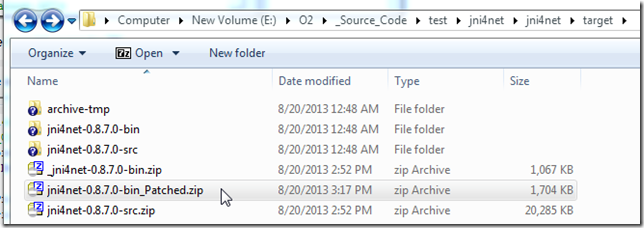
Final step is to create a zip of the bin folder
Put it on a public available location like DropBox
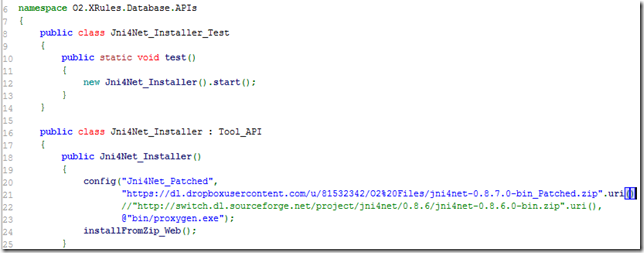
Update the installer API to use that version:
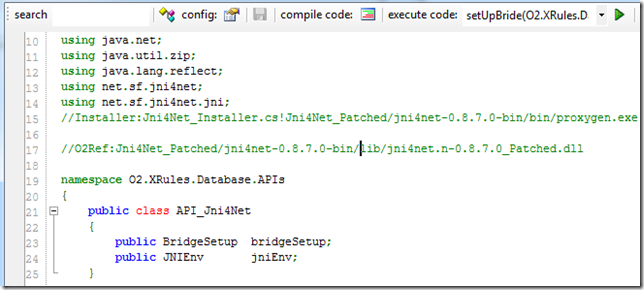
Update the API_Jni4Net.cs to use the jni4net.n-0.8.7.0_Patched.dll assembly (as seen below on first compile the referenced will be downloaded)
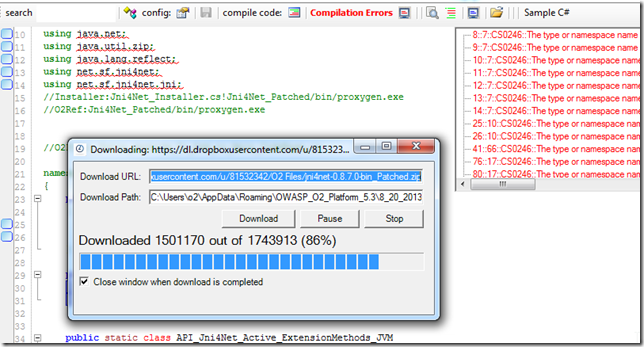
… once the compilation works:
I was able to to run Jni4Net in the main O2 Platform process
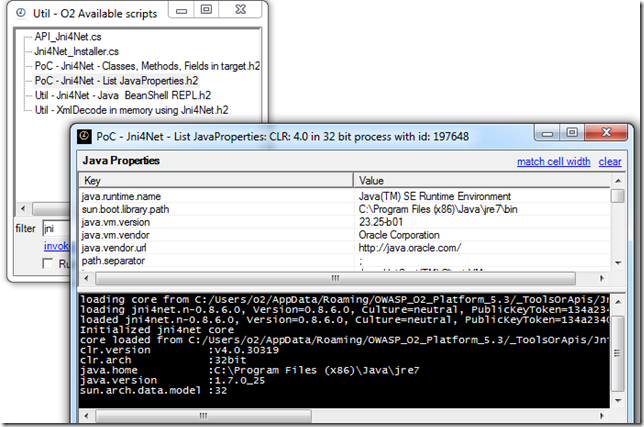
…and on the ‘injected into’ java processes:
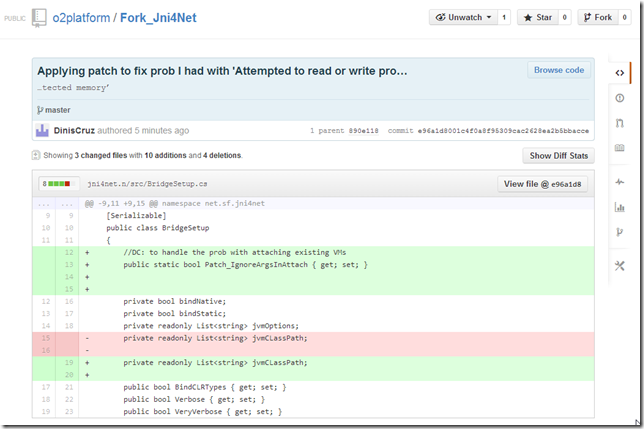
Pushing changes to GitHub
Once the fix was working ok I added a remote to the local repo:

… push it
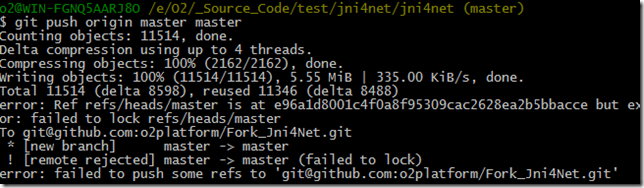
… and confirm that the commits I did locally (with the patch)
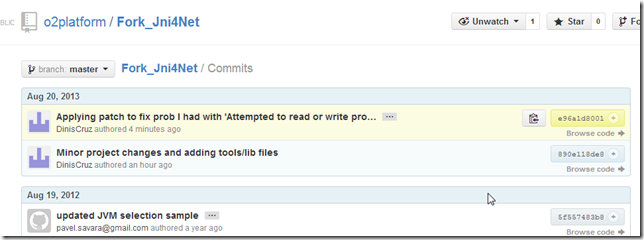
… where pushed successfully: