Why CreateJS?
There are so many HTML5 game libraries out there. Why I choose CreateJS?
It is not a game engine. It is a library that takes graphics and animation drawing its main priority. Just like every one used Flash to make game, but still other creatives used Flash to build interactive applications. This is the same while using the CreateJS.
As a bonus, CreateJS integrates deeply in Adobe Flash. This allows us to create and export timeline-based animation to CreateJS’ canvas drawing JavaScript directly. That’s a very handy workflow if you use it probably.
Quick demo – advertisement animation
Here is a quick demo to show how Adobe Flash exports an advertisement animation and plays in HTML5 with CreateJS. The following example is the classic tween animation directly exported from Flash. I didn’t edit the output code.
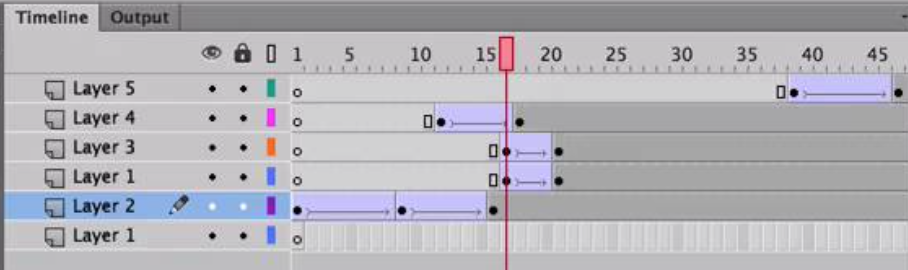
How we make use of the generated code in our CreateJS project? We can instantiate the exported object add add it to the display list. The object name follows the name we set in the Flash IDE, either the linked class name or the library name. Then we can just add it to the CreateJS hierarchy by as using a normal Sprite object.
After we include the exported JavaScript file into our project, we can add the movieclip from the .fla library to the canvas display list by using the following code snippet. Here we assumed the clip name in Flash library is called ExampleSprite.
1 var sprite = new ExampleSprite();
2 this.stage.addChild(sprite);

I have created a video demonstrating the process to make this advertisement and export the animation to CreateJS. You can find the video in the following link.