ExpressWorks
What is ExpressWorks Based On?
ExpressWorks is the Express.js workshop based on workshopper and inspired by stream-adventure by @substack and @maxogden.
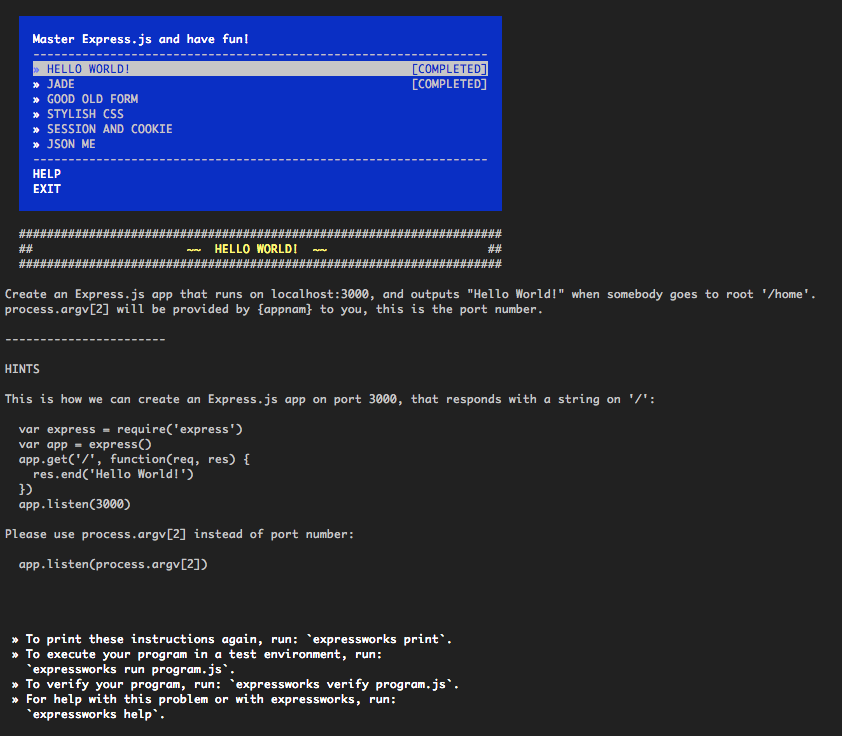
Hello World Express.js app
Installation (recommended)
Recommended global installation:
1 $ npm install -g expressworks
2 $ expressworks
If you see errors, try:
1 $ sudo npm install -g expressworks
Local Installation (advanced)
Run and install locally:
1 $ npm install expressworks
2 $ cd expressworks
3 $ npm install
4 $ node expressworks
Usage
ExpressWorks understands these commands:
 1 Usage
 2
 3   expressworks
 4     Show a menu to interactively select a workshop.
 5   expressworks list
 6     Show a newline-separated list of all the workshops.
 7   expressworks select NAME
 8     Select a workshop.
 9   expressworks current
10     Show the currently selected workshop.
11   expressworks run program.js
12     Run your program against the selected input.
13   expressworks verify program.js
14     Verify your program against the expected output.
Reset
If you want to reset the list of completed tasks, clean the ~/.config/expressworks/completed.json file.
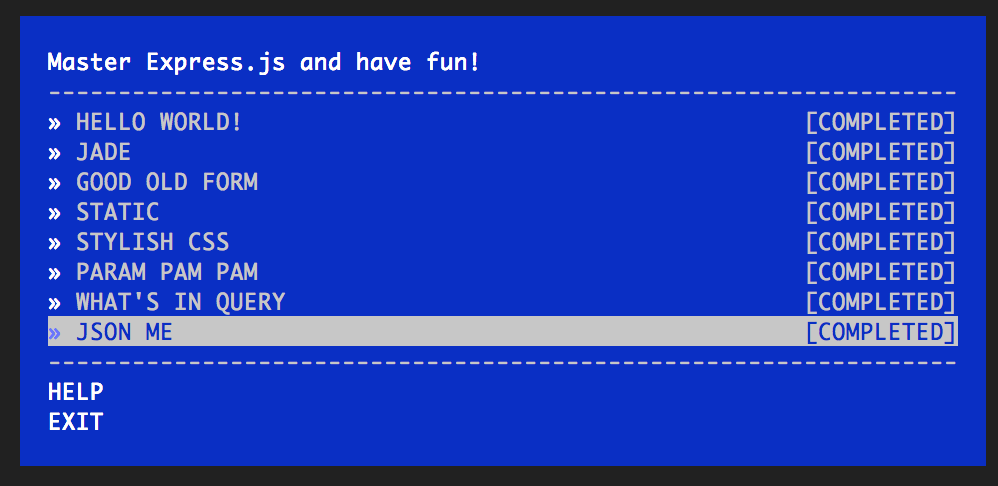
Hello World Express.js app
Steps
Hello World
Create an Express.js app that runs on localhost:3000, and outputs “Hello World!” when somebody goes to root ‘/home’.
process.argv[2] will be provided by expressworks to you. This is the port number.
Jade
Create an Express.js app with a home page (/home) rendered by a Jade template engine that shows the current date (toDateString).
Good Old Form
Write a route (‘/form’) that processes an HTML form input (<form><input name="str"/></form>) and prints the str value backwards.
Static
Apply static middleware to the server index.html file without any routes. The index.html file is provided and usable via the process.argv[3] value of the path to it. However, you can use your own file with this content:
1   <html>
2     <head>
3       <link rel="stylesheet" type="text/css" href="/main.css"/>
4     </head>
5     <body>
6       <p>I am red!</p>
7     </body>
8   </html>
Stylish CSS
Style your HTML from the previous example with some Stylus middleware. The path to the main.styl file is provided in process.argv[3], or you can create your own file/folder from these:
1   p
2     color red
The index.html file:
1   <html>
2     <head>
3       <title>expressworks</title>
4       <link rel="stylesheet" type="text/css" href="/main.css"/>
5     </head>
6     <body>
7       <p>I am red!</p>
8     </body>
9   </html>
Param Pam Pam
Create an Express.js server that processes PUT /message/:id requests, e.g., PUT /message/526aa677a8ceb64569c9d4fb.
The response of this request returns id SHA1 hashed with a date:
1   require('crypto')
2     .createHash('sha1')
3     .update(new Date().toDateString().toString() + id)
4     .digest('hex')
What’s in a Query
Write a route that extracts data from a query string in the GET /search URL route, e.g., ?results=recent&include_tabs=true, and then transforms and outputs it back to the user in JSON format.
JSON Me
Write a server that reads a file (file name is passed in process.argv[3]), then parses it to JSON, and outputs the content to the user with res.json(object).