Chapter 3—Grid layout, powered by FlexBox
At the end of this chapter, we will complete the following website with a Flexbox grid system that we can reuse in other projects. Here is the final result we get:
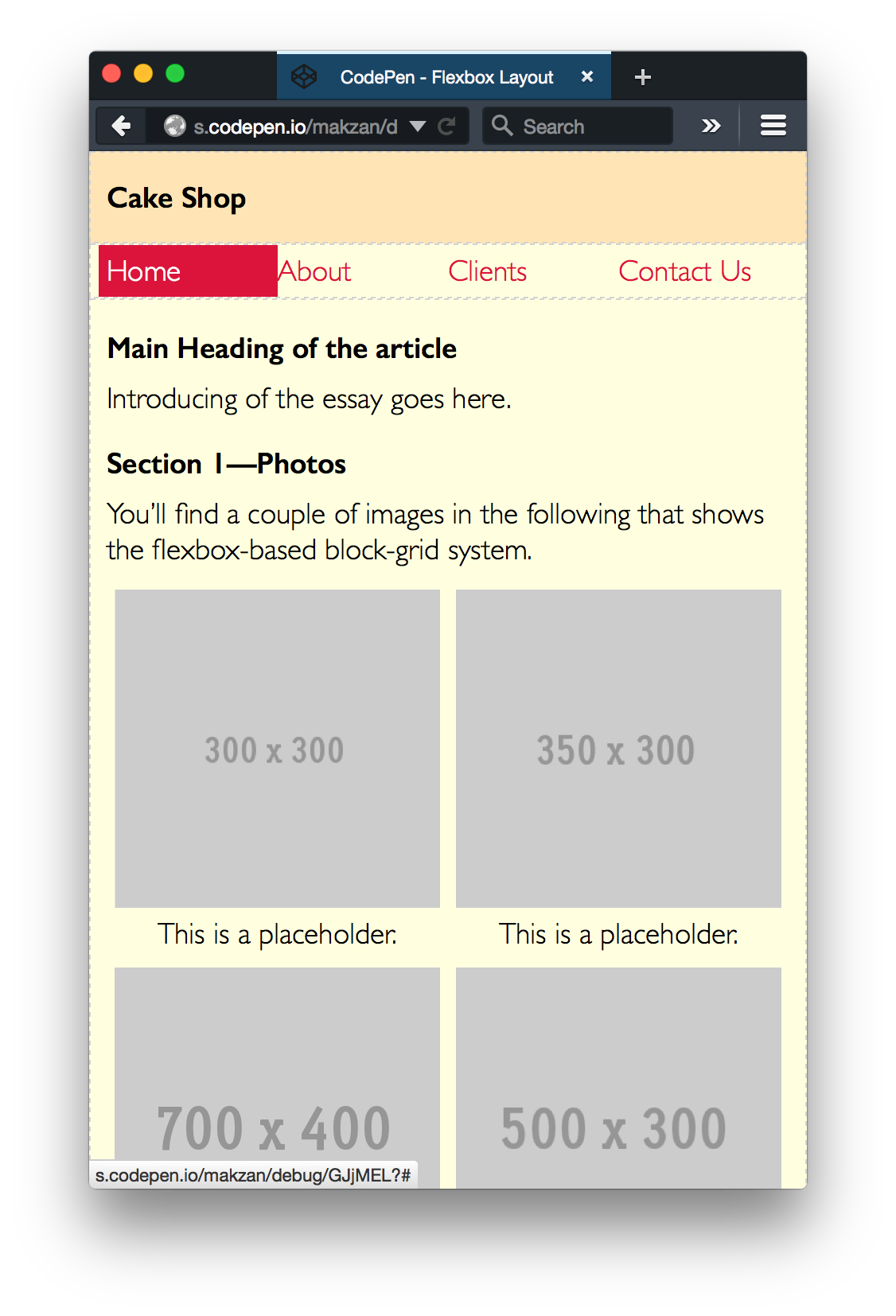
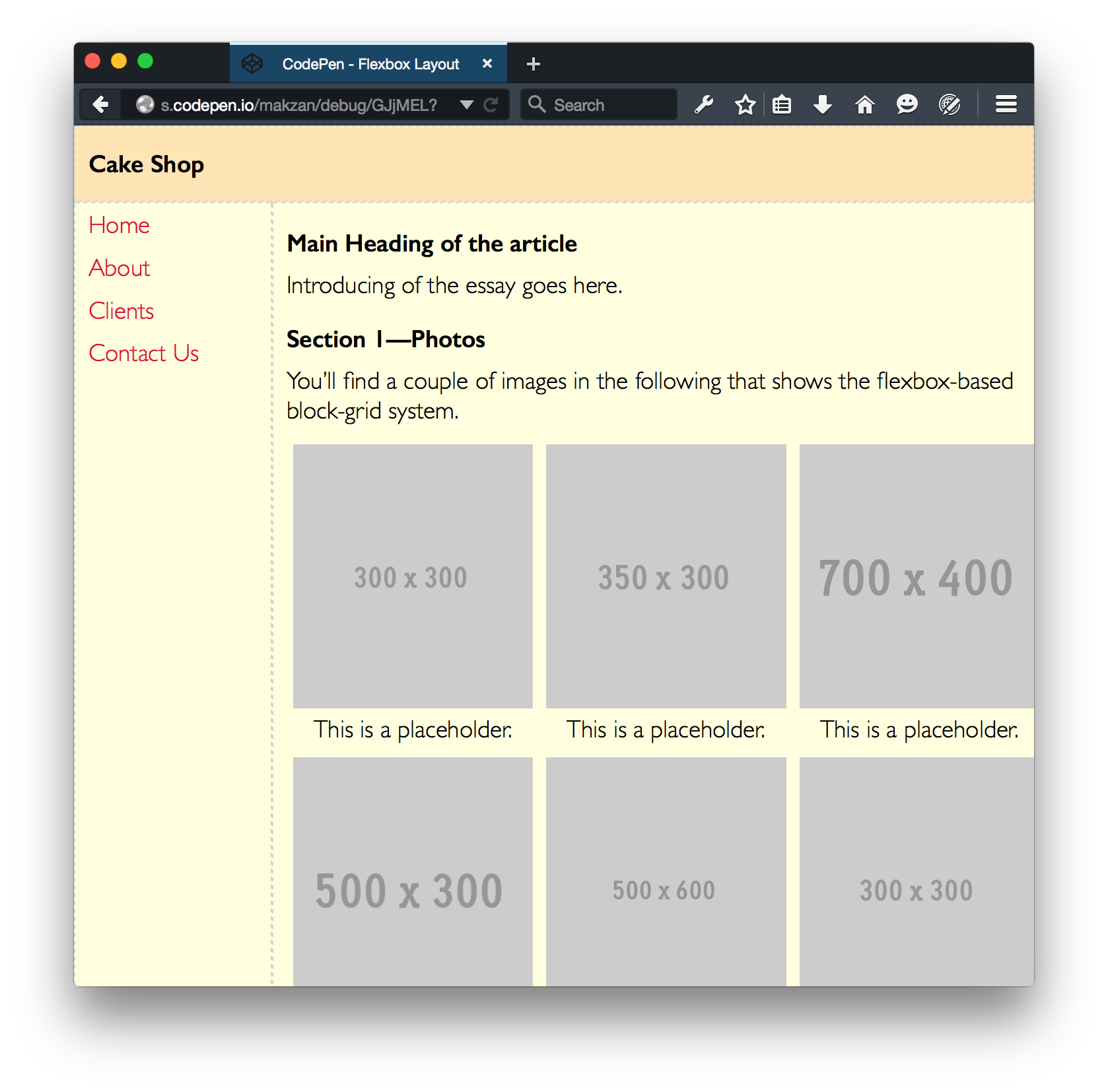
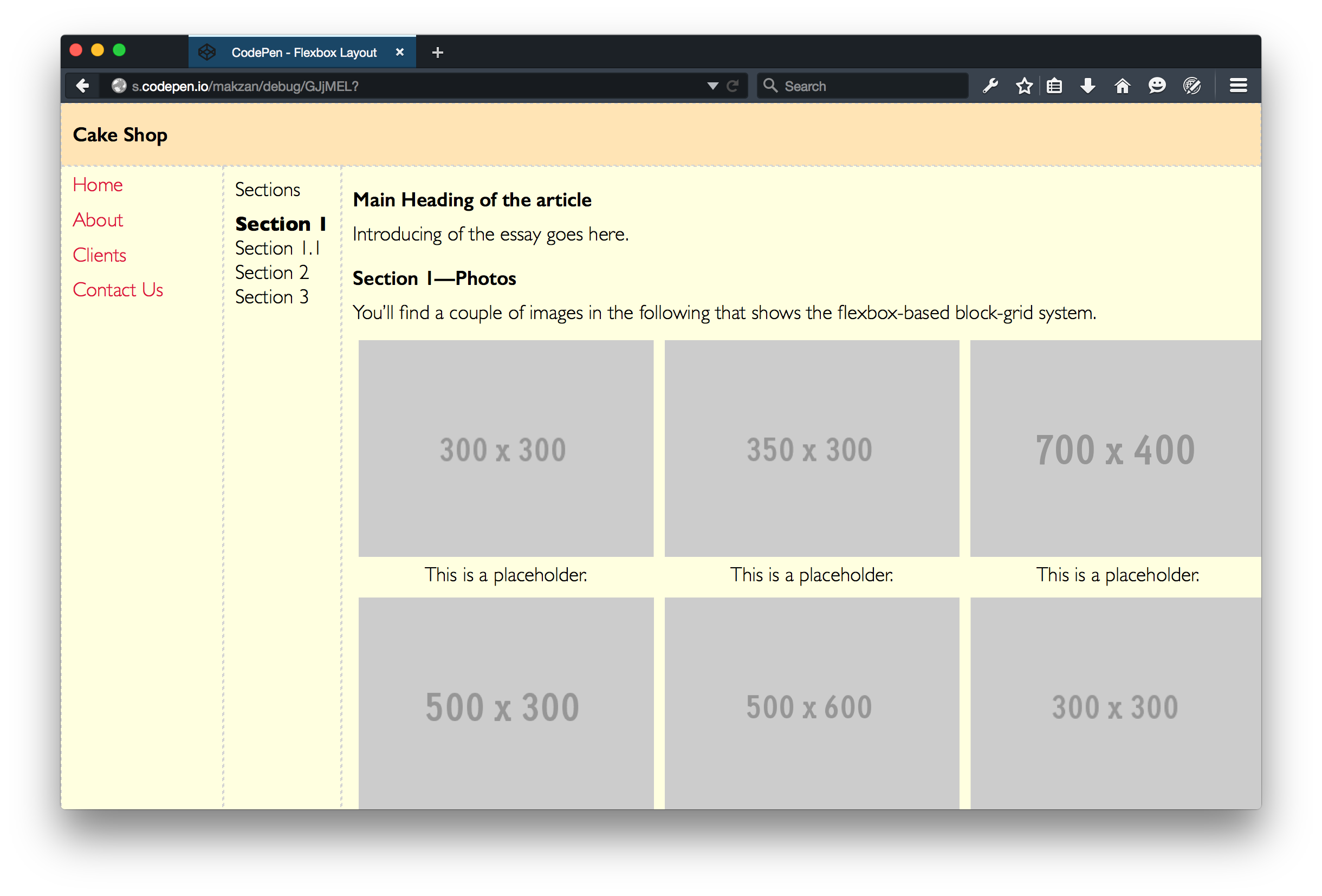
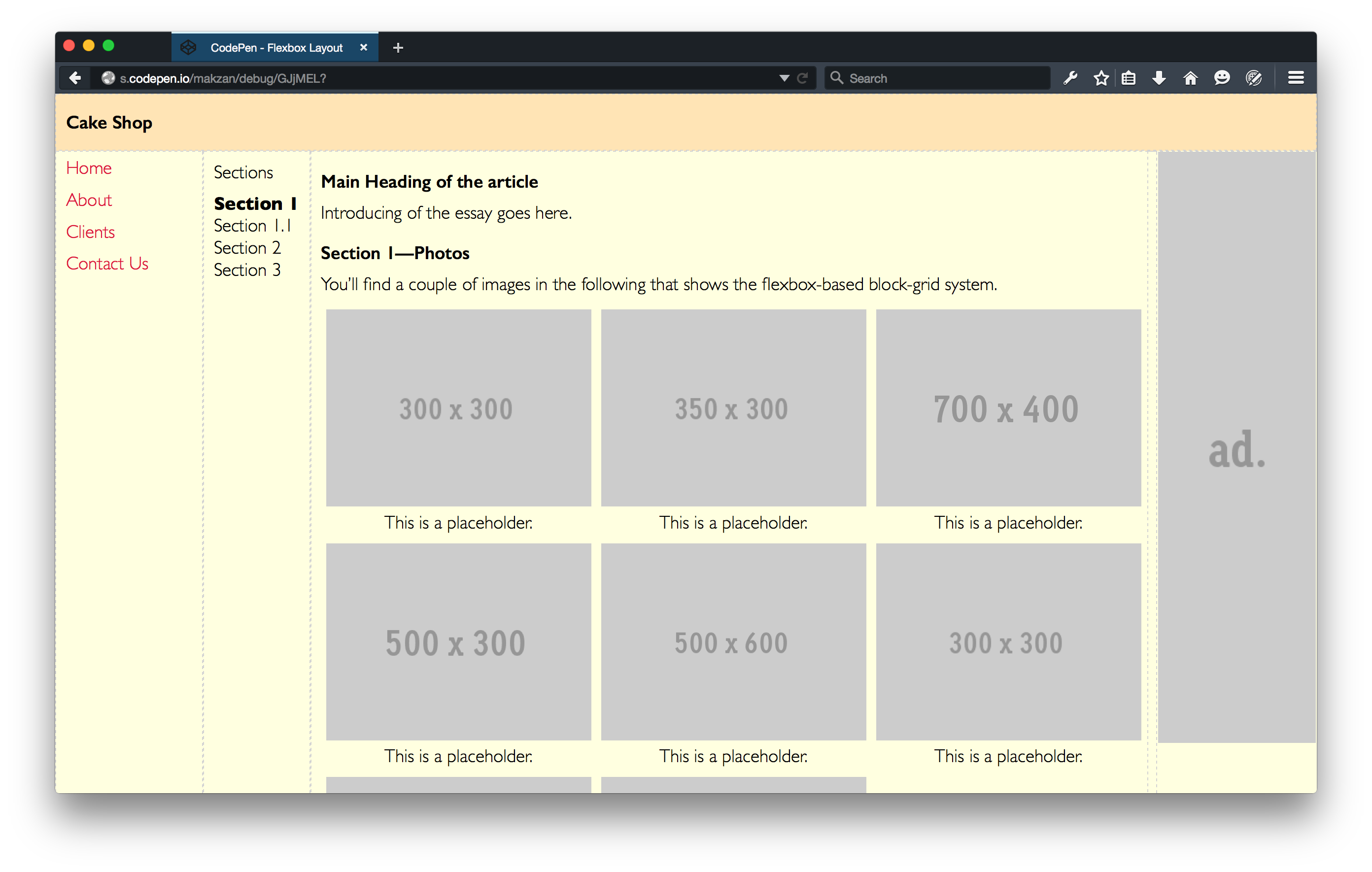
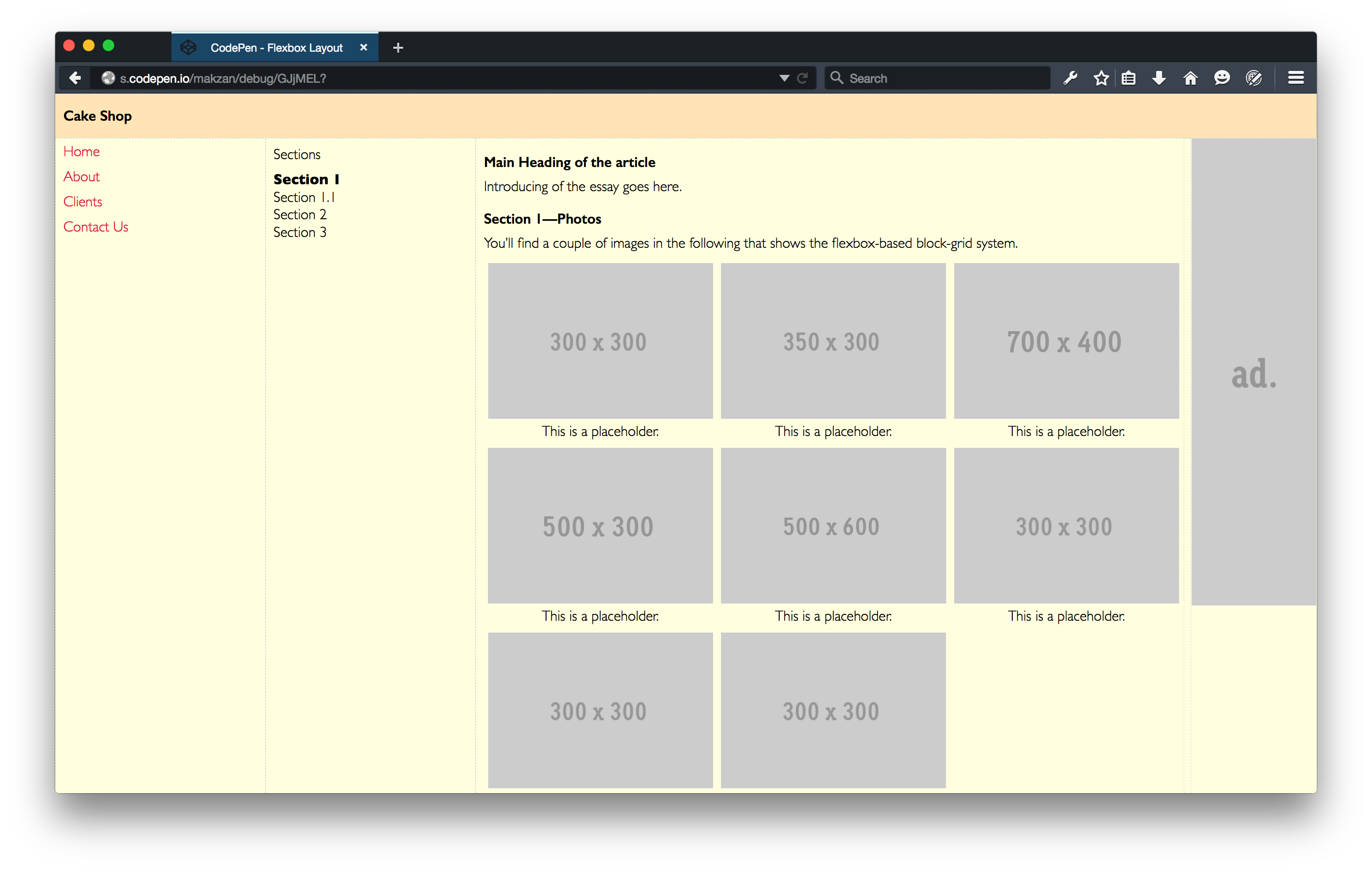
You can find the final code in the following CodePen demo.
http://codepen.io/makzan/pen/GJjMEL
Implementation of the grid
We have learned the basic functionality of using Flexbox. We also learned the traditional float-based grid layout. Now we are ready to create our own Flexbox layout based on what we learned.
Time for Action—Migrating our grid into Flexbox
- Our basic CSS hasn’t changed much. We changed the
.rowintodisplay:flexwithflex-wrap. The other parts are same as the float-based grid.flexbox-grid.css.scss 1/* Border box */2*{3box-sizing:border-box;4}56img{7max-width:100%;8}910/* Grid */11.row{12/* if you need a largest width */13width:1920px;14max-width:100%;15margin:0auto;1617display:flex;18flex-wrap:wrap;19}20.row.row{21margin-left:-10px;22margin-right:-10px;23width:auto;24max-width:none;25}2627.col{28padding:010px;29min-width:0;3031border:1pxdashedLIGHTGRAY;/* for debugging */32} - Our final outcome is to replace the width in column with something like
flex: 0 1 50%;andflex: 0 1 100%;. The percentage acts as the desired width value. But we don’t define the width. We define the flex-basis which is essentially the min-width of the element. Flexbox will calculate how much space each item takes based on this value. - It’s very easy to define our mobile-first grid system by using the Scss’s list, loop and variable. In the code, we not only define the columns’ width, we also define classes for auto expand, shrink, vertical direction and horizontal direction. An extra hidden class allows us to hide element in smaller screen.
Implementation of block grid
Block grid is a grid system that we define how many items per roles inside the container. It trys to evenly distribute the items into the container within the items-limitation per role.
HTML that uses the grid:
 1 <header>
 2   <div class="row">
 3     <div class="small-12 col">
 4       <h1>Cake Shop</h1>
 5     </div>
 6   </div>
 7 </header>
 8 <div class="row">
 9   <nav class="small-12 medium-shrink xxlarge-2 col">
10     <ul class="block-grid medium-vertical">
11       <li><a href="#">Home</a></li>
12       <li><a href="#">About</a></li>
13       <li><a href="#">Clients</a></li>
14       <li><a href="#">Contact Us</a></li>
15     </ul>
16   </nav>
17   <aside class="small-hidden large-shrink xxlarge-2 col">
18     <p>Sections</p>
19     <ol>
20       <li><strong>Section 1</strong>
21         <ol>
22           <li>Section 1.1</li>
23         </ol>
24       </li>
25       <li>Section 2</li>
26       <li>Section 3</li>
27     </ol>
28   </aside>
29   <main class="small-12 medium-auto col">
30     <article>
31       <h1>Main Heading of the article</h1>
32       <p>Introducing of the essay goes here.</p>
33       <h2>Section 1—Photos</h2>
34       <p>You’ll find a couple of images in the following that shows the flexbox-\
35 based block-grid system.</p>
36       <div class="block-grid small-up-to-2 medium-up-to-3">
37         <figure>
38           <img src="http://placehold.it/300x300" alt="placeholder image" />
39           <figcaption>This is a placeholder.</figcaption>
40         </figure>
41         <figure>
42           <img src="http://placehold.it/350x300" alt="placeholder image" />
43           <figcaption>This is a placeholder.</figcaption>
44         </figure>
45         <figure>
46           <img src="http://placehold.it/700x400" alt="placeholder image" />
47           <figcaption>This is a placeholder.</figcaption>
48         </figure>
49         <figure>
50           <img src="http://placehold.it/500x300" alt="placeholder image" />
51           <figcaption>This is a placeholder.</figcaption>
52         </figure>
53         <figure>
54           <img src="http://placehold.it/500x600" alt="placeholder image" />
55           <figcaption>This is a placeholder.</figcaption>
56         </figure>
57         <figure>
58           <img src="http://placehold.it/300x300" alt="placeholder image" />
59           <figcaption>This is a placeholder.</figcaption>
60         </figure>
61         <figure>
62           <img src="http://placehold.it/300x300" alt="placeholder image" />
63           <figcaption>This is a placeholder.</figcaption>
64         </figure>
65         <figure>
66           <img src="http://placehold.it/300x300" alt="placeholder image" />
67           <figcaption>This is a placeholder.</figcaption>
68         </figure>
69       </div>
70       <h3>1.1 Sub section</h3>
71       <p>This is a paragraph of section 1.1. It’s the sub-section that conclude \
72 the section 1.</p>
73       <h2>2. Section 2</h2>
74       <p>We create more sections. An essay usually contains more than 1 section.\
75  This is the reason we put section 2 here.</p>
76       <h2>3. Summary</h2>
77       <p>This section summerize the entire article.</p>
78     </article>
79   </main>
80   <div class="advertisement row">
81     <div class="small-hidden xlarge-shrink col">
82       <img src="http://placehold.it/160x600&text=ad." alt="Advertisement" />
83     </div>
84   </div>
85 </div>
86 <footer>
87   <div class="row">
88     <div class="small-12 col">
89       CC0 Do anything license.
90     </div>
91   </div>
92 </footer>
Result and live demo
You can find the final code in the following CodePen demo.
http://codepen.io/makzan/pen/GJjMEL
If you need the CSS edition, here it is: