10. Instruments Basics:
- Instrument is a Free tool provided by Apple part of the IOS SDK Installation.
- It provides option to create the automation scripts using record and Play back Option.
- The script generated will use the Javascript as programming language.
- Supports both IOS device based and IOS Simulator based testing.
- Available only on MAC supports only IOS based application automation testing.
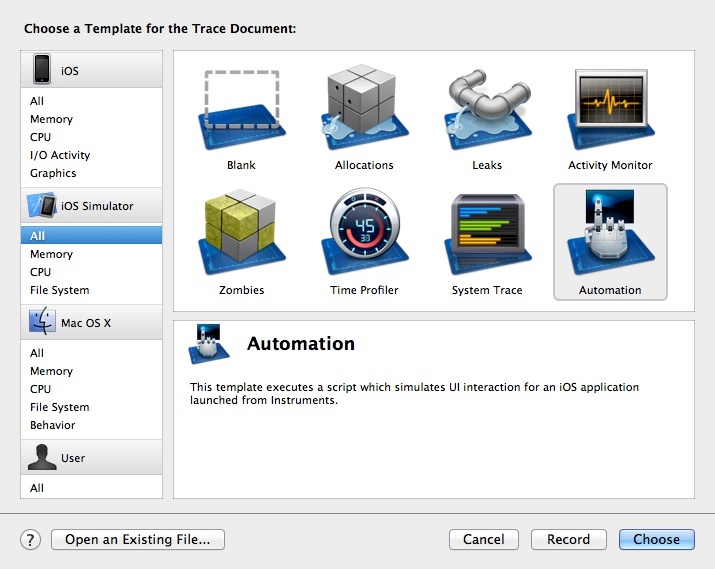
- How to Access Instrument on MAC.
- How to Choose the App to be tested on instruments using “Choose Target”.
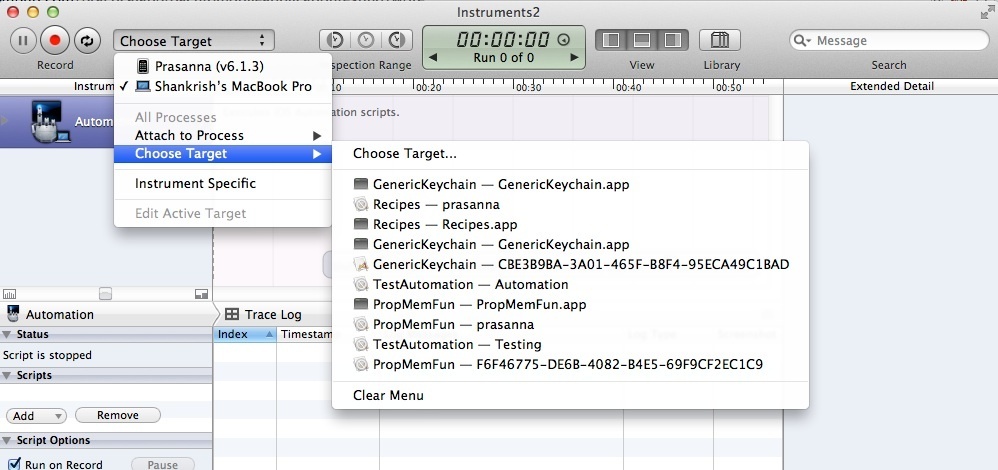
- Choosing the App to be tested on Simulator.
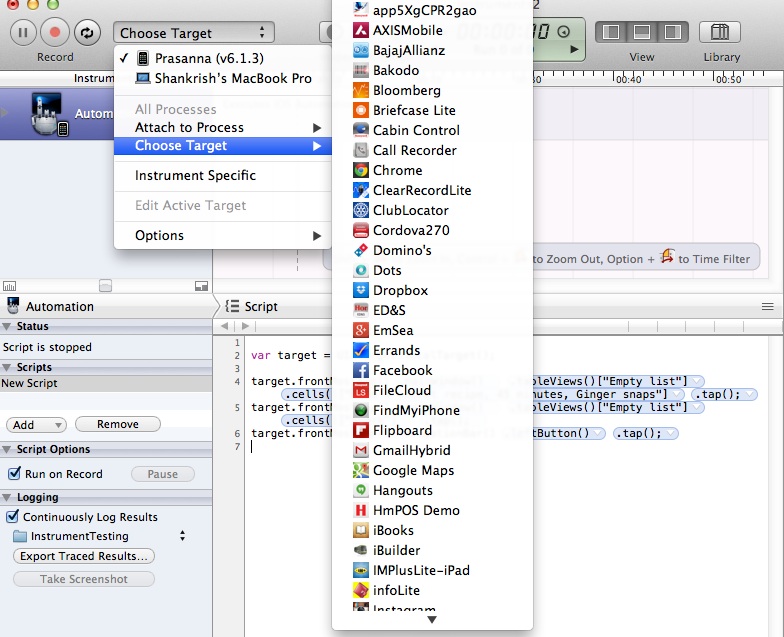
- Choosing the App to be tested from Device.
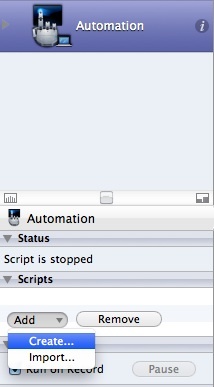
- Enabling script creation.
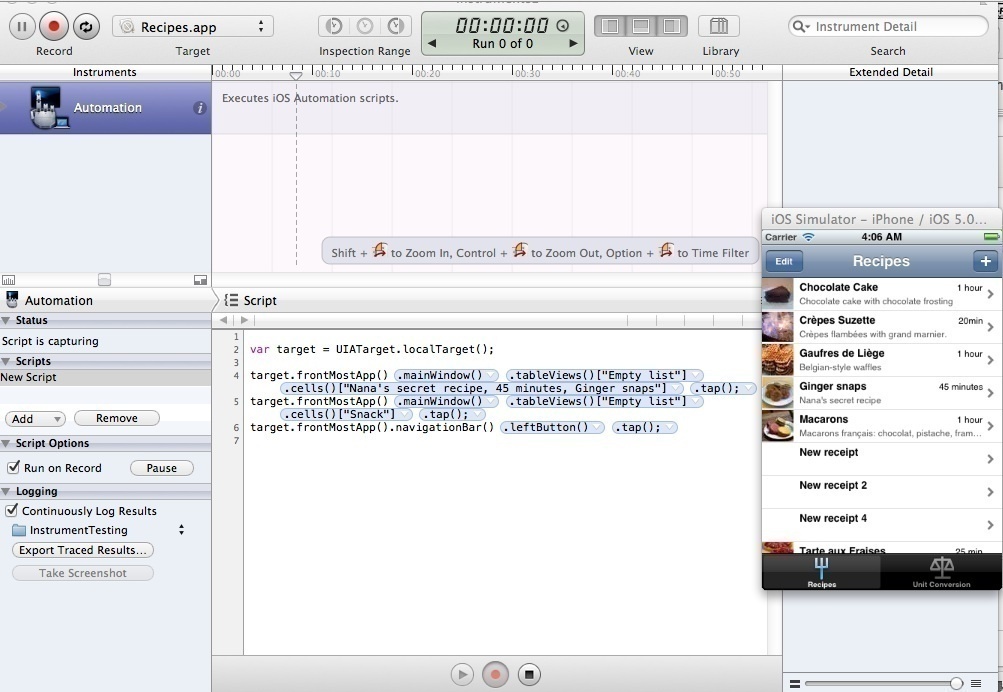
- Enabling Auto recording the Instruments Script.
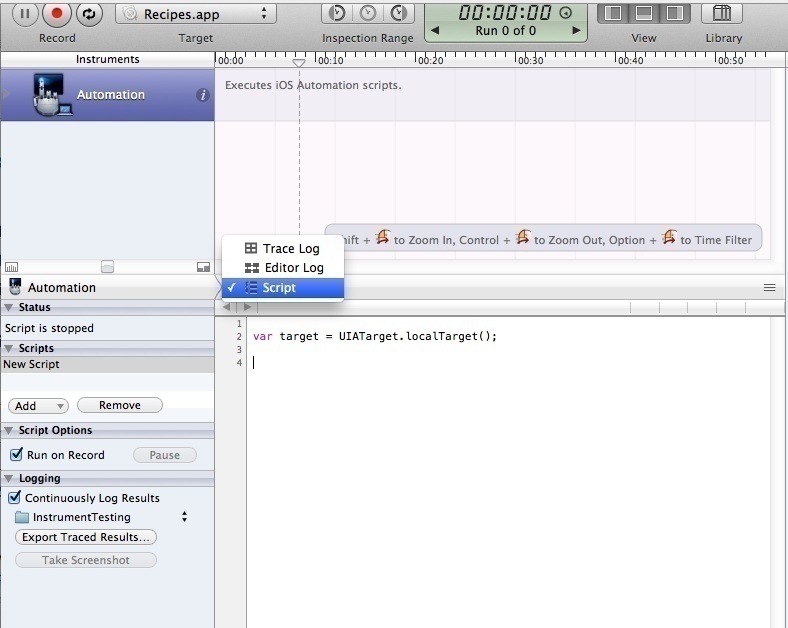
- Re-Running the Script.
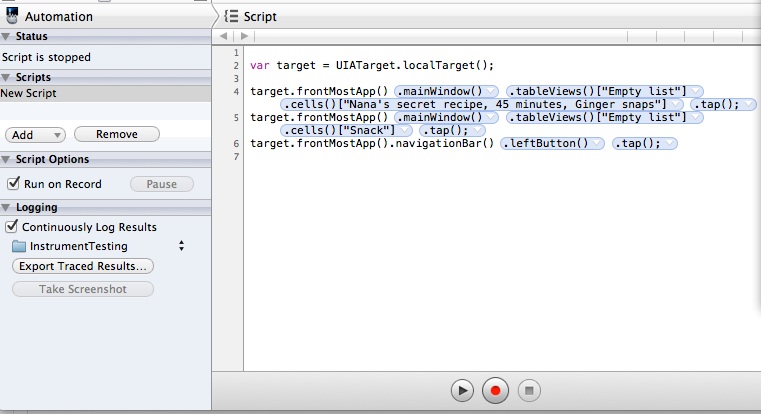
Instruments JAVASCRIPT Basics: