Robo Teaches Programming Part Zero Preview
/
Part zero: A history of video games
Part zero: A history of video games
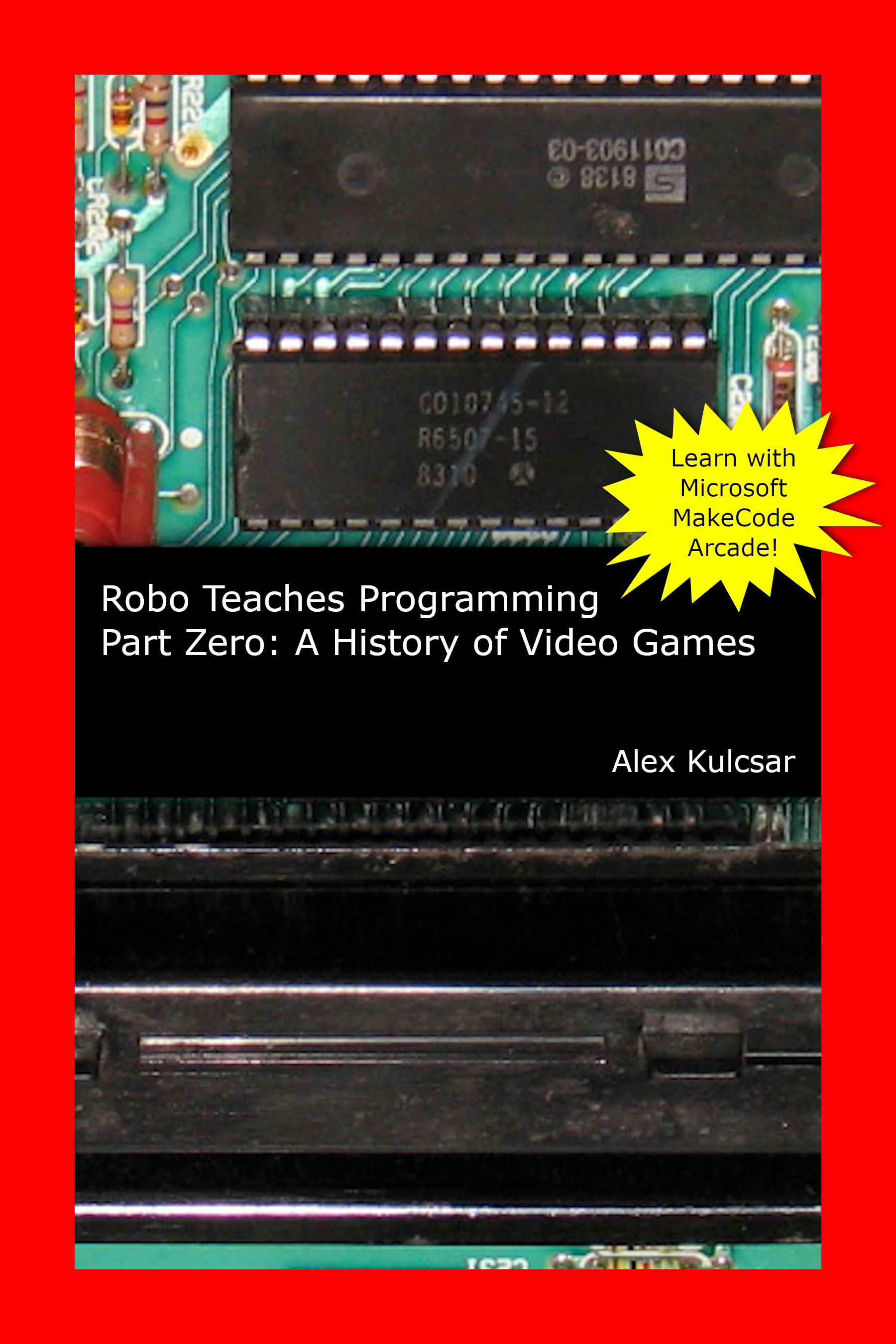
Cover image for “the red book”
Previous
Notes about this preview edition
Up next
About the cover
In this part
About the cover
Brief contents
A history of video games
Introduction to Part zero
About the series
Intended audience
Titles in the series
About the book
Prior knowledge
Book web site and link codes
Hello, world! Introducing MakeCode Arcade
Learning objectives
About Microsoft MakeCode
View a MakeCode Arcade project
Start MakeCode Arcade
Your first MakeCode Arcade project
Working with projects
Working with hardware
Sharing your projects
History of MakeCode Arcade
Hello, it’s me! (Or is it I?)—Sprites and your hero character
Learning objectives
Additional controls in the MakeCode editor
Working with tutorials
Moving around
Using the image editor
Screen coordinates
Placing your character
Animating your character
Installing extensions
Creating a walking animation
Creating a spinning wheel
More complex animations
Making a background
Animated backgrounds
Artwork and prototypes
Additional practice with the image editor
Answers to review questions
Which way did it go? Decisions, conditionals, and basic game physics
Learning objectives
Software development life cycle
Planning a project
Princess Pizza
Documentation in Blocks programs
Bouncing Burger
Event-driven programming
Sprite types
Pong
Pong simplified
Velocity
Adding sound effects
Determining the game’s end
The on game update block
Boolean expressions
Correcting an error
Acceleration
Decision structures
Additional tutorials
Answers to exercises
What’s the score? Variables and data types
Learning objectives
Which button?
Pong part 2: Complete one-player game
Pong part 3: Complete two-player game
Introduction to variables
Creating variables
Naming conventions
Variable scope
Data types in Blocks
Guess My Number
Acey Deucey
Answers to exercises
Zap! Debugging part 1
Playing the role of the computer
Using messages for debugging
I’ve made some enemies—Introduction to object-oriented programming
Visual effects
Debugging part 2
Over … and over … and over again—Loops
Who’s above me? Who’s next to me? Arrays and lists
Better than right-click-duplicate—Functions
Naming convention
Local variables revisited
Fun name :-) - Strings
Writing text on the screen
Fun name :-) - Tile maps and platformers
Tile maps
Platformers
Mazes?
What’s your name again? Persisting data
Session object
Stranger, danger! Security and privacy
It’s alive! Artificial intelligence
Fun name :-) - Searching and sorting
Where to now?
Additional books in the series
Learn other languages and programming environments
Other games to try to build in MakeCode Arcade
Other programming books
More on the history of video games
Appendix - A Blocks style guide
Project description
Variable and function naming
Function description
Appendix - Common game structures
Shoe of cards
Dice
Appendix - Stopwatch in Blocks
Part I: Basic stopwatch
Finished code
Developing the project plan
Building the project
Next steps
Part II: Advanced stopwatch
Finished code
Adding to the project plan
Incorporate changes into code
Next steps
Appendix - Common game mechanics
Shuffling
Appendix - Advanced graphics
Parallax (sprites with depth)
Appendix - Multiplayer games
Appendix - Vector math
Revisiting velocity
Velocity vectors
Angles
Review of right triangles
Trigonomotric functions and right triangles
Practice with velocity vectors
Representing π
Sprite travelling in a random direction
Another challenge
Final challenge
Appendix - A template for Blocks games
Splash screen
Attract mode
Button handlers
Appendix - Additional Blocks games (showcase)
Additional clones
Credits and licenses