Getting Started
Writing HTML and viewing your results right away is easy: Just point your browser to your HTML (.html) file and voilà — your website gets displayed!
Not so with your Python (.py) files — your browser has no clue what to do with Python code. To start creating web apps in Django, we first need to install Python and Django on your computer (as well as a few other useful utilities, including a local web server that will interpret your Python code and deliver responses that your web browser can understand.)
This is the most complicated part of the process. Because the instructions for installing and setting up Python keep changing over time, they live online.
Hello Web App’s Python and Django installation instructions can be found here: http://hellobks.com/8
Once you’ve finished, head back to your command line (make sure you’re in your
virtual environment and you’re in the same directory as manage.py) and run
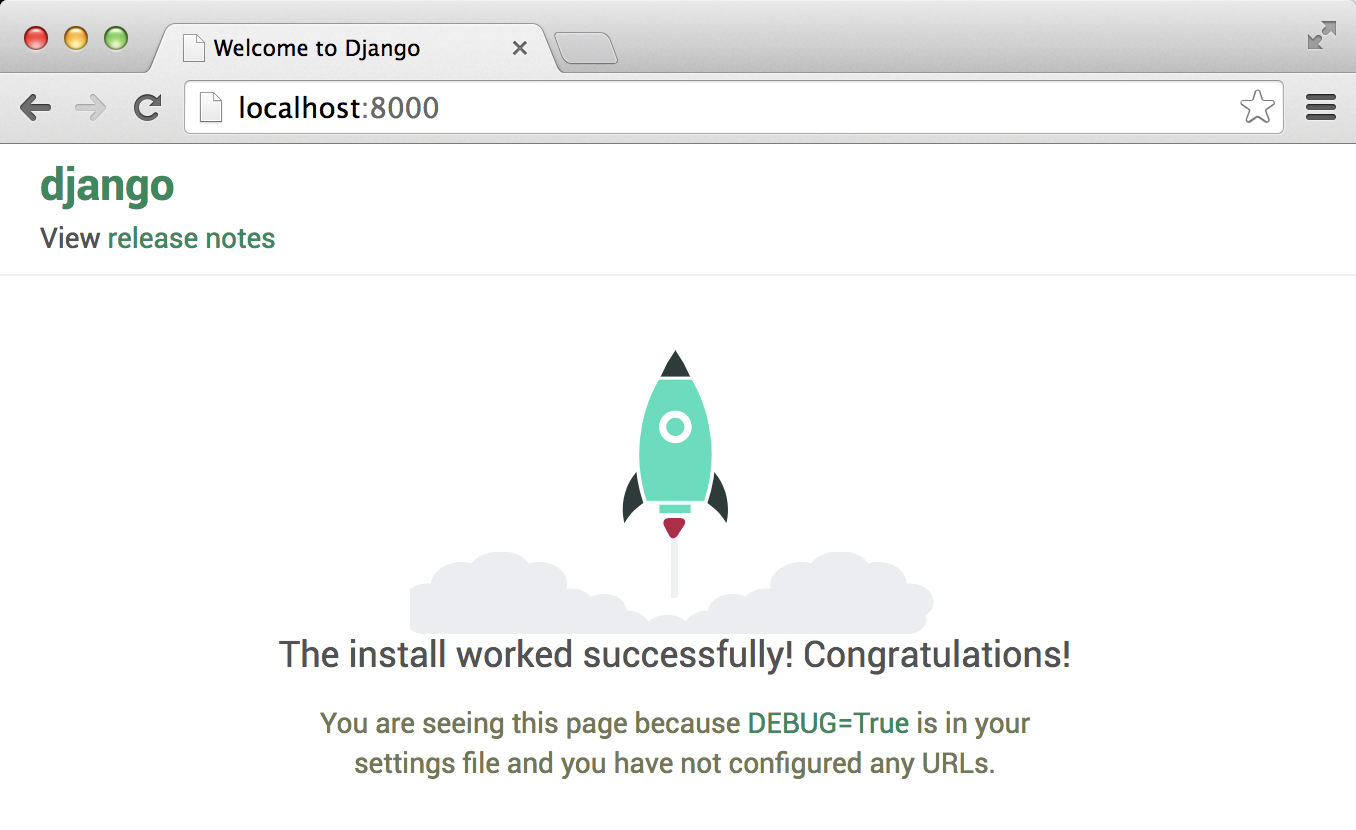
python manage.py runserver. If everything worked correctly, you should see the
Django congratulations page (congratulations!)
As you go through the rest of the book, keep in mind that if you ever need to check that you have the correct code snippets copied into your app, all code in the book can be found on our GitHub code repository (change chapters by clicking the “branch” button): http://hellobks.com/9
We also have an online forum to discuss the book and resolve issues here: http://hellobks.com/10
Any other information (including installation instructions, tips, and resources) can be found on our main repository here: http://hellobks.com/11
Now get started building your app!