1: Drawing A circle
This chapter is much like the previous one- weird, filled with characters you don’t understand, and eventually coming back around to pac-man. The only difference is that in this chapter, we’ll be doing lots of code.
It’s a version of In Media Res- a storytelling technique used to get people into the action quickly. You open in the middle of the story, during a really exciting scene, and then you later go back and build up the characters and relationships that made that scene possible.
We’re going to use a similar technique for this chapter- we’re going to jump right into installing a bunch of tools and using some concepts you may not understand just yet. The upshot is that it’s going to let us start drawing circles (little prototype pac-men) on our canvas really quickly. From there we can take it slow.
A note about tools:
We are going to be using lots of tools in this book- Javascript, Babel.js (a tool that lets us use the latest versions of Javascript before they’re in all the browsers), HTML5 Canvas, Ember.js, ember-cli, and more. Originally the book was going to be a book for pros focusing on just ES2015 and HTML5 Canvas, but I discovered that using more of these tools actually makes our job easier.
The goal of this book isn’t to be a conclusive guide in any of these technologies- it’s to give you enough knowledge in the tool to get started, and then use that tool to accomplish our goal (build a bad-ass game of pac-man). However, at the end of the book you’ll be familiar with several really useful concepts- and if you decide to continue learning, I’ll provide several resources for each.
Installation
The first step is to install Node. Go to https://nodejs.org/ and hit the big green “install” button. Do whatever your operating system makes you do to install things, and then you have node and npm on your system. Go to your command line, and then type in node -v. Then type in npm -v. If the commands worked and they gave you numbers, hurray! If not, please google for help. This isn’t a book about node and npm… they’re just tools we need to get started.
Next, we’re going to install ember-cli. Type npm install -g ember-cli into the command line. And… that’s it. Type ember -v into your command line, and it should give you the ember-cli version (>= 2.3.0) and the node and npm versions.
Creating your app
ember new pac-man
That command will create for you an ember app called pac-man. It’s going to spend a short amount of time creating a directory structure and some config files for you, and then a bit longer installing npm and bower packages.
cd pac-man
ember server
These commands will move you into your app’s folder and then start the server. Go to localhost:4200 and you should see “Welcome to Ember.js”. If you do, then congratulations! You’ve created your first ember app.
Displaying a box
ember generate component pac-man
Type that into the command line and you will get a new ember component called pac-man. ember-cli will generate the javascript file, template file, and test for a component.
In app/templates/application.hbs, delete everything, replace with the component {{pac-man}}.
This tells ember to display the component. From now on, everything will happen inside the component.
1 <!-- in app/templates/components/pac-man.hbs -->
2 <canvas id="myCanvas" width="800" height="600"></canvas>
This creates an html5 canvas that we can draw on.
1 /*in app/styles/app.css*/
2 #myCanvas {
3   background-color: #EDC9AF;
4 }
This colors the canvas so we can see it. It’s a desert-sand light brown.
If everything has gone correctly, at localhost:4200 you should see a rectangle the color of desert sand.

Drawing a circle
 1 // in app/components/pac-man.js
 2 import Ember from 'ember';
 3
 4 export default Ember.Component.extend({
 5   didInsertElement: function() {
 6     this.drawCircle();
 7   },
 8
 9   drawCircle: function() {
10     let canvas = document.getElementById("myCanvas");
11     let ctx = canvas.getContext("2d");
12     let x = 50;
13     let y = 100;
14     let radius = 20;
15
16     ctx.fillStyle = '#000';
17     ctx.beginPath();
18     ctx.arc(x, y, radius, 0, Math.PI * 2, false);
19     ctx.closePath();
20     ctx.fill();
21   },
22 });
didInsertElement runs whenever the component (the element) is loaded and put on the screen (more on this in the next chapter). In this case, we’re just calling the drawCircle function, which is defined right below.
Note for advanced Ember devs (everyone else ignore): using
didInsertElementin this case will give a deprecation warning, but for now it’s the best option. Usinginitwill give an error because we need the html to have already been rendered. UsingdidRenderwill plunge you into an infinite loop.
In the drawCircle function, we’re grabbing the canvas, telling it that we’ll be drawing in 2d, and then doing the incantations that tell canvas to draw a circle. You won’t have to worry about these specific incantations- this book will almost always hide shape-drawing code behind a function that you can just copy and paste without losing much.
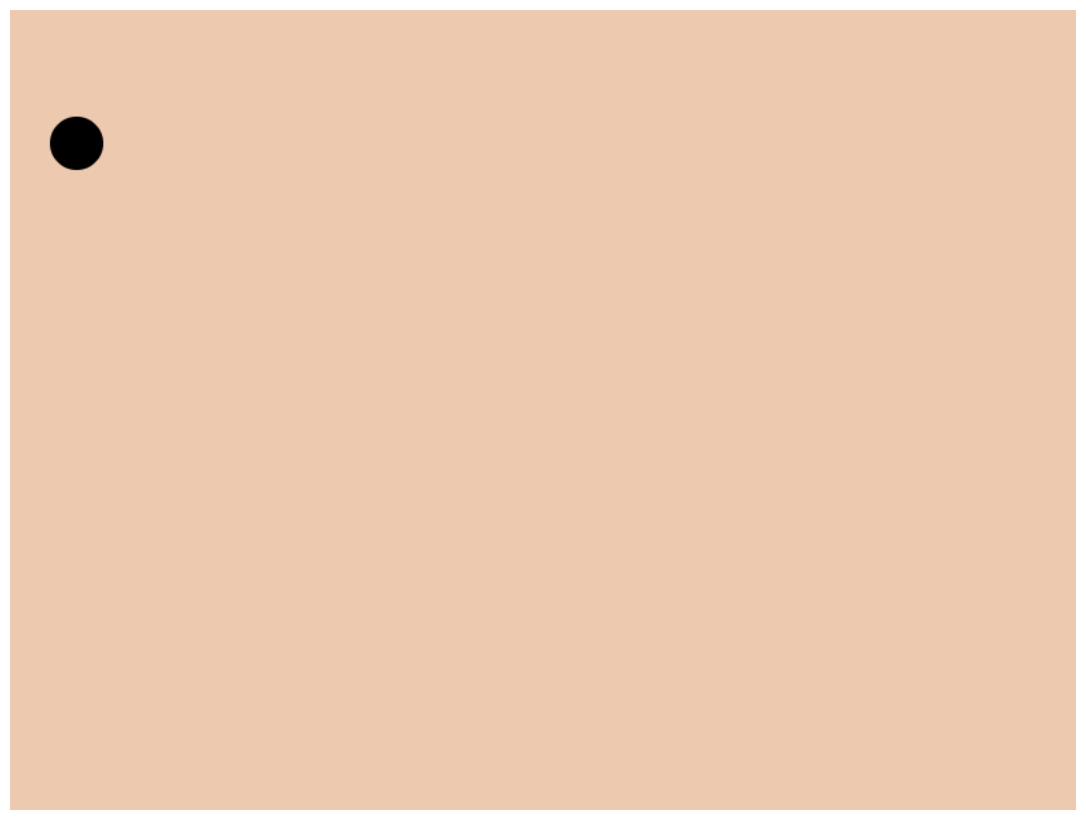
Setup complete
Thus concludes our in-media-res introduction. It’s expected that you won’t understand a lot of what just happened- it’s just meant to drop you into the world as quickly as possible. Some of the concepts introduced here will be given a lot more screen time later. Some of them were just necessary for setup and will never be brought up again.
Now let the training begin.
Having trouble? Send me a question via email at jeffrey@emberscreencasts.com. I’ll send you a response, and create an FAQ with answers to the most common questions
You can also check out the github repositories for each chapter’s code or the finished addon.