Lean Publishing Tip of the Day 💡 Using Our Visual Editor Writing Mode
The Leanpub Visual Editor is free to use and you can create more books, so you can just play around with your first book to see how it works - there's zero stress!

Leanpub has a number of writing modes you can choose from, when you write and publish a book on our self-publishing platform.
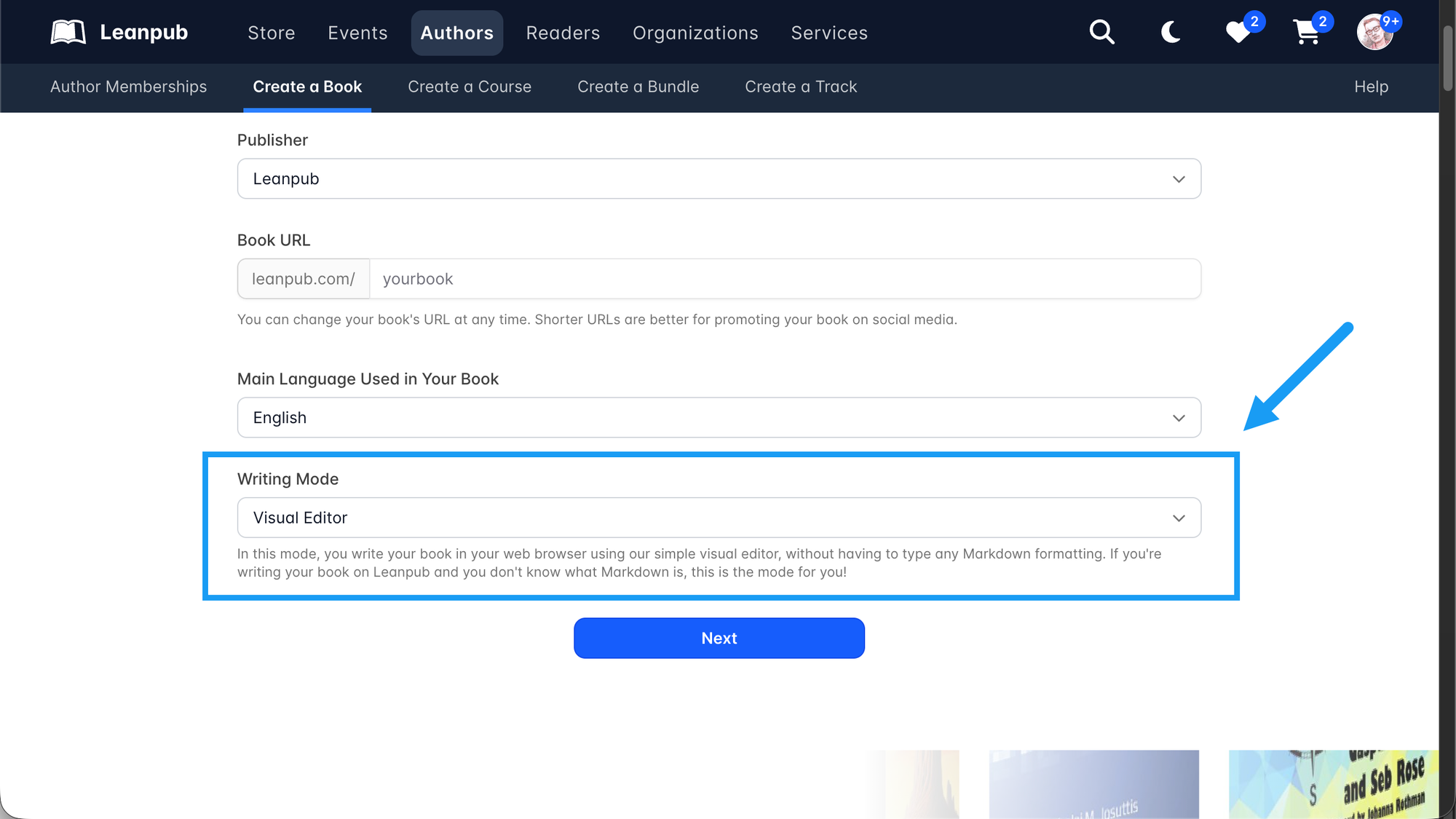
When you create a book, you will see that the Visual Editor is selected by default:
The Leanpub Visual Editor is free to use and you can create more books, so you can just play around with your first book to see how it works - there's zero stress!
The first thing you'll see is a live, real book manuscript: in this case, some simple, helpful instructions for how to use this Leanpub writing mode:
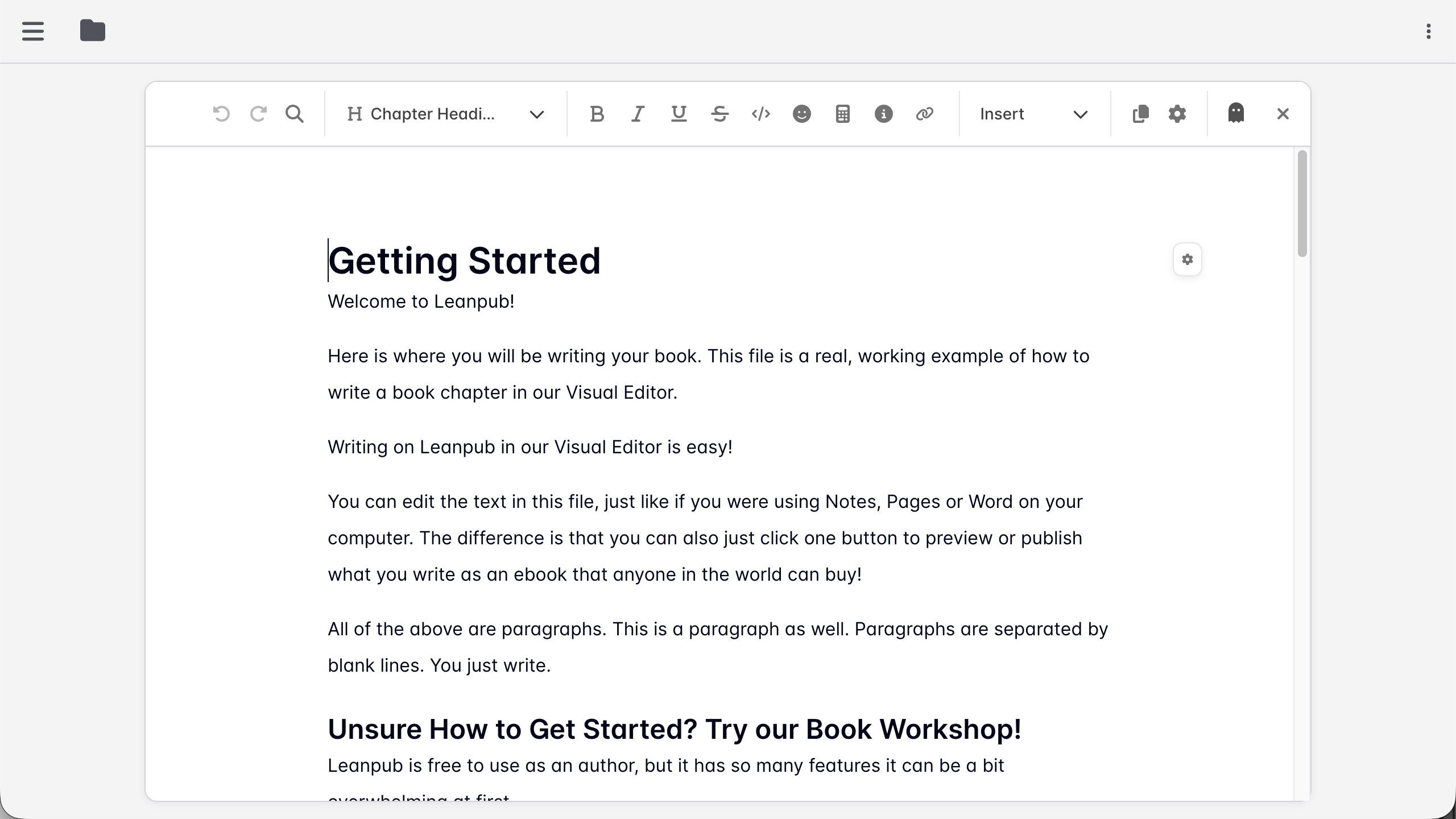
You can actually produce an ebook from this manuscript right away to see what it will look like.
Then, you can play around with the book to see how different things work, like writing of course, but also adding images to your book manuscript, and lots of other things.
In this livestream, Leanpub co-founder Len Epp will give you a brief introduction to how the Visual Editor writing mode works.
Watch Clips From The Livestream