2. ASP.NET Core at its simplest
Before I introduce ASP.NET MVC, I’d like to show you that ASP.NET Core can run with a minimalist setup. Two classes are needed: Program and Startup.
2.1 Setting up the server
We need to create a server instance. It’s the object that will serve the HTTP requests. Kestrel is such a server and is included with ASP.NET Core. We can run it using the following code:
Note that this code references a Startup class. We need to provide that class.
2.2 Very basic Startup configuration
The following code creates a minimalist setup.
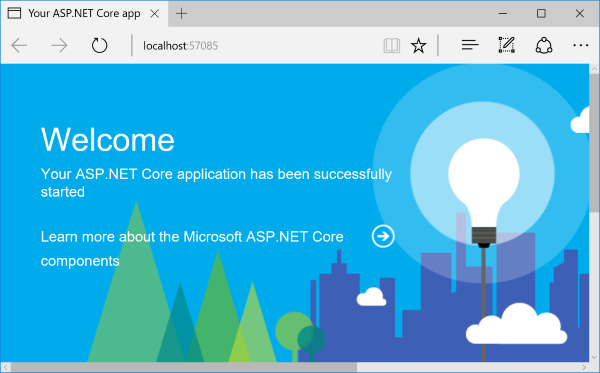
Using that code and the Program class above, we already have a Web server. It provides users with a page about ASP.NET Core:
2.3 Barebone configuration
Should we want to get to the bare metal of ASP.NET Core, we can replace the above Startup class with the following one:
That code defines a barebone middleware. We’ll see more about middleware later. For the moment, just note that it enables you to run whatever code you need in order to process incoming HTTP requests. The context parameter you get when an HTTP request comes in gives you access to the request, response, and anything related to it. In my example I answer with a simple string but we could write any Web server application by adding code there.
At that very moment you may want to close this book. For any middle-size application that mode of development would simply grow into something impossible to maintain. I’m glad you didn’t close the book, because I have good news: ASP.NET Core offers a middleware that makes it easy to write a maintainable, testable Web application: ASP.NET MVC. Just read on.
2.4 ASP.NET MVC comes in
ASP.NET is a flexible middleware made for creating HTML and API web applications. It provides for a well-made separation of concerns and even offers dependency injection support out of the box. Using it is as simple as adding a line to our Startup class:
But we won’t even need to manually add that line. Visual Studio 2017 is part of our toolkit, so let’s start using it.