2. October 2012
- Exploiting Microsoft MVC vulnerabilities using OWASP O2 Platform
- Tool - O2 Cmd SpringMVC v1.0.exe - as standalone exe
Exploiting Microsoft MVC vulnerabilities using OWASP O2 Platform
Michael Hidalgo wrote this great article on using O2 to exploit an overposting (i.e. auto-binding) vuln in an ASP.NET MVC demo app: Exploiting Microsoft MVC vulnerabilities using OWASP O2 Platform
As you can notice that was posted on CodeProject.com which has always been a good source of technical content for me (although not a site I would use everyday). That said, I’m starting to like the new version of http://codeproject.com and this could be a great place to post O2-related technical articles.
On the Asp.NET MVC topic, if you are interested, here are a couple related posts:
- Why ASP.NET MVC is ‘insecure by design’ , just like Spring MVC (and why SAST can help)
- Current O2 support for analyzing Spring MVC
- “Two Security Vulnerabilities in the Spring Framework’s MVC” pdf (from 2008)
The next step is to see how we can write SAST rules (maybe executed by Cat.NET) to find these issues on the source code.
I really don’t have hard numbers, but I will bet that the number of Asp.NET apps vulnerable is really high (just like what happens with the Spring Framework MVC)
Tool - O2 Cmd SpringMVC v1.0.exe - as standalone exe
I just had a request for the O2’s Spring MVC module (developed ages ago), and It was was a good opportunity to test the latest version of the ‘O2 Standalone tool builder’, since it now supports the embedding of the tools installed via an O2 Script (usually stored in the ToolsOrApis folder).
You can download the Tool - O2 Cmd SpringMVC v1.0.exe (or build it using O2) which is the stand alone exe of the old O2_Cmd_SpringMvc.ms tool (See at the end of this post for details on how this exe was created)

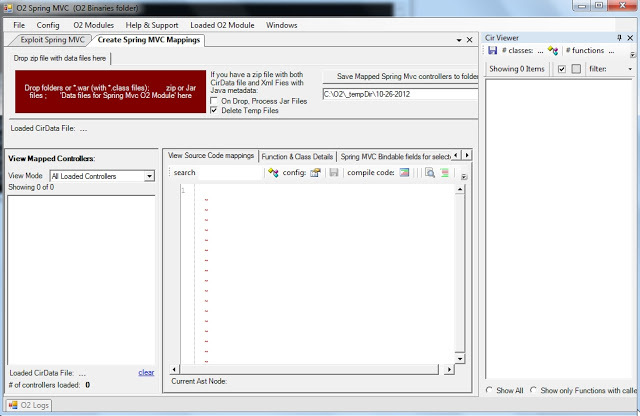
When you open this tool, you will get a GUI that looks like this:
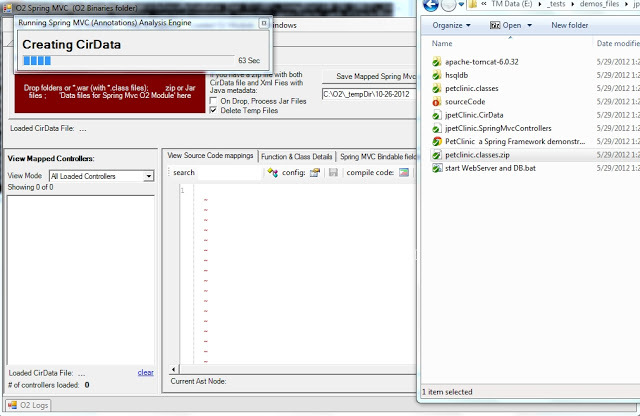
Then if you drop a jar (or the zip of *.classes like the one you will find in the jPetClinic – O2 Demo Pack.zip that you get from the Packaged Spring MVC Security Test Apps: JPetStore and PetClinc ), a series of conversions will occur (Jython is used to parse the java byte code) :
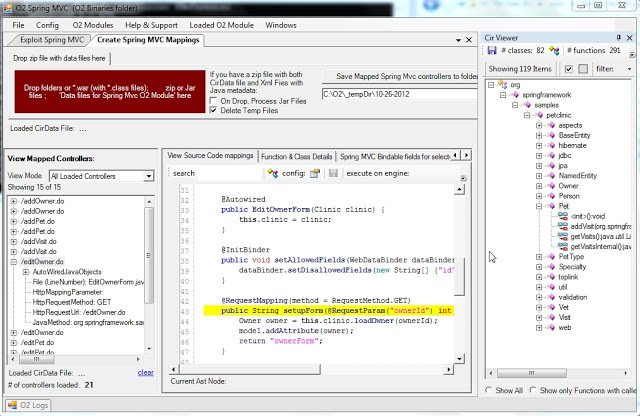
Which when finished will look like this:
For a detailed explanation of how this module works (including the VERY important /*O2Helper:MVCAutoBindListObject: hack) take a look at this blog post:
Visualizing Spring MVC Annotations based Controls (and Autobinding PetClinic’s vulnerabilities)
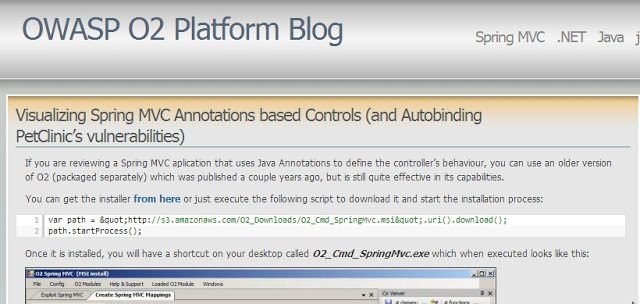
How the Tool - O2 Cmd SpringMVC v1.0.exe was created
It was quite easy to package the O2_Cmd_SpringMvc.msi tool (note-to-self: do this for the other really powerful old O2 tools that are gathering dust in the O2 archives)
Step 1: Create an installer that downloads and extracts the msi:
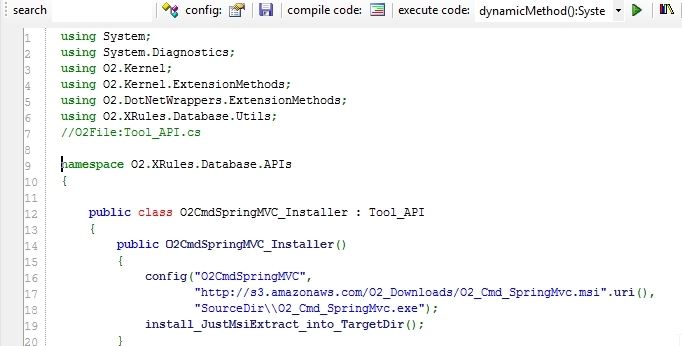
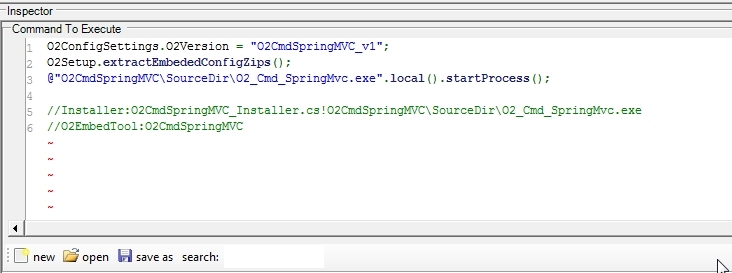
Step 2: In an O2 C# REPL script create the_ Tool - O2 Cmd SpringMVC.h2_ file
Which will consume the installers (shown above) and will trigger the extraction (when executed for the first time as a standalone exe)
Step 3: Open the context menu and chose the item to package the current script
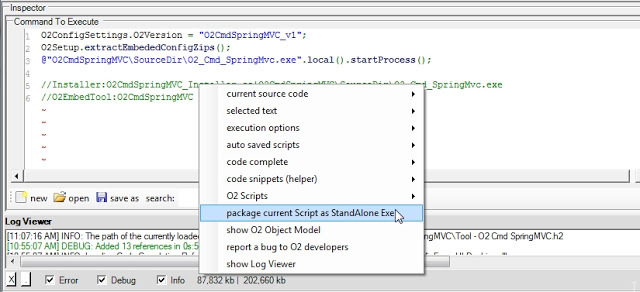
And that’s it!
The package tool (which is a script it self) should be open with the created exe:
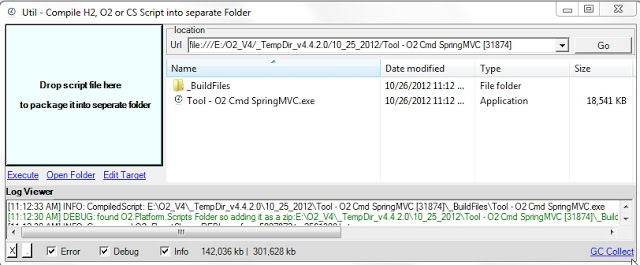
It’s quite powerful the fact that it took me longer to write this blog post than to package that old O2 tool :)
Starting to use the O2 Spring MVC viewer on ThreadFix
Using the Tool - O2 Cmd SpringMVC v1.0.exe (see more details on this post: Tool - O2 Cmd SpringMVC v1.0.exe - as standalone exe) here is how to start using it on ThreadFix from Denim Group (“ThreadFix is a software vulnerability aggregation and management system that helps organizations aggregate vulnerability data, generate virtual patches, and interact with software defect tracking systems.”)
I downloaded the ThreadFix binaries from the download page : ThreadFix_1_0_1.zip
And since I couldn’t find a download for the source code, I used git by executing:_ $ git clone https://code.google.com/p/threadfix/_
Then I unzipped the ThreadFix_1_0_1.zip files into a local folder and executed ‘threadfix.bat’
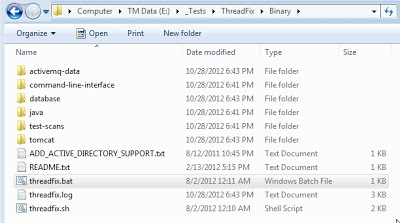
This will start tomcat, and more importantly extract the threadfix.war file into the webapps folder, where I zipped the classes folder:
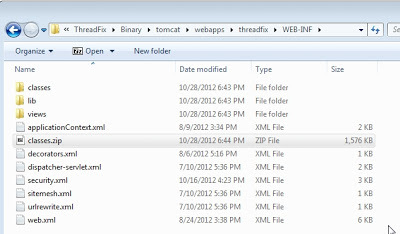
which I then dropped into the O2 Spring MVC tool:
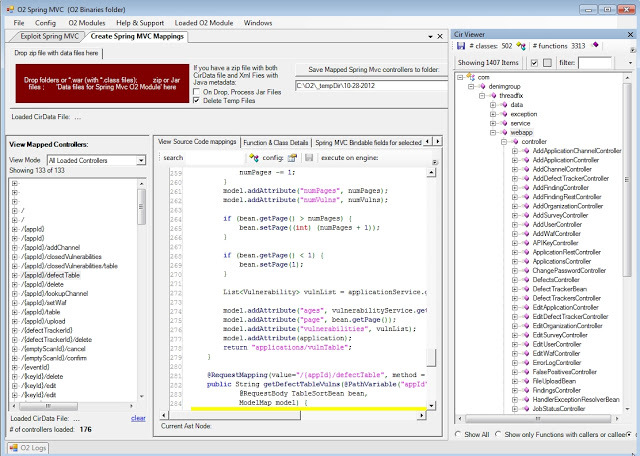
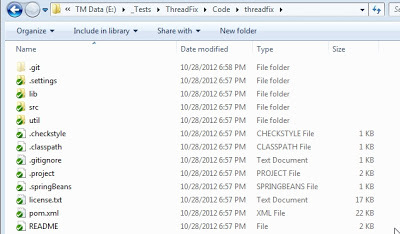
The first time there is a source code to be opened in the document viewer area, you will be asked to resolve the files, which in this case it points to here:
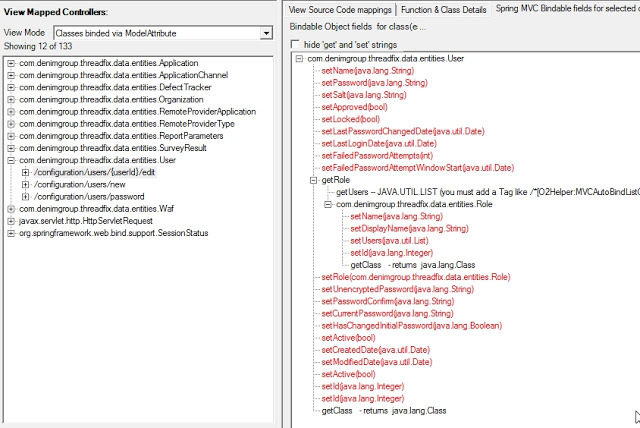
Interestingly there is quite a lot meat here. For example, if you look for the ModelAttribute mappings there is quite a lot cases where they use this dangerous coding technique:
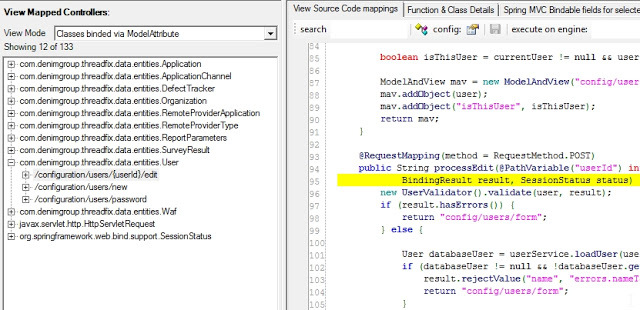
With some of the model classes looking quite big, there could be a number of spring mvc autobinding issues here: