Lean Publishing Tip of the Day 💡 Introducing the Leanpub Android App
Introducing the Leanpub Android App

Introducing the Leanpub Android App
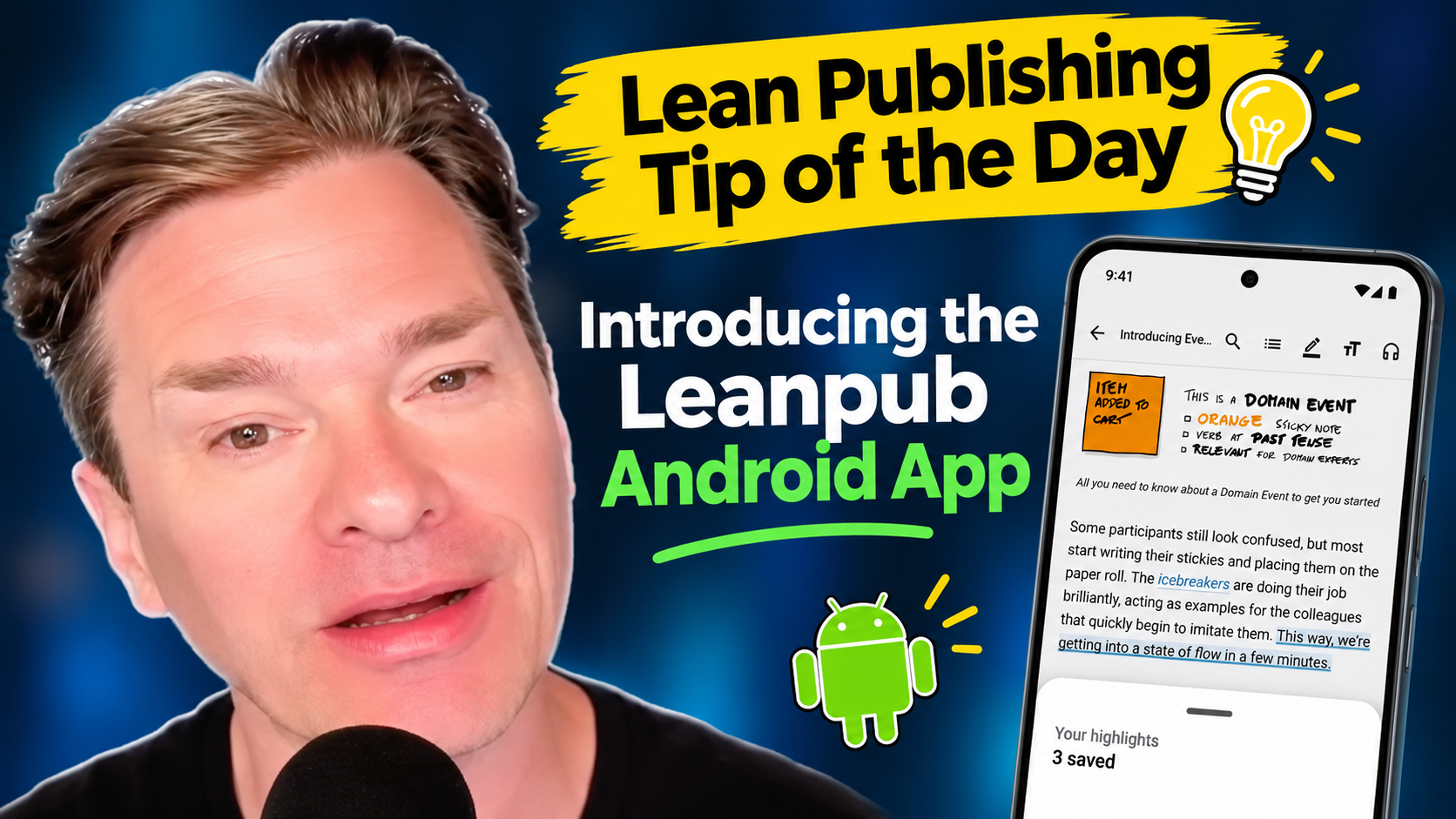
Leanpub is now on Android! Scan the QR code here to get it on your phone now.
Like with our iOS app, our new Android app puts your whole Leanpub library in your pocket, to read easily from your phone without having to navigate around our website in a browser.
And if you’re an author, you can now write a new book, or update one you’ve already published, right from your phone.
To get the app, visit leanpub.com/app and scan the QR code with your phone. It’s free of course, and it works on Android 13 and up. (The same new app is also available for iPhone.)
Signing In and Signing Up
To get started, just sign in with your existing Leanpub account.
If you don’t have an account yet, you’ll need to sign up for one on the Leanpub website first.
New Features For Readers
Read Anywhere, Even Offline
Books from your library will open in a full reader with light, sepia and dark themes, adjustable text size, a table of contents, and even search inside the book.
Download a book and it stays on your phone, so you can keep reading on a plane or anywhere else without a signal.
Your reading position syncs back to your account, so you can pick up on the exact line where you left off, on any other device where you’ve installed the app.
And when an author publishes a new version of a book you own, you’ll see a badge in your library. You get book updates for free as always.
Highlights and Notes
Just like in our iOS app, in our Android app, you can mark the passages that matter to you, and add your own notes as you read.
Your highlights and notes are saved to your account and synced across all your devices.
You can even turn a highlight into a quote card image and share it with friends and followers.
Listen with Read Aloud
Want to give your eyes a rest? Read Aloud reads your book to you using your phone’s built-in voices, and visually follows along with the text sentence by sentence.
You can pick a voice, set the speed anywhere from 0.75x to 2x, and set a sleep timer for 15 minutes, 30 minutes or the end of the chapter.
Here’s a very cool feature: playback keeps going with the screen off, so you can put your phone in your pocket and keep listening on a walk or commute.
Take Courses
You can also take Leanpub courses in the app, lesson by lesson, including the quizzes. Your progress is tracked as you go, and when you finish a course, you can get your certificate of completion right in the app.
Discover, Add To Your Wishlist, and Buy with Credits
Browse the Leanpub store by category, search by title or author, and save books to your wishlist. If you’re a Leanpub reader member with credits, you can spend them on a book with one tap, and it lands in your library instantly.
And More
- Home-screen widgets, including Continue Reading and Passage of the Day.
- Forums, so you can join the conversation about the books and courses you’re reading.
- Live events, so you can reserve a seat for an online Leanpub author event.
For Authors
Write and Update Your Book on Your Phone
This is the part we’re most excited about. If you’re a Leanpub author, the Author tab in the app connects to the same account you use on the web, so your books are right there.
You can start a brand new book in the app. Or you can open an existing book, jump to any chapter using the outline, and edit it with a toolbar that makes formatting easy.
Here’s another really cool feature: if you’d rather talk than type, you can dictate your text for your book manuscript instead.
That means you can capture an idea the moment it strikes, fix a typo a reader just told you about, or write a few pages on the bus, all without opening your laptop.
Preview and Publish from Anywhere
When you’re ready, you can generate a preview of your book or publish a new version right from the app. You’ll get a notification on your phone when it’s finished.
So, you can update your book, publish it and let your readers know there’s a new version, all from wherever you are.
Check Your Sales and Manage Your Book
The app also lets you:
- Check your sales, your lifetime royalties and your next payout.
- Manage coupons for your books.
- Update your book’s details, including the cover and pricing.
Get the App
Visit leanpub.com/app and scan the QR code with your Android phone to get the new Leanpub app.
And if you’ve used it and like it, please leave us a review on Google Play. It really helps other readers and authors find us!